Metal, Open CL, Software only Render using AME
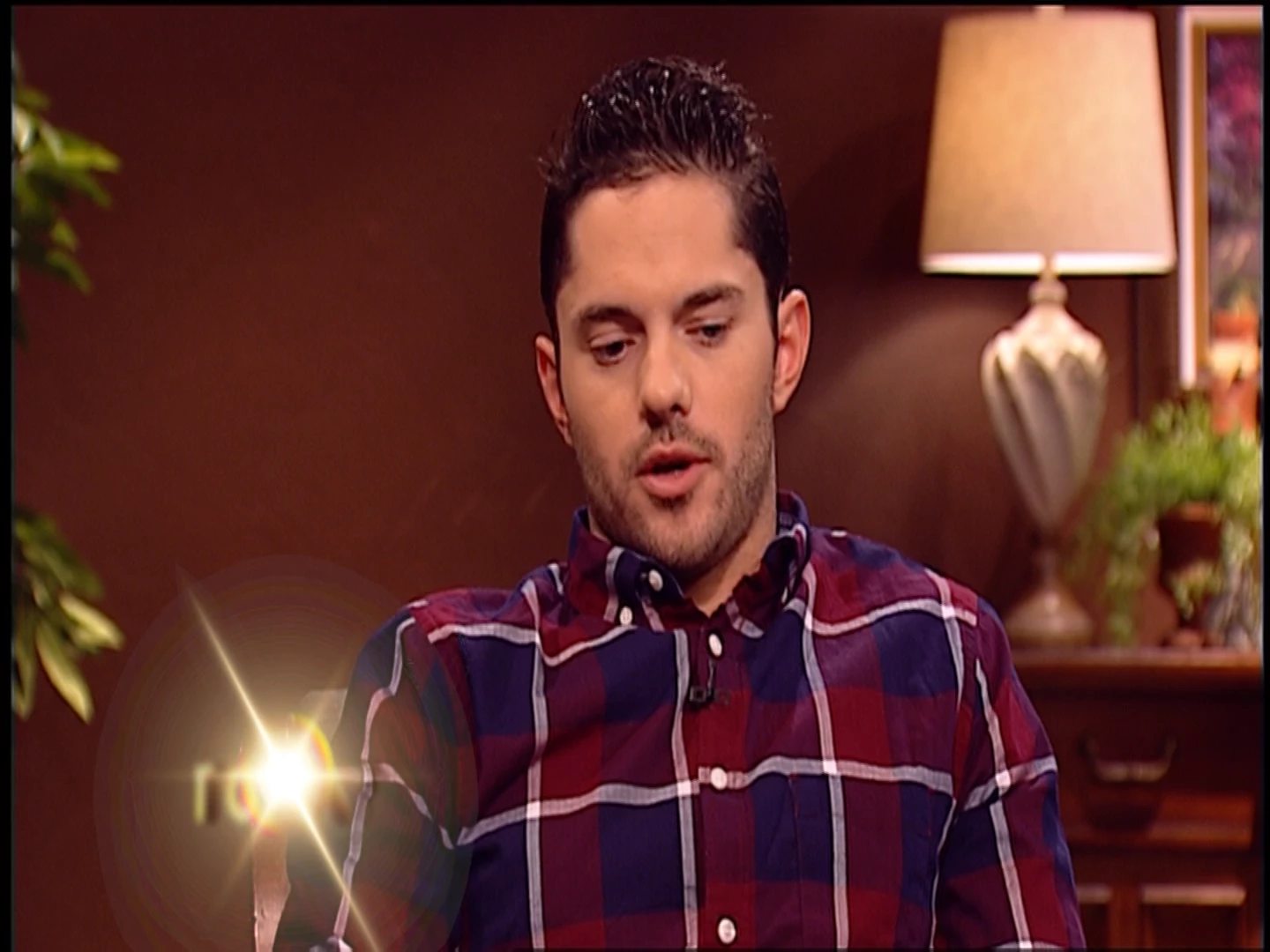

Here are two images from two sequences exported from Premiere CC 2019 using Open CL, Metal and software only. The top image represents the Open CL and metal sequences. The bottom image represents the the software only sequence. The still frames are at the exact time code from three sequences exported using Adobe Media Encoder.
Does anyone know why the GPU accelerated sequences, represented in the top slide, doesn't process the graphic appearing in the lower left correctly? The graphic in the lower slide is how it appears on my timeline (without the halo) and can only be achieved when exporting AME using the software only renderer.
I continue to use the software only renderer but as expected the time for rendering each sequence is much longer.
I'm editing on a Mac Pro (Late 2013) Cylinder design, with 28 GB of ram and the Mohave OS. Note: my co-workers, who I work with editing the same content, use a PC with Nvidia GPUs and are experiencing the same issue,
 AdChoices