

Missing Timeline Edits from a Project Manager Project File
I'm trying to get back into a project from almost 5 years ago (not sure the version of PP it was created in). We went through the Project Manager procedure for archiving and kept all the used assets and 2 FINAL sequences. When opening up the project, all the assets are there, but there are no timeline edits. All edited video clips in the timeline are gone, but all the audio clips and a light leak transition remain.
Normally we don't check "Include Preview Files" when running Project Manager for space saving purposes, so I'm sure we didn't do that with this project.
We also didn't keep any autosave files.
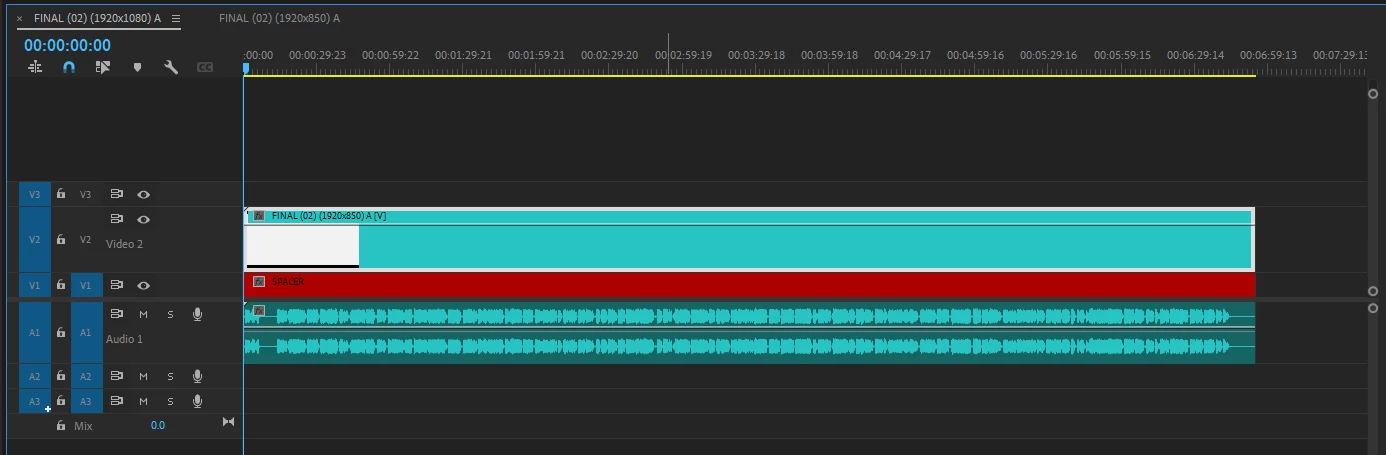
Here is a snipit of the timeline for the main render sequence with the nested sequence in the "Video 2" track.
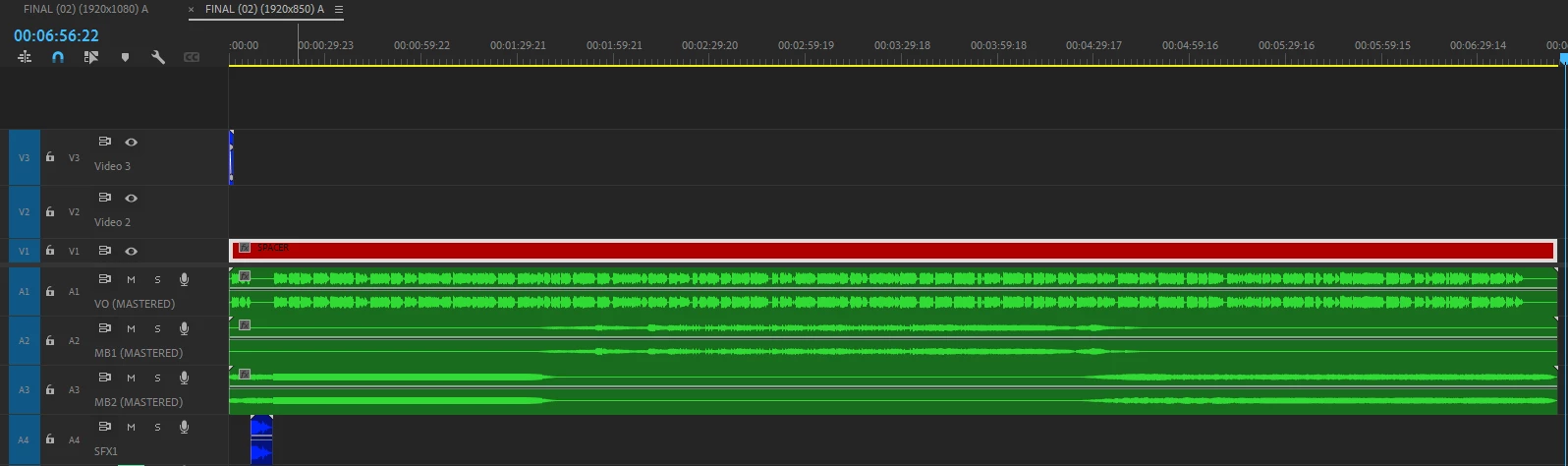
Here is the nested sequence; all the video edits would've been in the "Video 2" track. The light leak transition is the blue clip at the start of the "Video 3" track, and you can see all the final audio clips are there as well.
I have looked and all the assets are in the project panel.
I'm assuming the issue does have to do with not including the preview files, but I don't remember having this problem with other Project Manager-ed projects.
 AdChoices