


Mixing and editing audio clips
I am recording piano music to an audio recorder which outputs .WAV files. If (when) I make a mistake, I go back a measure and just start playing again, ending up with a audio recording with multiple pauses. What I want to do is edit out the mistake and stich the audio back together so the mistakes are gone.
I have tried this by creating a sequence with two audio tracks, dropping in alternating tracks and using the level adjustment within each track and aligning them. I then export the sequence as a .WAV file.
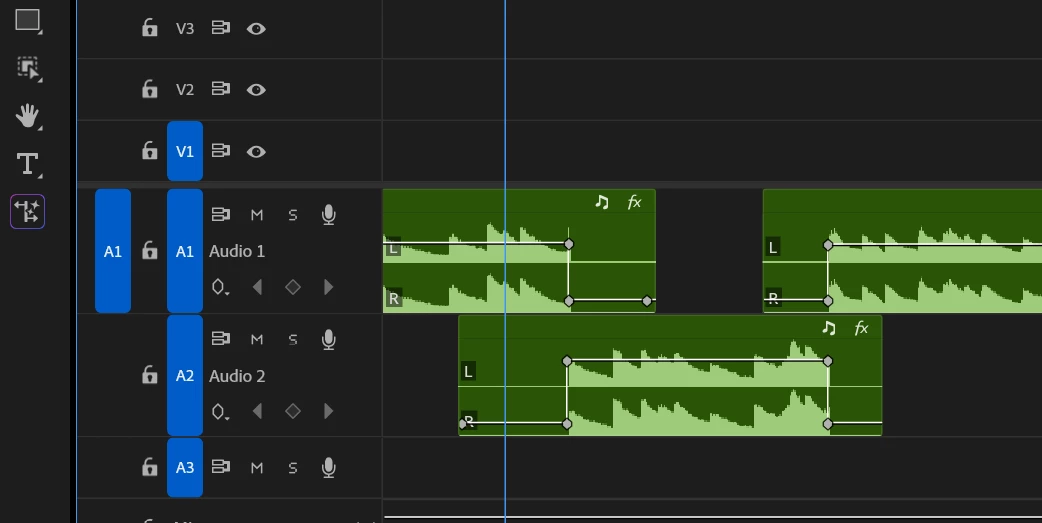
This does work, but was wondering if there was a better way to do this in Premiere Pro? Or perhaps there’s a better application to do it? Do I have to export to a .WAV or is there a better way to combine two audio tracks into one and save to the project panel?
 AdChoices