Answered
Mocha pro tracking not appearing in premiere
Hello, I have a working track in mocha pro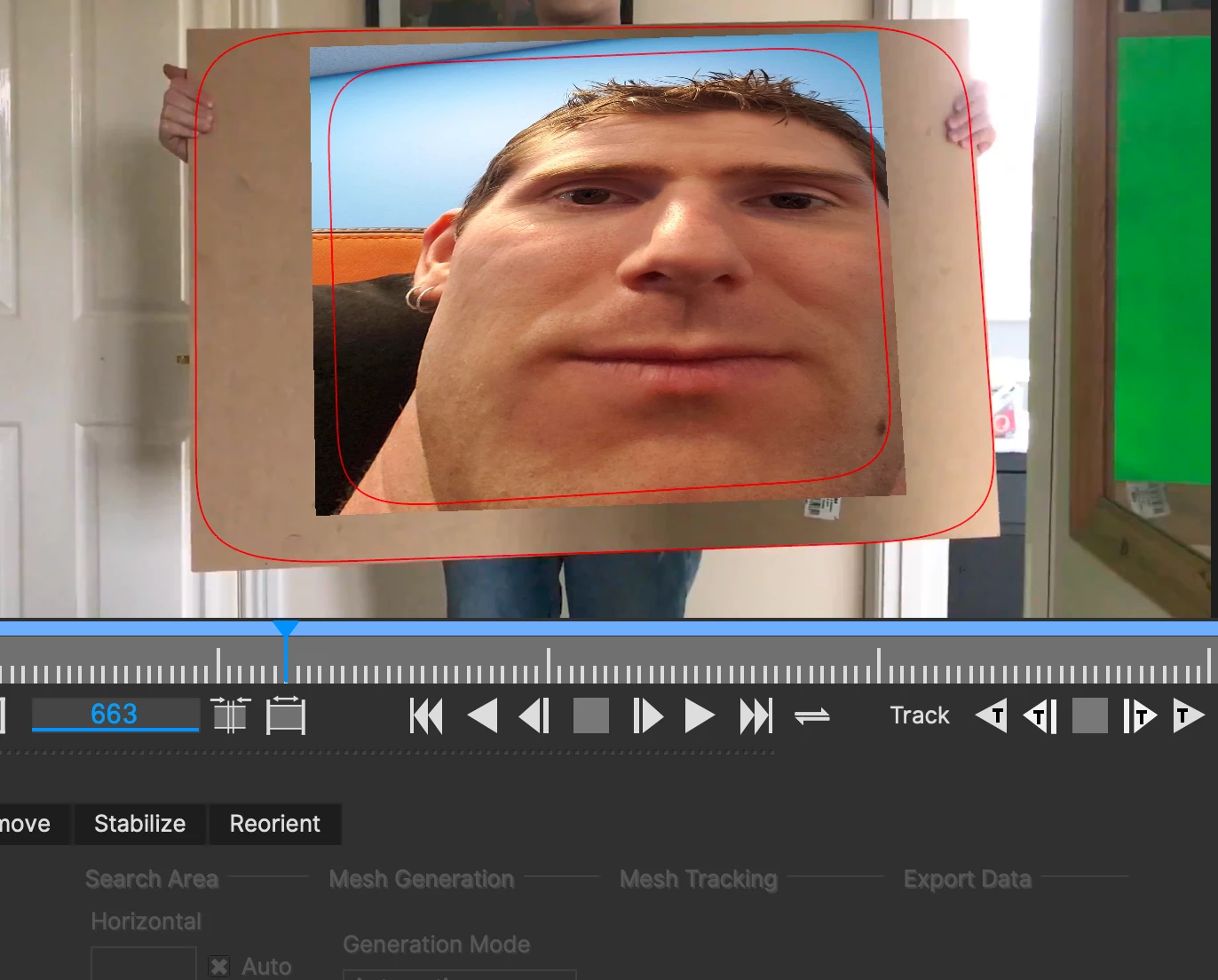 but when I save it, and click render in the premiere pro settings, it does not appear
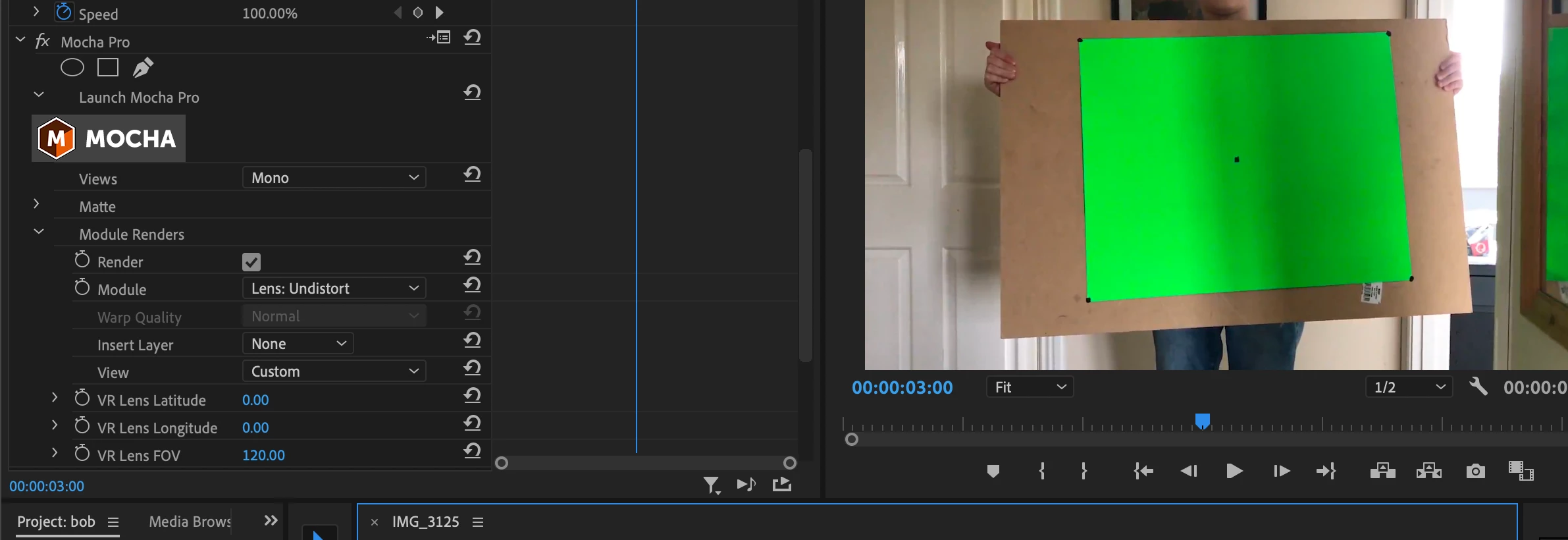 I have clicked the save button but it does not work.

Hello, I have a working track in mocha probut when I save it, and click render in the premiere pro settings, it does not appear
I have clicked the save button but it does not work.
Hi @alnmtw,
Sorry about the hassle. Can you contact BorisFX support and let us know what they say? Here Is a link for you: https://adobe.ly/3OVtU7A.
Thanks,
Kevin
Already have an account? Login
No account yet? Create an account
Enter your E-mail address. We'll send you an e-mail with instructions to reset your password.


 AdChoices