Inspiring
February 6, 2018
Question

Modify Audio Channels - remove Clip 1 & 2 but keep other Clips?

  • February 6, 2018
  • 1 reply
  • 2984 views

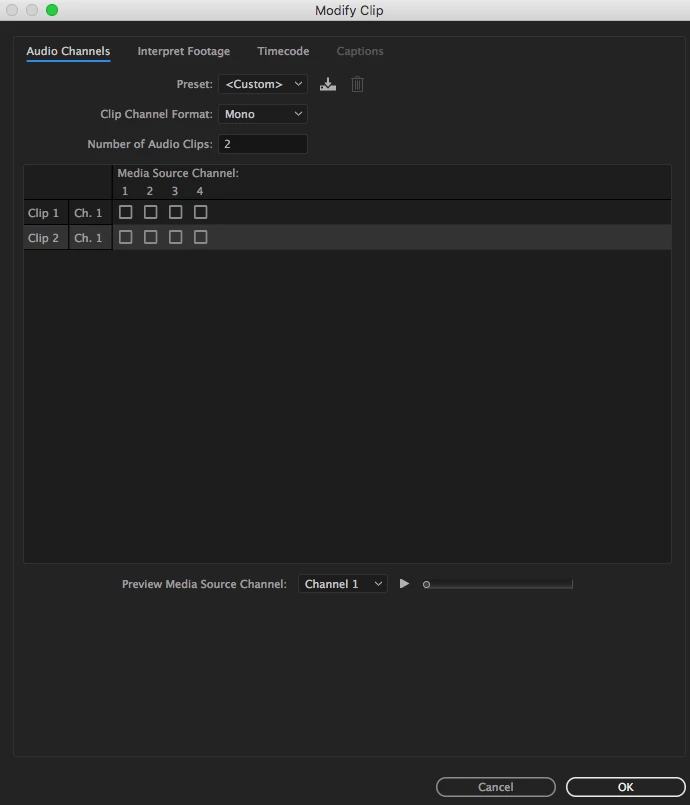
In Modify > Audio Channels, I cannot find a way to remove Clips 1 & 2 but keep other clips (3, 4 etc).  Unchecking the unwanted clips will cause that audio to not show up when playing the clip in the Source Monitor (so only Clips 3 & 4 will show up as audio in the source monitor), but when adding to a sequence, it will have 2 empty audio clips in Tracks 1 & 2. While unchecked, if I change the "Number of Audio Clips" to 2, the two that remain will be Clips 1 & 2.

Original:
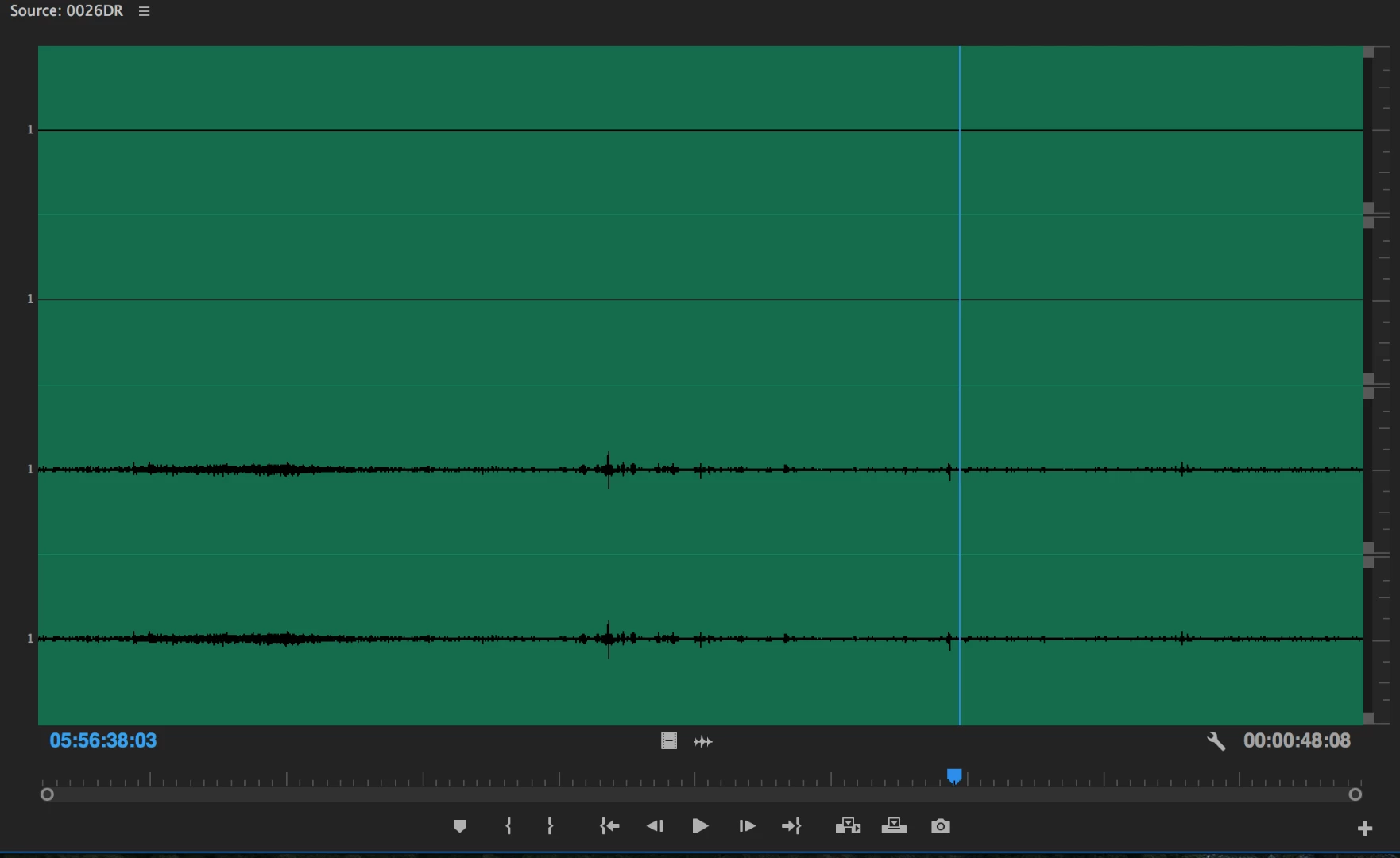
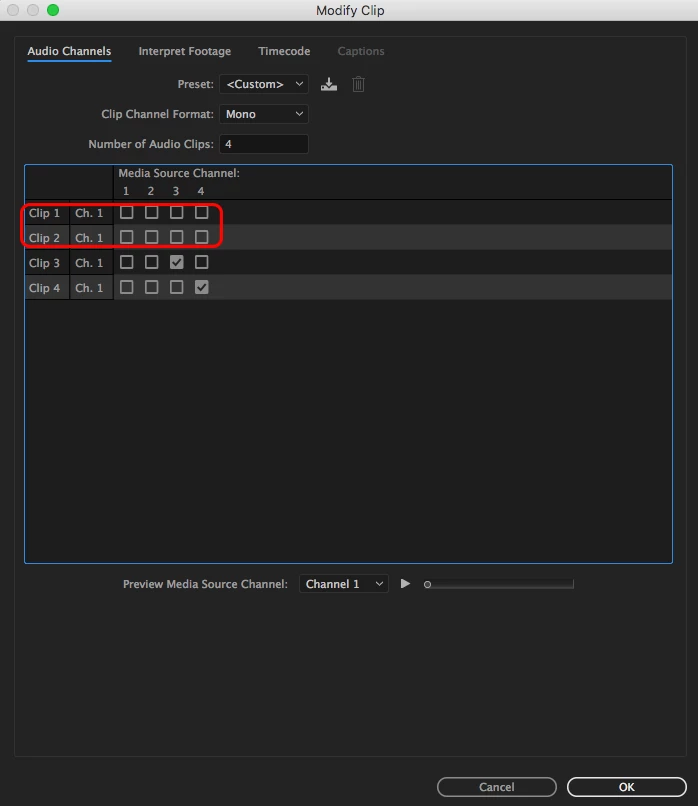
Want to remove the ones in red:
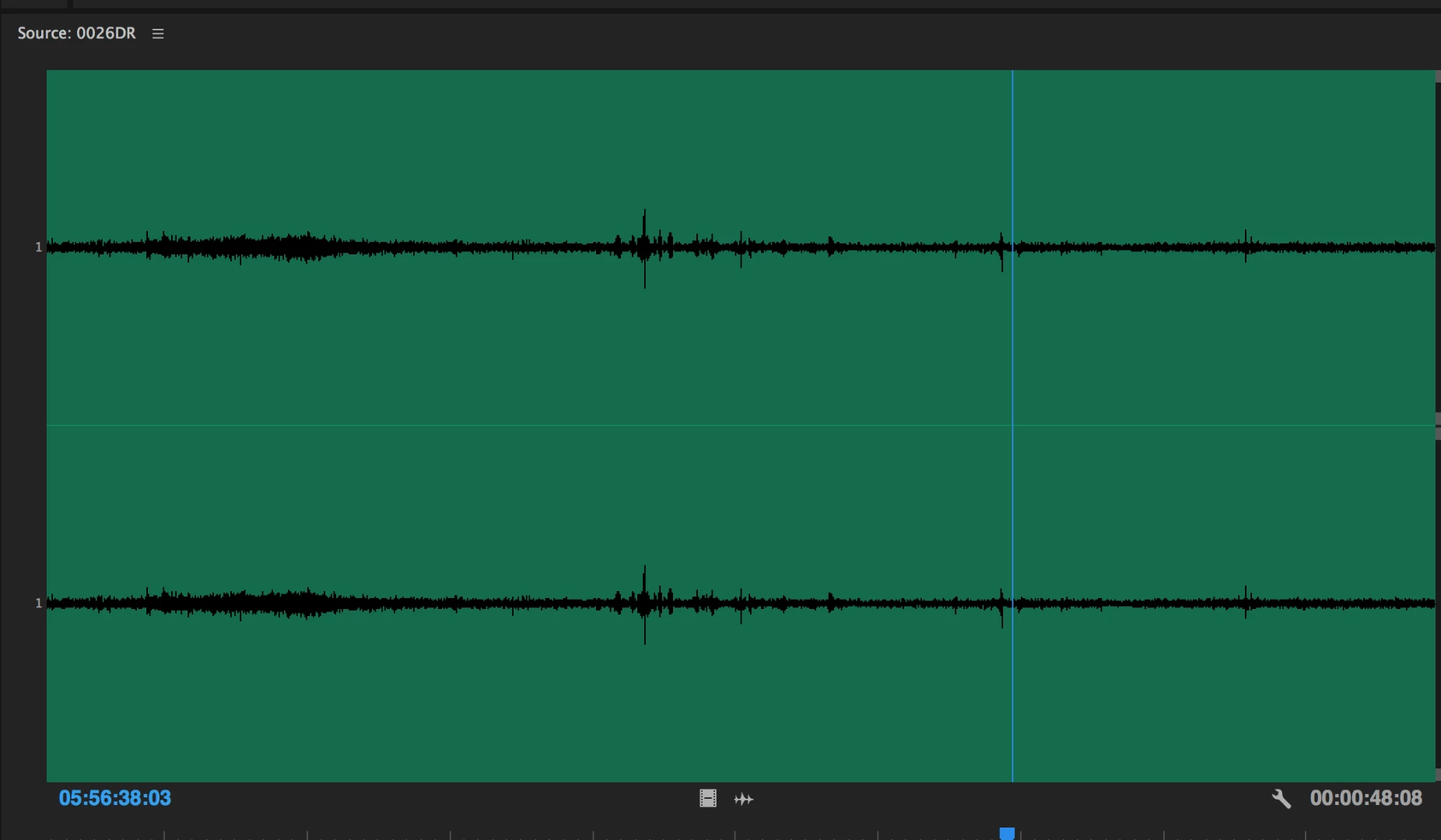
If unchecked, unwanted audio will not show up in Source Monitor when load clip:
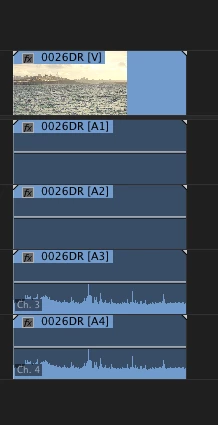
But will insert blank audio clips into sequence (in this case, the unwanted clips were blank, but inserts blank even if unchecked clip has audio):
With 2 Audio Clips, 1 & 2 always remain:
Using PP 2017.1.2

OS X 10.11.6

This topic has been closed for replies.

1 reply

Inspiring
February 6, 2018

Try:

Uncheck Tracks 1 & 2

Switch the number of Audio Clips to 2

Press OK

Test and check the results.

MtD

smithekAuthor
Inspiring
February 6, 2018

https://forums.adobe.com/people/Meg+The+Dog  wrote

Try:

Uncheck Tracks 1 & 2

Switch the number of Audio Clips to 2

Press OK

Test and check the results.

MtD

Thanks Meg, I already addressed this in my original post. When you switch number of Audio clips to 2, the clips that will remain will always be 1 & 2 whether or not they are checked.

Inspiring
February 6, 2018

Hmmmm - to clarify: You want to create a modified clip, the original of which has audio on tracks 1,2,3,&4 -  modify that source so that the audio on track 3 is now on track 1 and the audio on track 4 is now on track 2 and there is no tracks 3 & 4 - resulting in a clip that has Video + Audio Track 1(the contents of which were formerly track 3)  + Audio Track 2 (the contents of which were formerly track 4) . . .

OR

You want to create a modified clip, the original of which has audio on tracks 1,2,3,&4 - and modify that so that tracks 1 & 2 are no longer there and the clip presents itself as having Video + Audio Track 3 + Audio Track 4 and no tracks 1 or 2?

On my system, I took an MXF clip that has 4 mono tracks and dropped track 1 and 2 to create a modified clip that now has 2 mono tracks, the contents of which were track 3 and 4 of the source file.

MtD