Participating Frequently
March 17, 2025
Question

MOGRT 2025 NOT PLAYING ON TIMELINE! HELP!

  • March 17, 2025
  • 19 replies
  • 1242 views

Hi! So I'm having an issue with a MOGRT on Premiere 2025! It seems like everyone is having some kind of problems or bugs with them so here's one more that is absolutely destroying my psyque trying to find how to solve it! Hope you guys can help me with this!


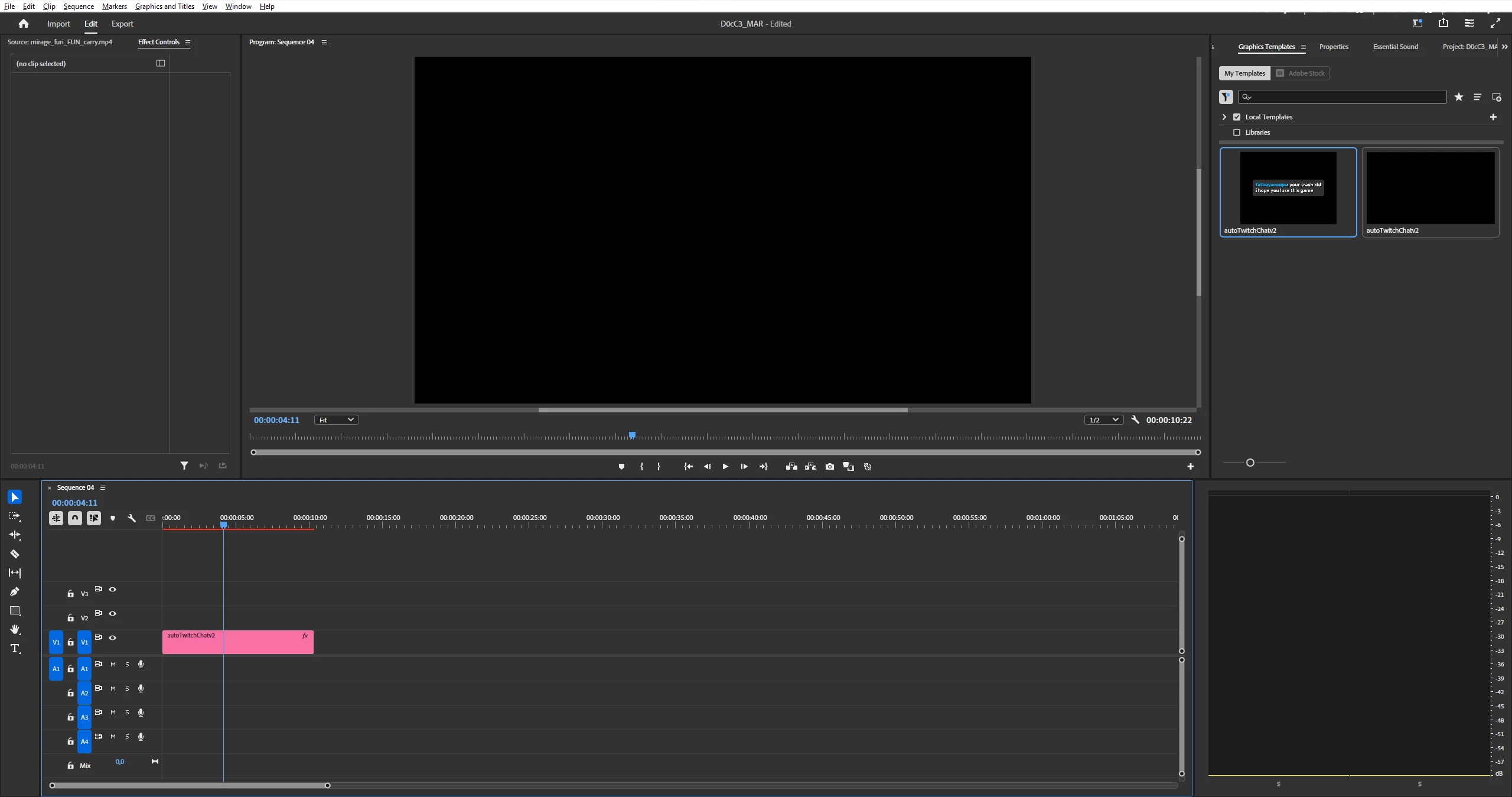
So it seems that when I import this mogrt to Premier I don't see any problems with it. But when I drag the MOGRT to the timeline I just don't see the object itself but I can see that on the timeline it is marked as red, so there's gotta be something in there, right?


-MOGRT was originally developed for Adobe 2023 but I have 2025.

-I send this MOGRT to 2 of my friends (one have 2023 and the other 2024) and they can just work with it without any issue.

-I tried to change sequence settings and codecs to see if it was something related to that? Nothing worked.

-I rendered it and nothing happened too.

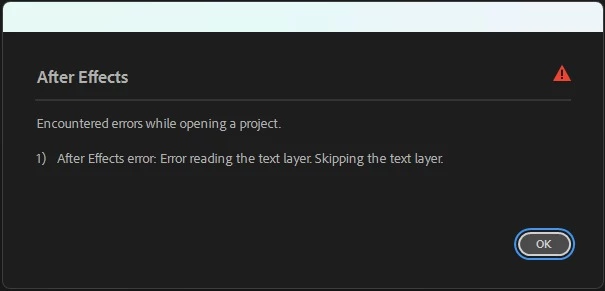
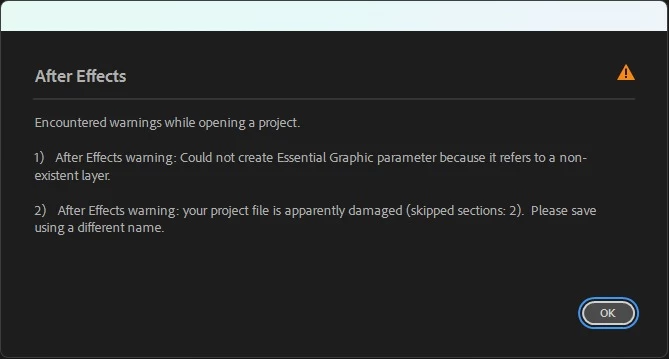
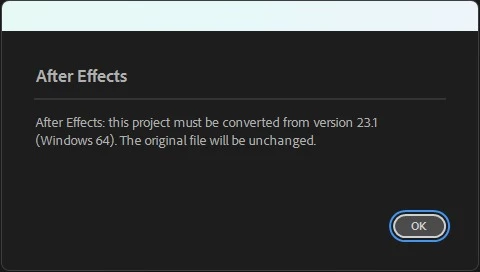
-I tried to open it on After Effects to re-export it again as a Mogrt (since someone told me that could help) and I found some issues with it.


So, what can I do with it? I really want to find out what is happening here because it never happened to me something like this...i'm clueless about what to do honestly! 


Thanks!
19 replies

MyerPj
Community Expert
Community Expert
March 23, 2025

Hmmm... so the mystery deepens. What language do you run Windows in, and PP? If it is not english, and you want to keep pursuing this mogrt, can you switch to English and check it? I think there is some utility you might need to internationalize a mogrt??

Participating Frequently
March 23, 2025

@MyerPj Yep... Those ones actually work

MyerPj
Community Expert
Community Expert
March 21, 2025

How about the stock mogrts that come with PP, do you have those installed and available to you? Can you try one.

Participating Frequently
March 21, 2025

Okay so I have news about this! 


I don't know why I didn't try this earlier? But with all the work pending to be done and the stress of be ready in order to start working with the new PC I didn't think at first about trying another MOGRT that I have and it does not work too!


Same exact situation, I can drag into the timeline, but the object doesn't show on the Program Monitor but Premiere detects it as an object so it's in red too as the 1st one!


MyerPj
Community Expert
Community Expert
March 20, 2025

Well, at this point, the others mentioned here, including your 2 friends are able to use it, no issues. So, it's looking more and more likely there is something on your machine it doesn't like. That becomes difficult on your end. I've written it before, but I once had a problem where something didn't work on a new windows install. I worked on it for some days, gave up, and decided to reinstall windows. I ended up installing Windows and only the one things that didn't work, and it worked. So I installed every other thing one thing at a time, and checking if the problem child would work. I got thru almost everything, and then I installed a printer driver, and boom, there it was. When I finally got an updated driver, it worked. BTW: The problem had nothing to do with printers.


So if you are really into this mogrt then you have to play around like this to find the problem. Otherwise, there are others out there. You might also try the PP beta and see if it works on your machine on that.

Participating Frequently
March 20, 2025

@MyerPj I installed AC3 and still no news...

MyerPj
Community Expert
Community Expert
March 20, 2025
MyerPj
Community Expert
Community Expert
March 20, 2025

The only thing I have installed on my laptop is Dolby AC3, because those files don't work on a clean install of Win11. I'll see if I can find the thread on that.

MyerPj
Community Expert
Community Expert
March 20, 2025

I have more good/bad news. I just installed PP 25.1 on my (new to me) mighty Surface 3 Laptop! 🙂 I wanted to see if PP runs on it. I has a clean install of Windows 11 Pro 24H2. From the learning default, I opened the 'Create a promo video', and downloaded/opened the Opple project, I then imported your mogrt using the button highlighted by @Rach McIntire in her screenshot. And worked just fine.  

Participating Frequently
March 19, 2025

Yeah I tried "Install Motion Graphics template" but also I tried to drag it directly from my Explorer folder too and nothing worked...