
Question
Mogrt Media replacement isn't using the original layer properties (Zoomed in)
Hi All,
I recently created some templates where you can replace the media. But when you replace the media it appears zoomed in on the template despite having all the settings within the original clip.
Here are some images to understand the problem better.
1 - I crop, frame my footage on my main timeline and then place it in my template.
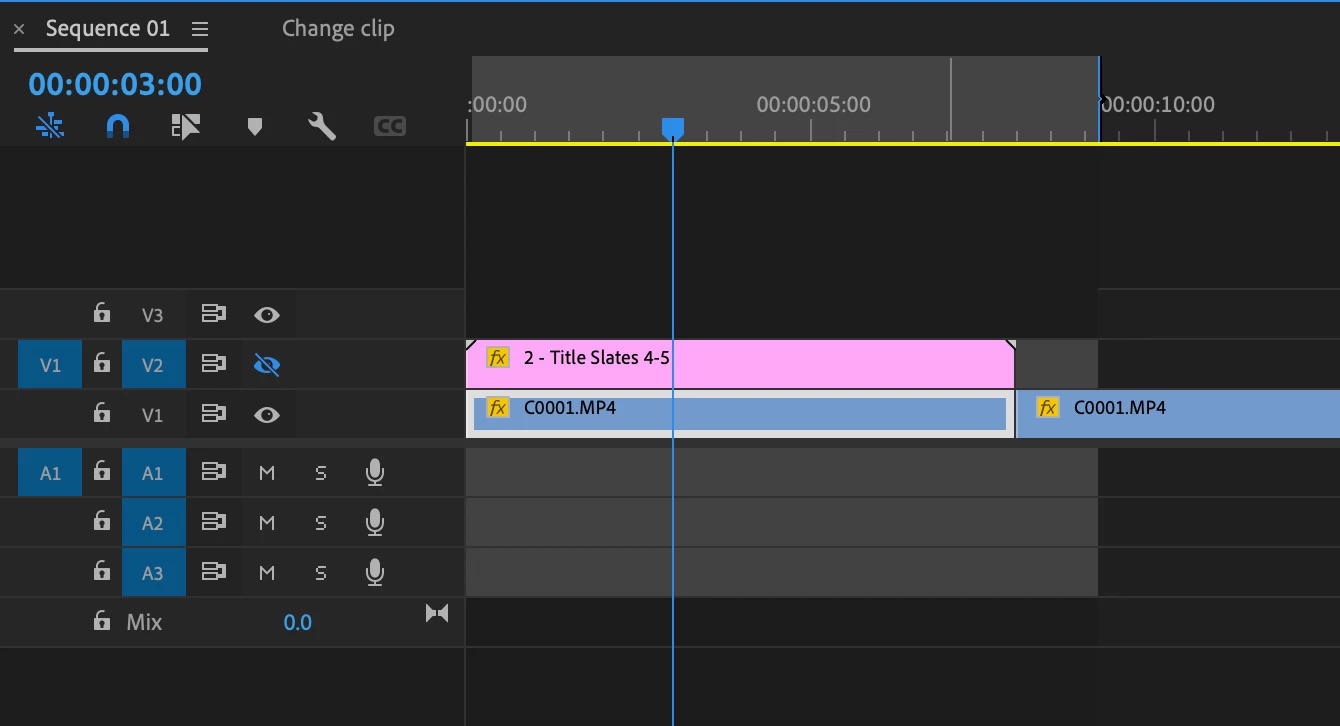
1 - This is what I have on my main timeline.

2 - This is how it appears when I replace it within the mogrt template
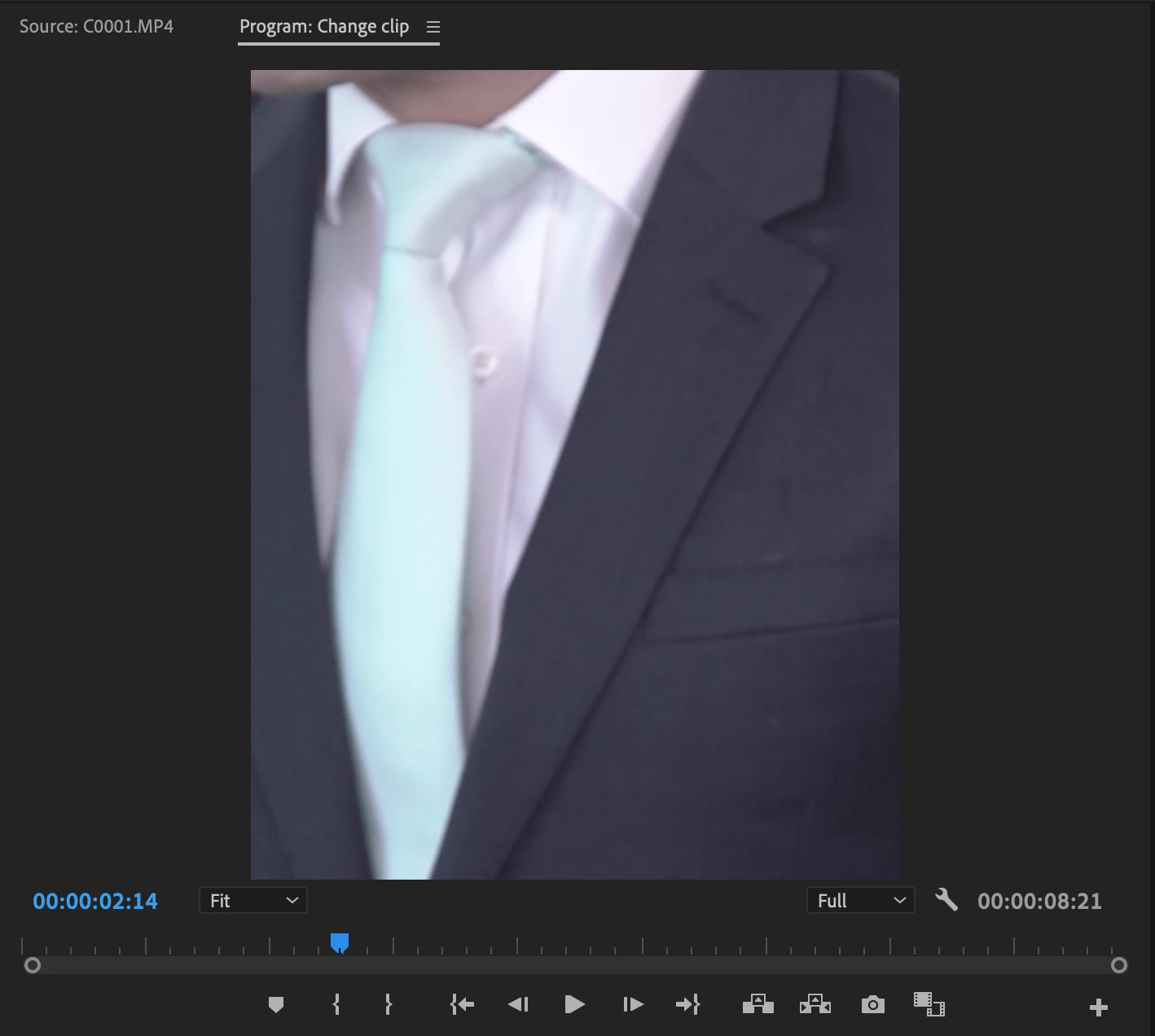
Both the main sequence and the template (and the media on the template) have the same frame size so it should work perfectly but it doesn't. I've made similar templates before and never had this problem, does anyone knows the solution?
 AdChoices