Inspiring
November 1, 2025
Answered

MOGRT Properties panel cant replacement image when trying to edit
  • November 1, 2025
  • 12 replies
  • 313 views

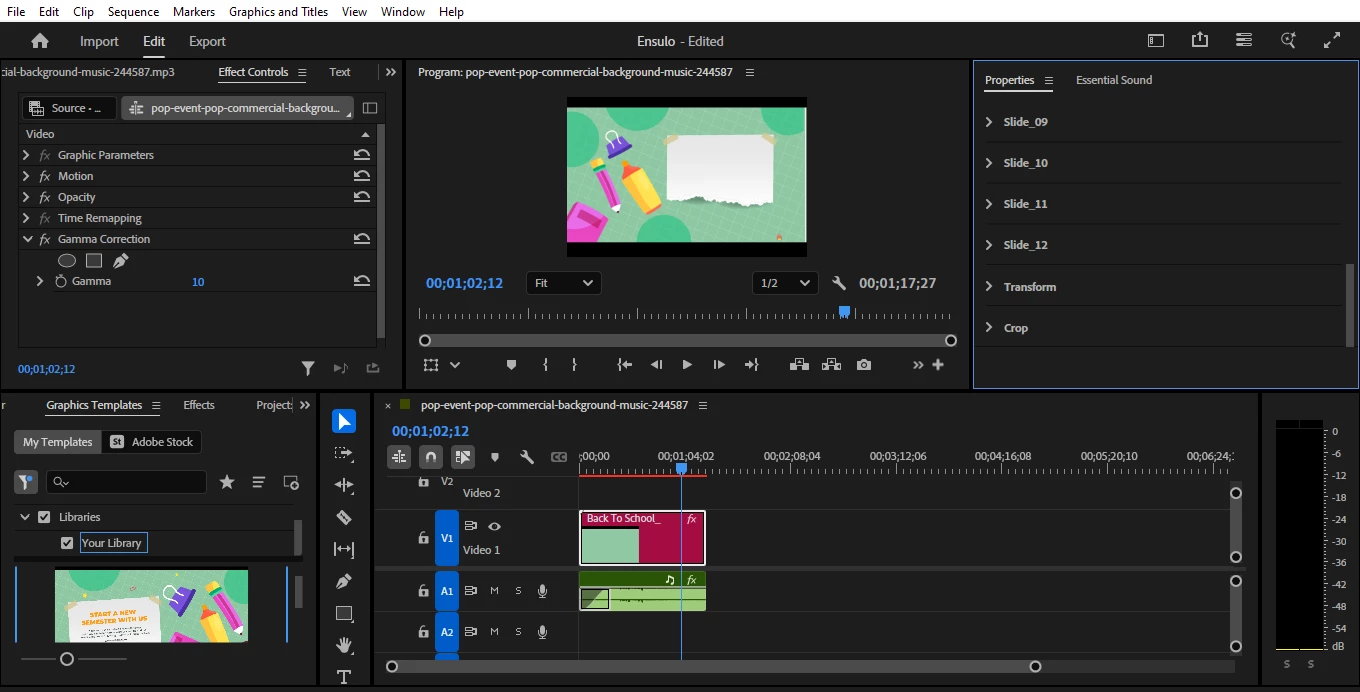
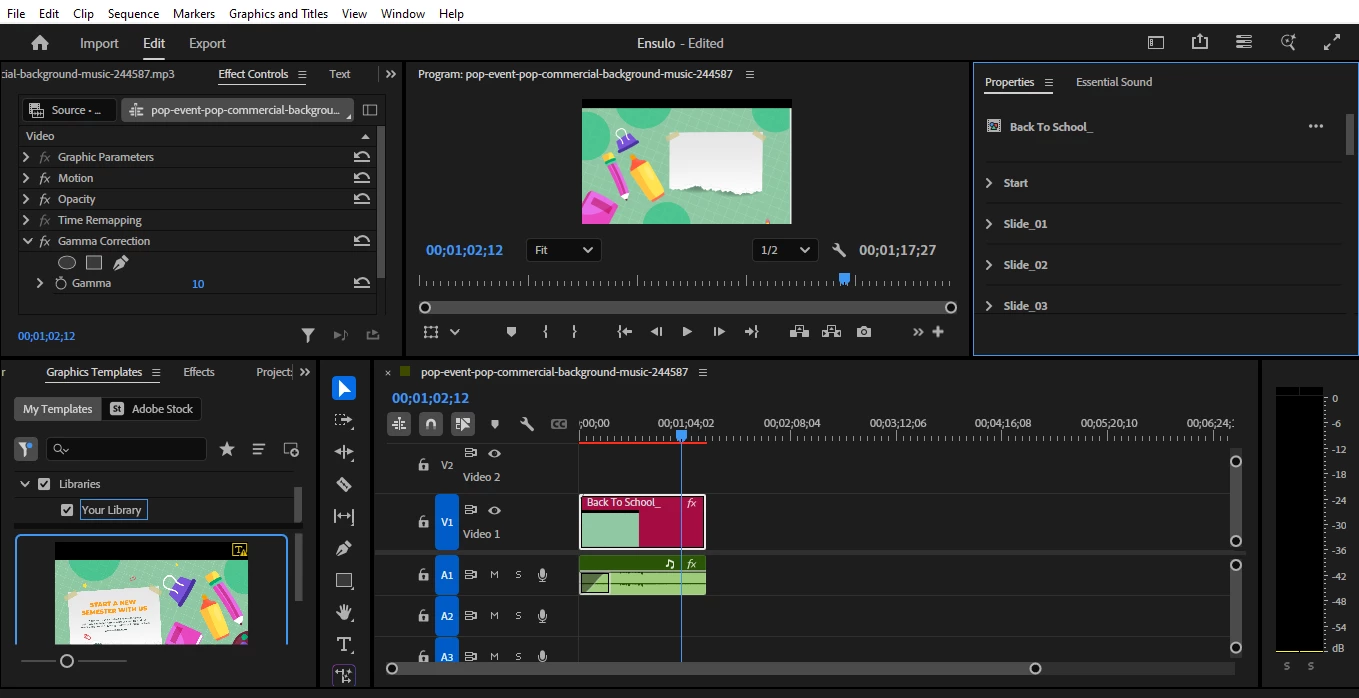
I' ve been trying to edit this mogrt template and replace images to it but it seems impossible. Even solutins such as reseting preferences , and the alt + select(windows ) havent been useful. Any help I can get is welcomed
Im using Adobe Premiere v25.3.0 on Windows 10 Pro 22H2
Correct answer davinciduale

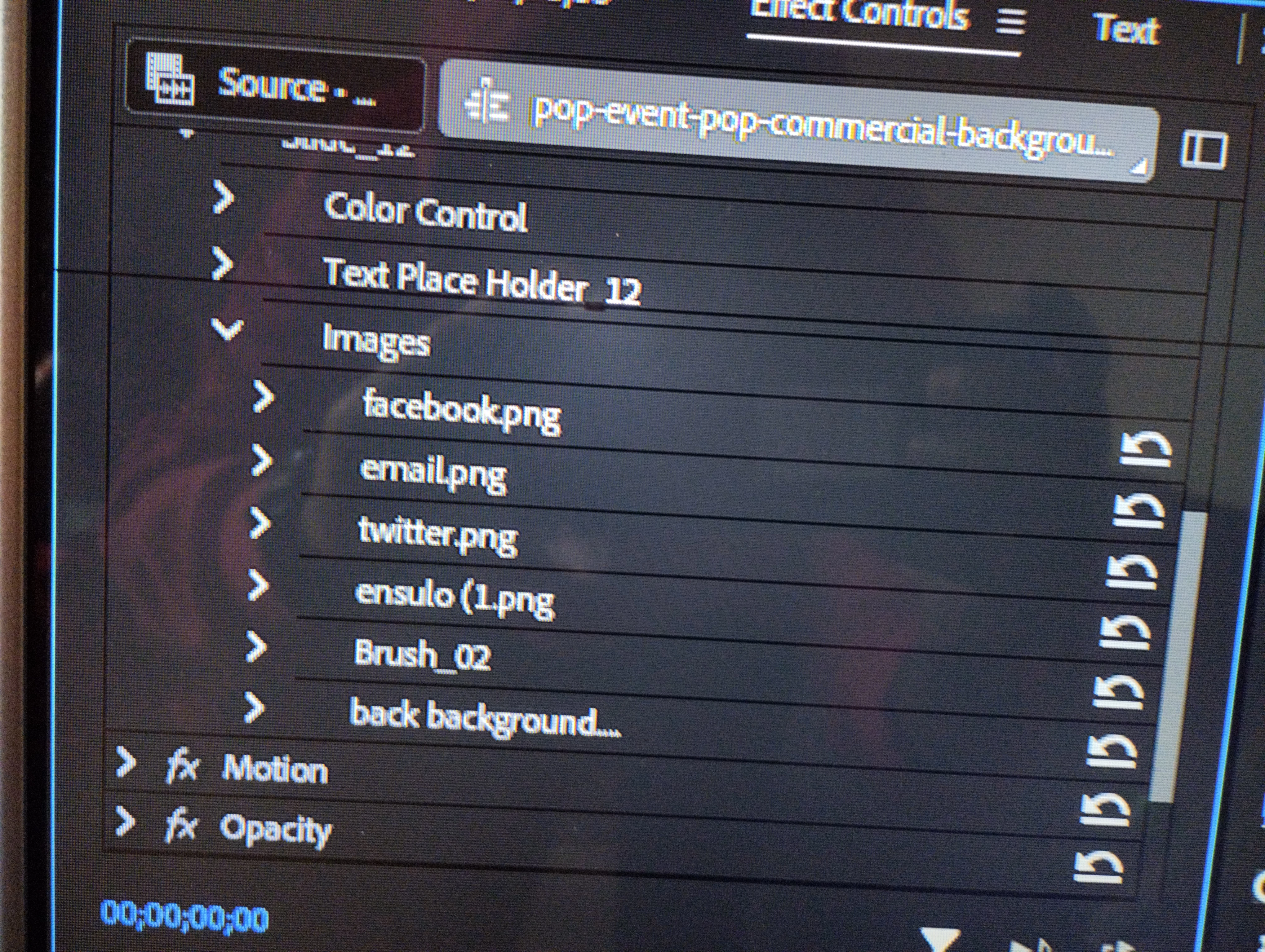
Yap, opened the mogrt file with After Effects, though am a newbie with AE I managed to tweak the photos, backgrounds to my liking left animation as is. Then added the images folder to the Effects control, exported it as a new mogrt to my Premiere pro 

12 replies

MyerPj
Community Expert
Community Expert
November 2, 2025

It would help if you made your properties panel larger, at least as large as the Effects Control panel. The items to replace should be a bit more obvious.

Community Expert
November 1, 2025

If you twirl open one of the slides on the list is there a menu which you can click on which will allow you to replace the picture?