
Participant
June 11, 2025
Question

Mogrts no cargan correctamente después de la última actualización

  • June 11, 2025
  • 3 replies
  • 351 views

Tengo mogrts creados por mi en after effects y exportados para ser usados en premiere pro. Hasta la version 24 de premiere funcionaban correctamente pero desde que se actualizó a la versión 25 ya no los levanta bien.

El lower third que habia creado se veía de esta manera:
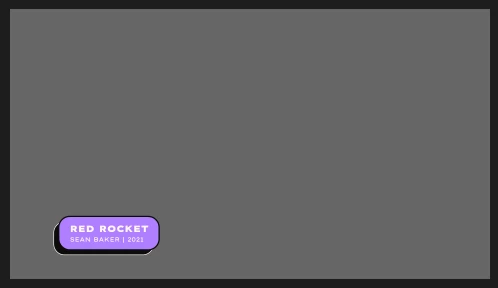
Y desde su actualización no importa que ajuste haga se ve asi:

Si bien el panel de propiedades  indica que tiene efectivamente los colores que antes si aparecian.
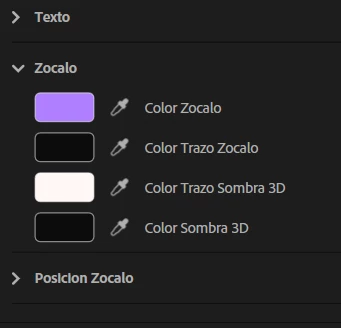


He intentado reexportar mis lower thirds habiendo actualizado tambien el after effects a su última versión pero nada parece funcionar. 
Los colores de mi lower third los manejo con expresiones:
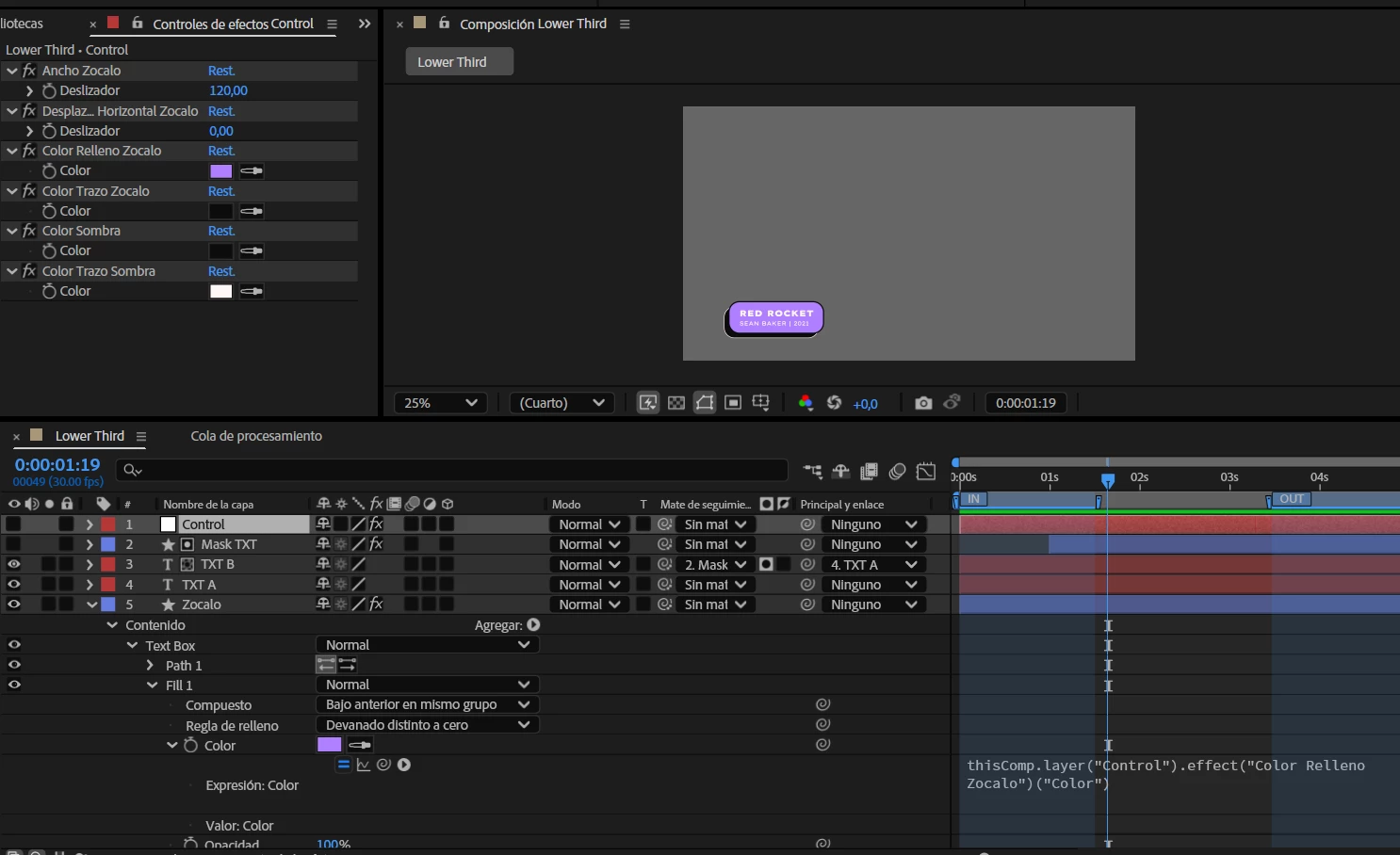

Se deberá a esto? Cualquier ayuda es bienvenida


3 replies

Community Expert
June 17, 2025

since you stated that the mogrts have After Effects Expressions,

it is highly recommended to use Expression Universalizer and universalize all expressions

before exporting your mogrt to Premiere Pro.

Expression Universalizer: https://aescripts.com/expressionuniversalizer/?srsltid=AfmBOoq3mlAQ7NMYBWaXgoGCwjAZfLzgScnb9hiXislBymDYhbSLHKm3

especially that your Adobe apps are running on non-English language, that which strictly

requires After Effects expressions to be universalized.

Participant
June 17, 2025

Thank you so much for your recommendation!
Unfortunately, the issue I'm having has nothing to do with the fact that I'm using Adobe in Spanish. As you can see in the latest images I shared, there's no animation or expression involved, and the problem is still there.
Also, Adobe should work properly without depending on a third-party component.

Ishan Y
Inspiring
June 12, 2025

Hi Little Vazzana,

I'm sorry to hear you're experiencing this issue. The expression for the color controls look correct to me. Please try redoing the masks and tack mattes and create a new template. If it still doesn't work, please let me know if it's possible for you to share the mogrt file through a personal message.


Thanks,

Ishan

Please tag me (@) in your replies so that it notifies me and helps me respond promptly.
Participant
June 16, 2025

@Ishan Y

I've tried redoing the lower thirds from scratch. The problem seems to be related to the 2D Text Box Effect I'm using for auto-resizing the text. I re-exported it to isolate the issue step by step, and this is what I got.

There's no animation whatsoever


JohnColombo17100380
Community Manager
Community Manager
June 17, 2025

Hi @Mica Vazzana,

This is John from the After Effects team. Would you be able to share the .mogrt that has the box offset from the text when opened in Premiere? The 2D Text Box preset doesn't have any expressions that rely on the language, so running in Spanish shouldn't affect how it links to the text. Feel free to DM me a link if you don't want to post it here in the thread.


Cheers,

- John, After Effects Engineering Team 

kglad
Community Expert
Community Expert
June 11, 2025

in the future, to find the best place to post your message, use the list here, https://community.adobe.com/

p.s. i don't think the adobe website, and forums in particular, are easy to navigate, so don't spend a lot of time searching that forum list. do your best and we'll move the post (like this one has already been moved) if it helps you get responses.


<"moved from cc desktop">