
MOGRTs not fully editable in 24.0.0 and 24.0.1
I have placed a support call about this and spoken to an adobe agent at length about this issue. I have been trying to do some university work which I wanted to use some simple MOGRTs in the essential graphics panel to add several pieces of text to a video i'm creating. I wanted to do this as quickly as possible while still having it look nice with animations etc. I liscenced a decent looking one and when I opened it in my seaquence, the essential graphics panel was not displaying remotely how I expected it to. I have googled around to see if anyone else has had this issue and it doesn't seem to be reported yet so i'm not sure what is going on.
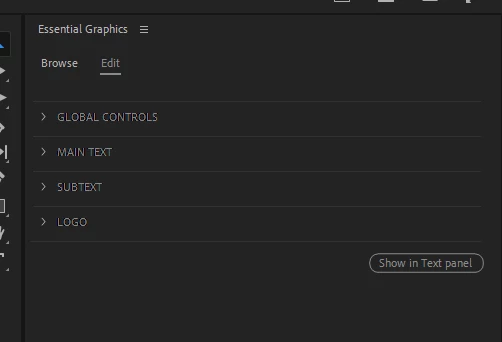
This is the screen I am getting now with no layers showing. There is also no way to edit the animations in the effects pane. So now these MOGRTs seem to be broken or only very limited in their ability to be edited - such as no control to edit animation lengths (other than potentially globally for the whole MOGRT) and no way to remove elements.
I can edit the text input boxes and colours but it seems that all ability to edit the individual animations is gone.
I have checked this with the stock MOGRTs that come with premiere pro. These all behave the same too.
I've also installed 23 and this works as expected with some MOGRTs and not others.
This is very frustrating when all I wanted was a quick fix and now I've been working for two solid days on this problem. I'm going to have to make my own very quick and limited template without decent animations so I can actually just get this job done.
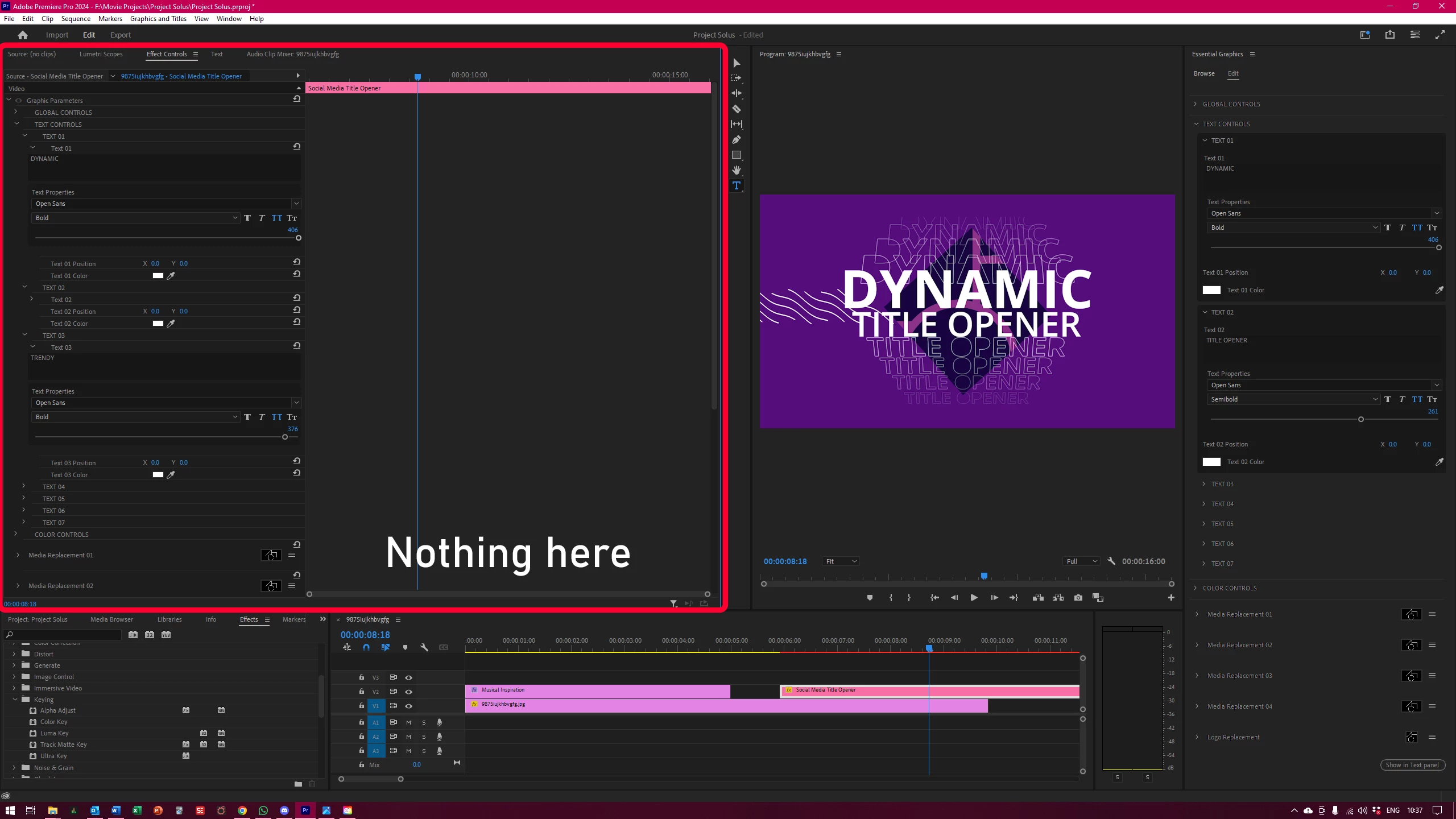
See also: no animations viewable or editable in the effects pane.
 AdChoices