

lehestro
Inspiring
February 6, 2025
Question

More Audio Track Assignment Issues

  • February 6, 2025
  • 1 reply
  • 644 views

Boy is this getting old, and boy is this a Premiere-only problem (or a me problem– I'm open to criticism!)


Why am I getting no audio from my multicam clip?


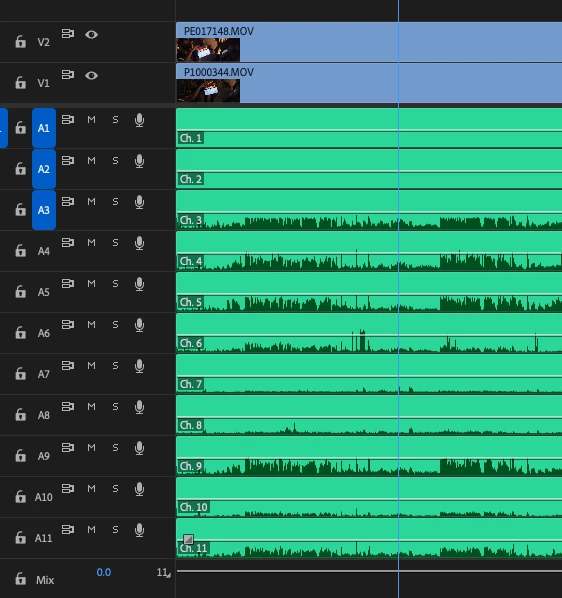
Here is the multicam – it has 11 channels of audio (all track mono), of which only 6 are usable/needed.
 

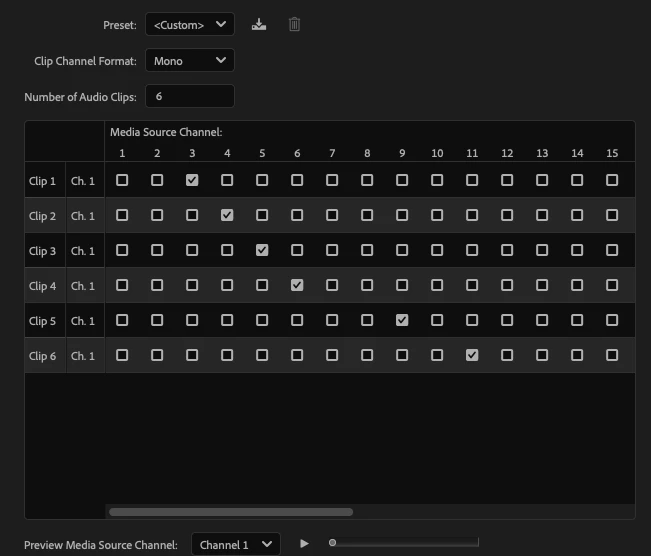
I didn't delete any source media tracks, but took the advice I've gotten here and simply remapped the clips in Modify>Audio Channels. Here is what the map looks like. 


And yet when I drag the clip into a timeline there is zero audio. It's not just that your not seeing a waveform – there is no audio.
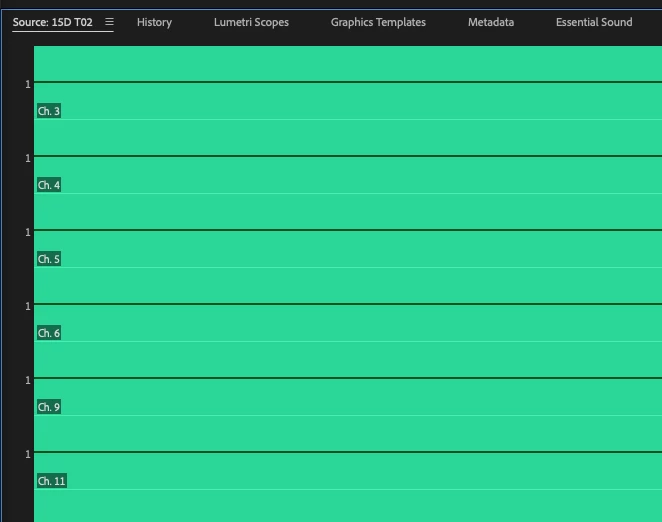
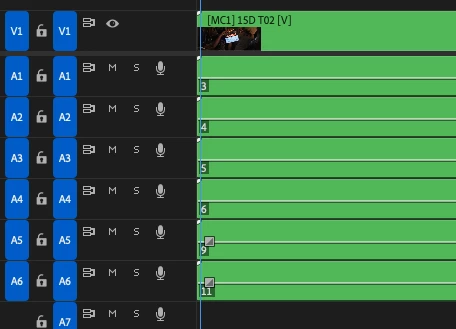
 

Premiere, why oh why are you like this? Do you know how bad you have to be at something to make me wish for Avid? Every time I think I've finally got it sorted (and I've been doing this a long time), there's another curveball to be met with. 


If anyone who understands the deeply arcane way Premiere handles audio track assignments, I'd be deeply grateful for some insight. 

1 reply

Kevin-Monahan
Community Manager
Community Manager
February 6, 2025

Hi @lehestro,

Thanks for the message and screen shots. What you might try is making a new sequence with these settings and copying and pasting your old one into the new one. Let the community know. I hope that works.


Thanks,
Kevin


Kevin Monahan - Sr. Community and Engagement Strategist – Adobe Pro Video and Audio
lehestro
lehestroAuthor
Inspiring
February 6, 2025

Could you clarify, please, Kevin? Do you mean create a new multicam sequeence or a new sequence with the multicam in it?


The latter I did – I created a sequence by dragging my multicam clip onto the New Item icon so that it would create a sequence with the clips' settings, and this is the result that I got. 


The former – I'm not sure I understand how that would help – you think if I make a multicam clip a second time things might be different? 


I'm not trying to be a smartass, I'm just not quite sure what you're asking. 

lehestro
lehestroAuthor
Inspiring
February 7, 2025

Ok, I think I figured out what you meant. I manually created a sequence with the track and output matching that of the clip (6 channels, all mono). Still no audio.


Is that what you were asking?