
Inspiring
March 8, 2023
Answered

Most Efficient way to Sync Audio and Video

  • March 8, 2023
  • 1 reply
  • 2060 views

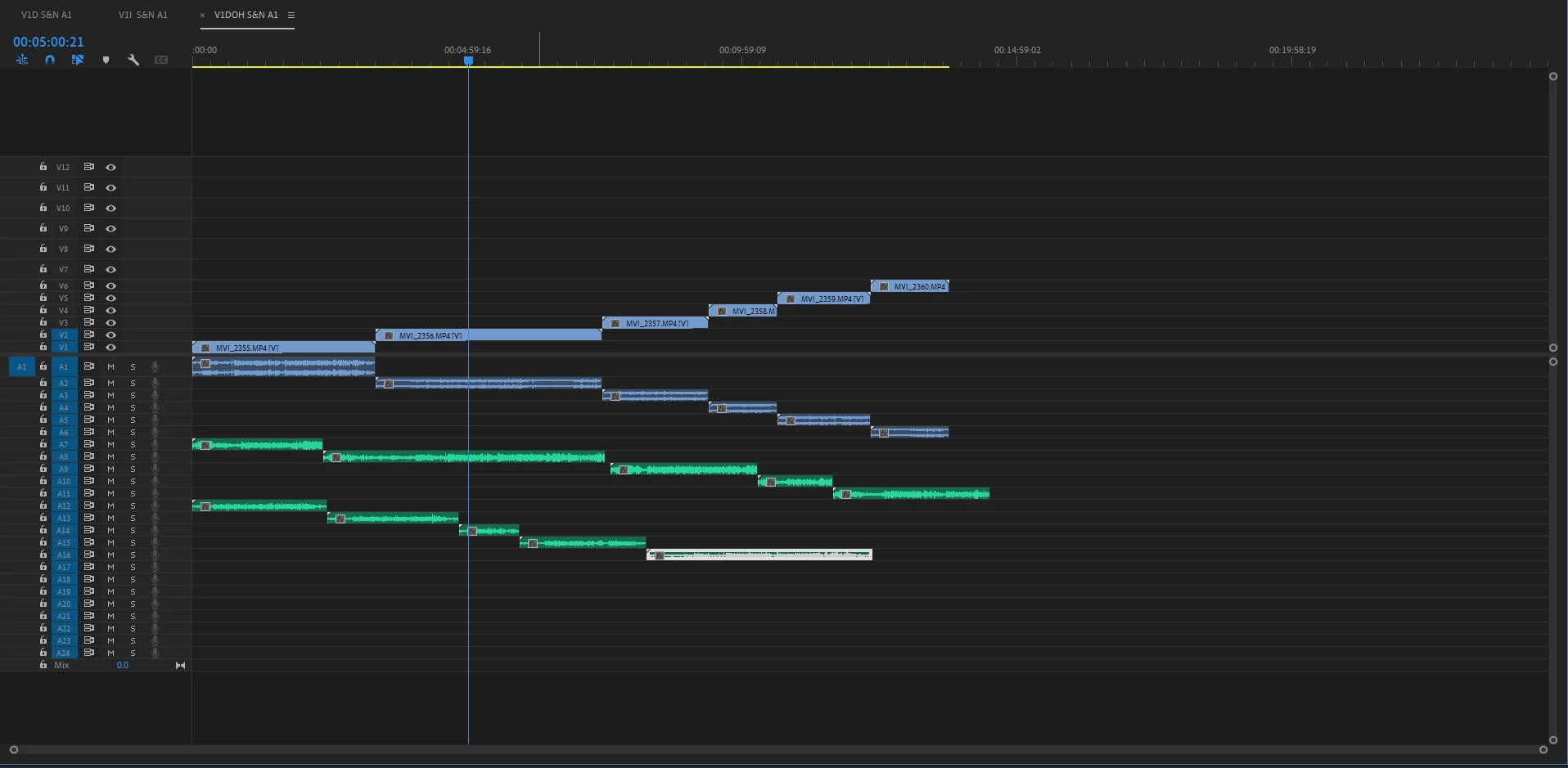
I'm curious how everyone else syncs their audio and video tracks. I drag and drop all of my cams on the timeline with audio. Then I drag all of my audio tracks from my shotgun, lav and in camera audio onto the track. I then stagger them (pictured), ctrl + A (select all), right click, "syncronize." I then go through and cut off the unusable segments from the head and tail of each take. This way works just fine, I just feel there is a better way, since the only way to use the syncronize function is if each video and audio clip is on its own track. Thanks in advance for taking time to participate in this discussion! 
This topic has been closed for replies.
Correct answer R Neil Haugen

I would just have all them in a bin, select all, create multicam.


Neil

1 reply

R Neil Haugen
R Neil HaugenCorrect answer
Legend
March 8, 2023

I would just have all them in a bin, select all, create multicam.


Neil

Everyone's mileage always varies ...
Luke HydeAuthor
Inspiring
March 8, 2023

Thank you, I have recently learned of the multicam functionality in premiere. I will be using it on my next project!

R Neil Haugen
Legend
March 8, 2023

It can be confusing a bit, but is very powerful. Look up Jarle Leirpoll's information ...there are some great bits on the Multicam in the long-form doc and Jarle expands further on his wonderful website ...


Adobe Long-form and Episodic Best Practices Guide 


Jarle’s blog expansion of the pdf Multicam section: Premiere Pro Multicam


Neil

Everyone's mileage always varies ...