Inspiring
June 7, 2018
Answered

Motion Graphic Template - Will Not Install

  • June 7, 2018
  • 4 replies
  • 19372 views

Hi guys,

Just finding my way around PP and as such, I may well be missing something.

I have just licensed a mogrt. template from Adobe Stock and am experiencing a problem as it will not install.

My process is;

  1. Licensed template
  2. Opened PP
  3. Opened Essential G window
  4. Copy file to local
  5. Click on install icon
  6. Select file - C:\Users\User\AppData\Roaming\Adobe\Common\Motion Graphics Templates
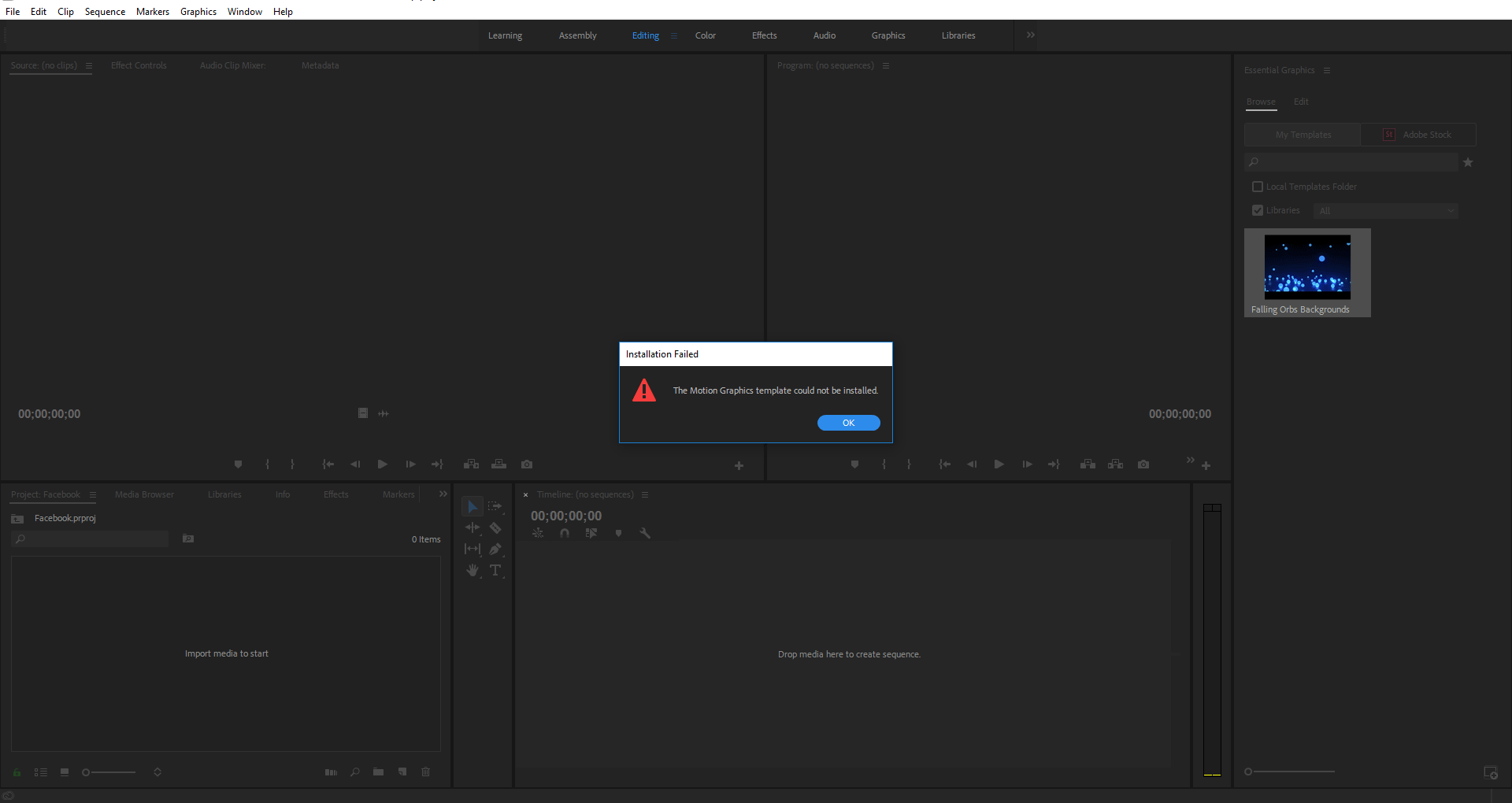
  7. Then I get the error message shown in the image.

I have both PP and AE installed (Creative Cloud all apps so should all be the latest versions.

Am I doing something wrong or is my system not up to the process? Any assistance please.
Thanks guys.

    This topic has been closed for replies.
    Correct answer Wes Howell

    I believe this was resolved after resetting / confirming permissions for the Windows temp directory.

    4 replies

    Participant
    March 2, 2020

    Hi,


    This doesn't appear to be answered. Updated to the most recient versions on the cloud and still getting this error:


    I'm on a Mac using Mojave 10.14.6

    Is there a solution?


    Thanks

    Participant
    September 17, 2021

    I'm on a PC with the latest version of Premiere and I get the same notification. The frustrating part is my collegue who has the exact same computer etc has no issue installing a motion graphics template. Super frustrating.

    Wes Howell
    Adobe Employee
    Wes HowellCorrect answer
    Adobe Employee
    June 14, 2018

    I believe this was resolved after resetting / confirming permissions for the Windows temp directory.

    Kevin-Monahan
    Community Manager
    Community Manager
    June 20, 2018

    Thanks, Wes.

    Kevin

    Kevin Monahan - Sr. Community & Engagement Strategist – Pro Video and Audio
    Wes Howell
    Adobe Employee
    Adobe Employee
    June 7, 2018

    I'm a bit confused by the steps. 

    If you licensed from the Stock website, did you add it to a library?  Once licensed, it will show up in Premiere. 

    If you licensed, then download the .mogrt from the Stock site, then you simply have to add it to this directory C:\Users\User\AppData\Roaming\Adobe\Common\Motion Graphics Templates

    Or use the install option to install the .mogrt file.

    Re: AE -  Some mogrts require AE - Many don't.   3D mogrts, are one example of a mogrt that requires at least a trial install of AE.

    Wes

    Inspiring
    June 7, 2018

    Thanks for taking the time to reply Wes.

    It did show up in the Library after licensing Wes but I could not add it to the timeline or do anything with it so tried to access it via install route.

    Sorry if it is a tad confusing but new to using PP and the templates.

    Are my steps wrong per chance?

    Regards

    Daren

    Wes Howell
    Adobe Employee
    Adobe Employee
    June 7, 2018

    Happy to help.

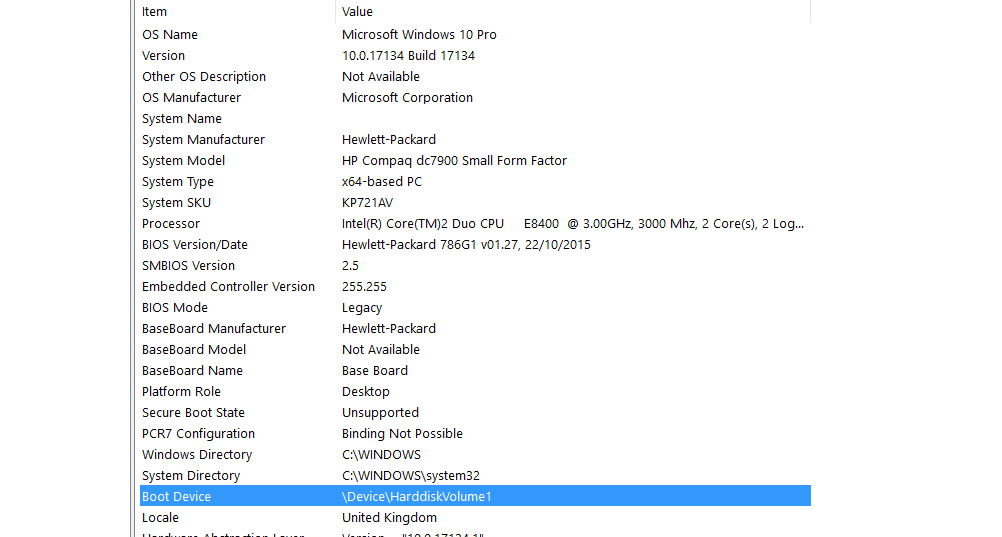
    Hrmmm...That mogrt works ok for me.  Are you on Mac or Win?  Have you licensed other mogrts without problems?

    Can you shoot me your email via PM?


    Wes

    Participating Frequently
    June 7, 2018

    are your PP and AE versions the same?

    Might be worth double checking as there can be version compatibility issues.

    Inspiring
    June 7, 2018

    Installed AE yesterday and both are the latest versions via the CC service subs.

    So they will both be the latest releases I would imagine.

    Not at my desk currently but will check shortly.

    Thanks for your reply, much appreciated.