
Answered
Motion tab under effects controls no key bind?
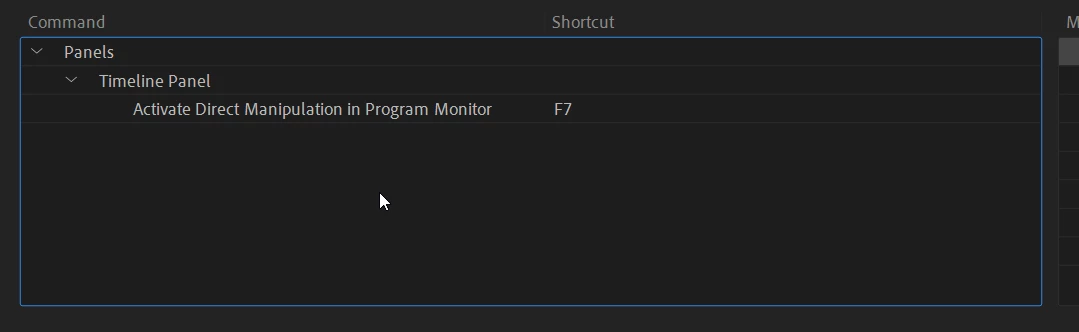
I need to find out what the keybind is for the "motion" tab under "effect controls" as it stands, I have move my mouse all the way over to the effect control tab and then click motion then move my mouse all the way back to the "program: main" where I can then crop, scale and rotate my video clip... I would like to know the keybinding to have this blue box with select points just appear after clicking said keybind.. during a work edit.. its very hard on my wrist and consumes way more time then nessary while editing, rotating and scaling each clip in my timeline..


 AdChoices