


Participant
August 30, 2026
Answered

Motion Tween resulting in black areas around the footage

  • August 30, 2026
  • 1 reply
  • 39 views

The Film Impact effect Motion Tween results in black areas around the footage, even though there is still plenty of visible areas in the footage. Attached is a screenshot of the issue and my settings. 

The sample is a screen recording made with QuickTime, but this also happens with any other types of footage. Happens both in the edit and in the exported version.
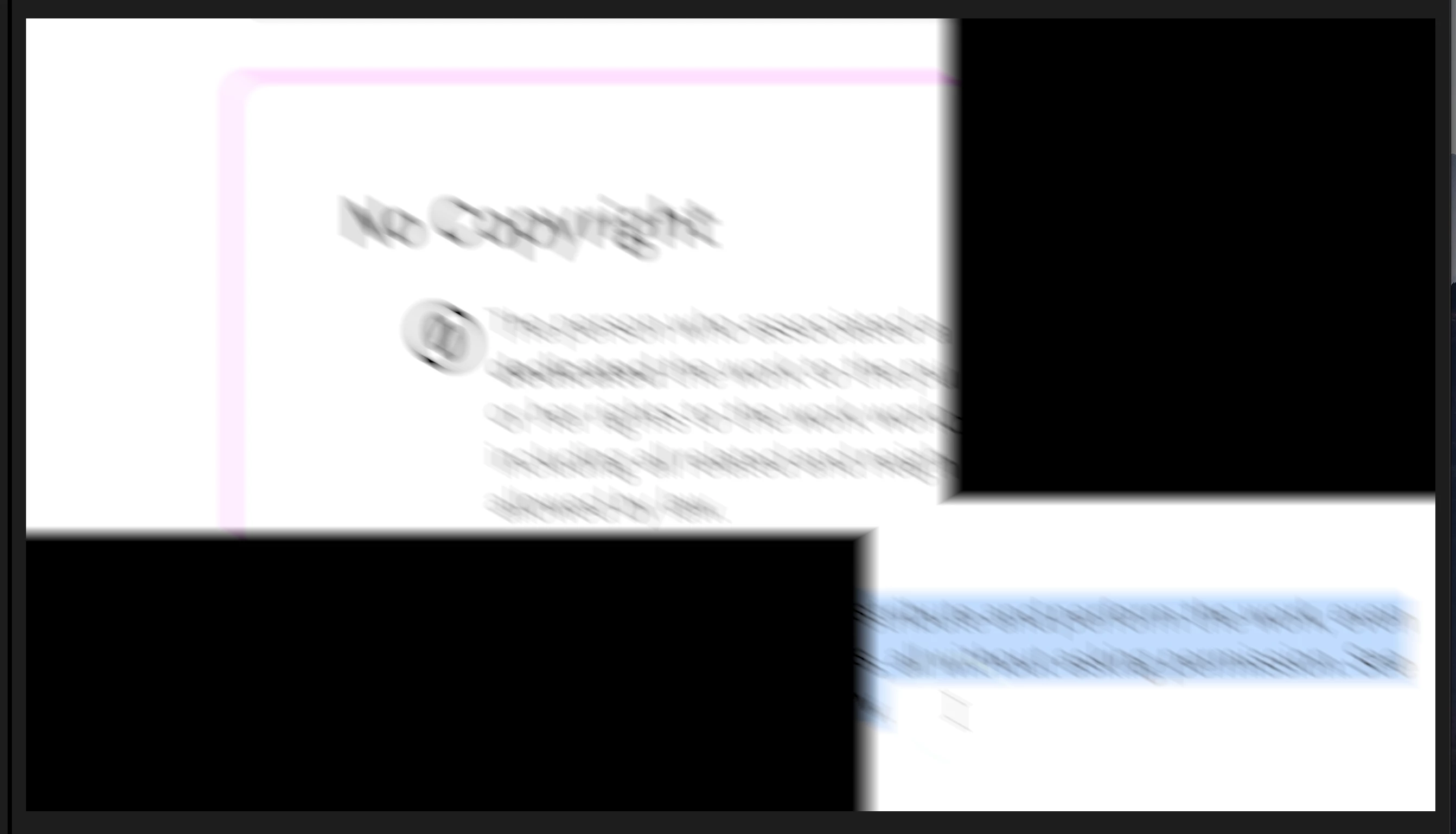
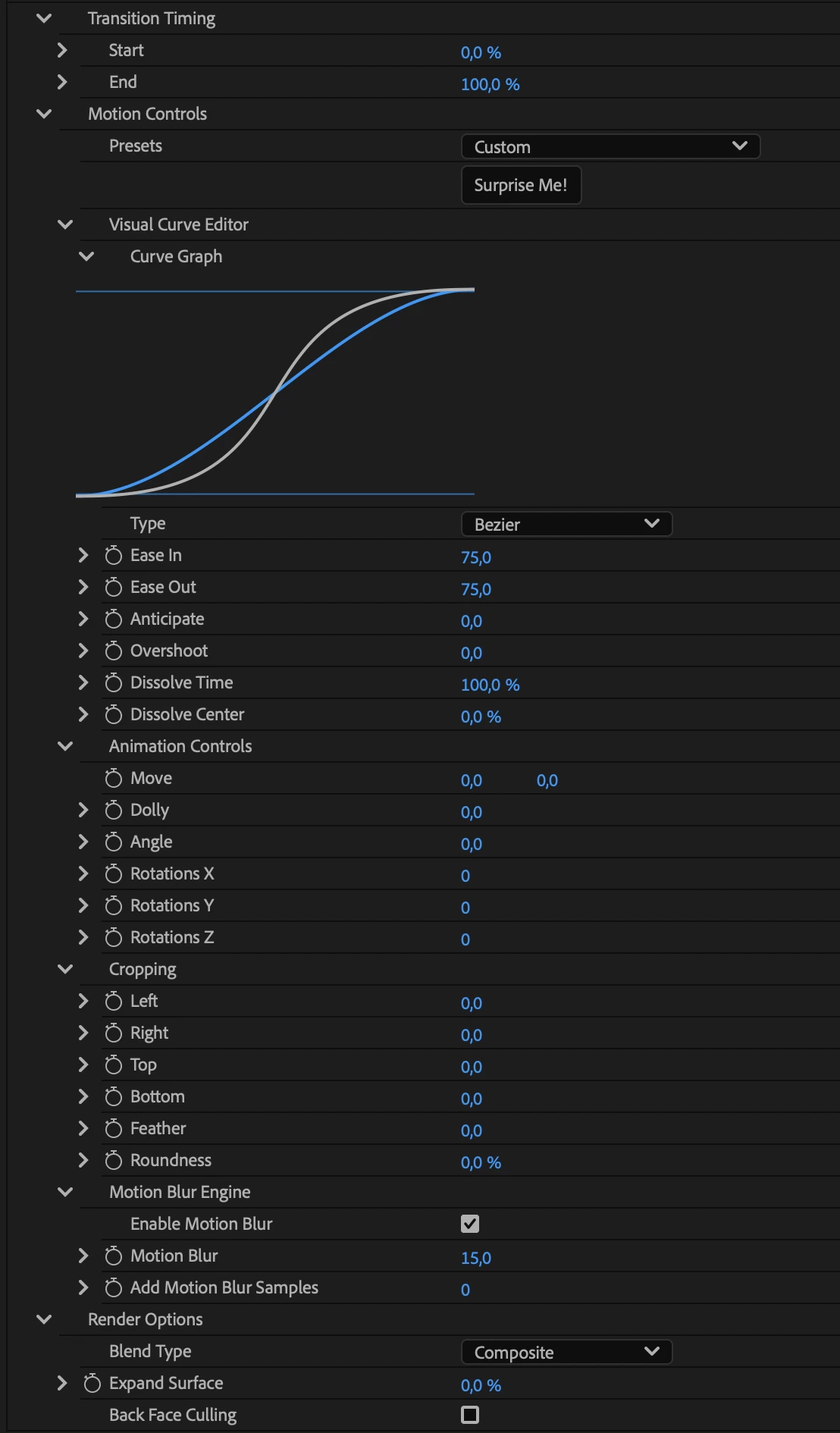
This is just a simple position change, but for some reason, Motion Tween can’t show what’s outside of the initial frame, but instead just adds black to the edges. This is also just a though edit, so nothing has been removed from the video footage.

Premiere version: 26.3.0
Apple MacBook Pro M1 Pro 16GB
Footage on the internal SSD (nowhere near being full)
Mac OS Tahoe 26.6.2

Any solutions?

    Correct answer PaulMurphy

    The transition can't see beyond the edges of the frame, which is why Motion Tween works best for zooms, slides, and pans. Diagonal movement where the two frames differ significantly isn't ideal for it. For that kind of move, I'd use Position keyframes instead.

    Another option is to build your edit in a larger sequence, one sized to include the parts of the frame that would otherwise go missing, and then nest that sequence inside your smaller, final sequence.

    1 reply

    PaulMurphyCommunity ExpertCorrect answer
    Community Expert
    August 31, 2026

    The transition can't see beyond the edges of the frame, which is why Motion Tween works best for zooms, slides, and pans. Diagonal movement where the two frames differ significantly isn't ideal for it. For that kind of move, I'd use Position keyframes instead.

    Another option is to build your edit in a larger sequence, one sized to include the parts of the frame that would otherwise go missing, and then nest that sequence inside your smaller, final sequence.