
MOV files appear to be corrupted
Hi everyone
I wonder if anyone could help me.
I have recently returned from a 2 week holiday in Florida with a 32gb micro SD card full of holiday videos taken on a GoPro style camera 1920 x 1080 30fps H.264 in a .mov container.
Upon putting the card into my laptop I began to import the footage into Premiere Pro. I could view the videos absolutely fine no problems, everything crystal clear and great footage. Half way through one of the videos it started to "pixelate" and show signs of what appears to be corruption. I just assumed it was that file so went back to one of the videos that originally played fine with no issues and that appears to be corrupted too. I then went on to check all of the videos and, you guessed it, all corrupted. Absolutely devastating to discover I'm sure you can understand. Even if I take Premiere Pro out of the equation, open the file itself from the memory card and play through any player it is corrupted. It is also the same on a completely different laptop with no Premiere Pro installed. I know for a fact these videos were fine as they started to play with no issues when I originally put the card into the laptop. They also played back on the camera fine, this problem only occurred when inserting the card into the laptop for the first time. If I try to view them on the camera now however, it plays the first second or so then says there is a file error.
Unfortunately I didn't copy the files from the card anywhere else before attempting to play them so essentially the files are completely ruined. I have tried some basic corruption troubleshooting but none of that has made any difference. In fact, no software seems to even recognise the files as being corrupted.
What I don't understand is how the files can go from playing absolutely fine to completely corrupted in a second. No power failure or abrupt disconnection issues, just corrupted whilst playing a the file. Could this be memory card corruption? If this is the case I don't understand why it didn't happen whilst recording the videos. I've included some info below.
Windows 10 Home 64 bit
i7-4710MQ CPU @ 2.5 GHz
NVIDIA GeForce GTX 860M
The memory card is a Toshiba Exceria 32gb Micro SD
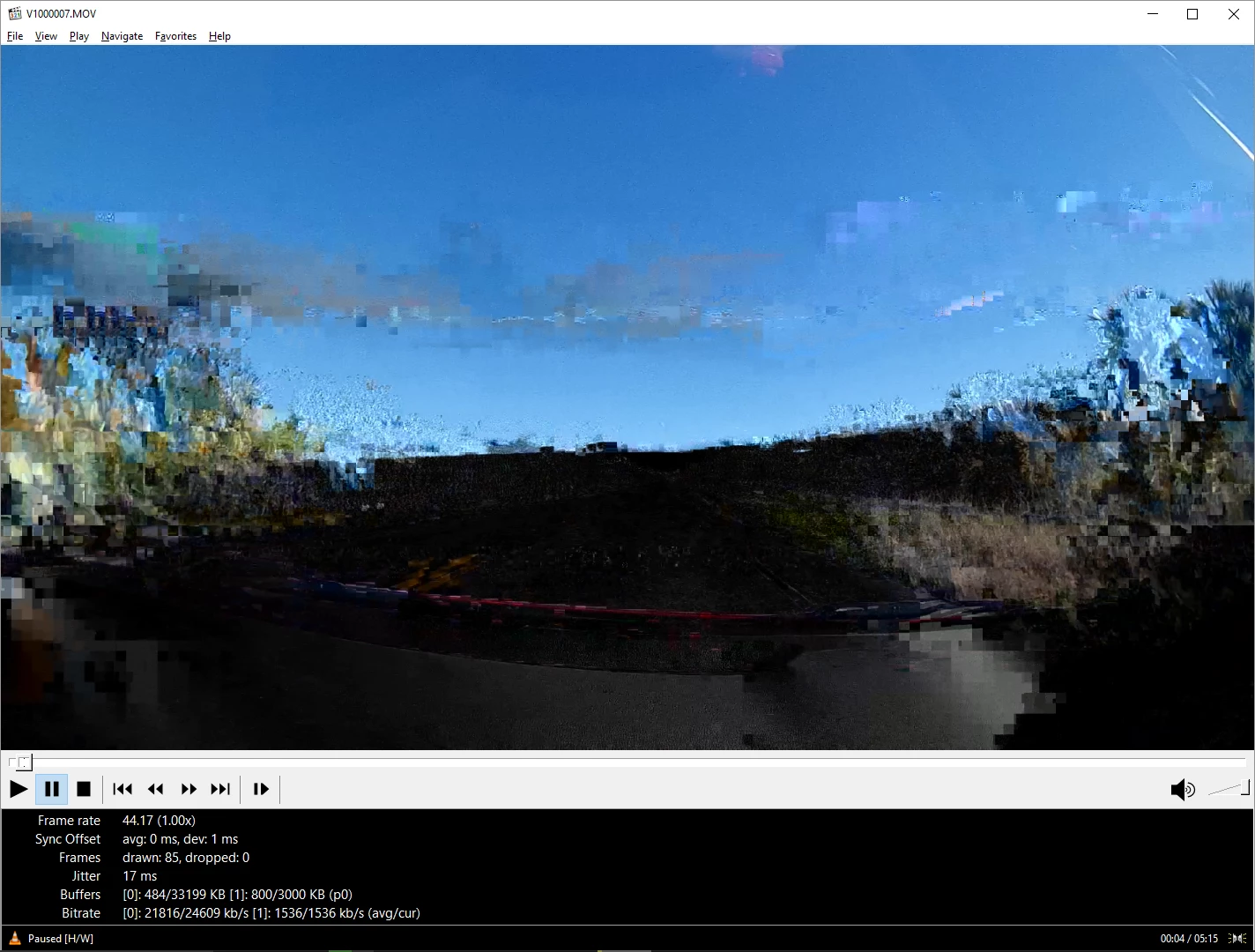
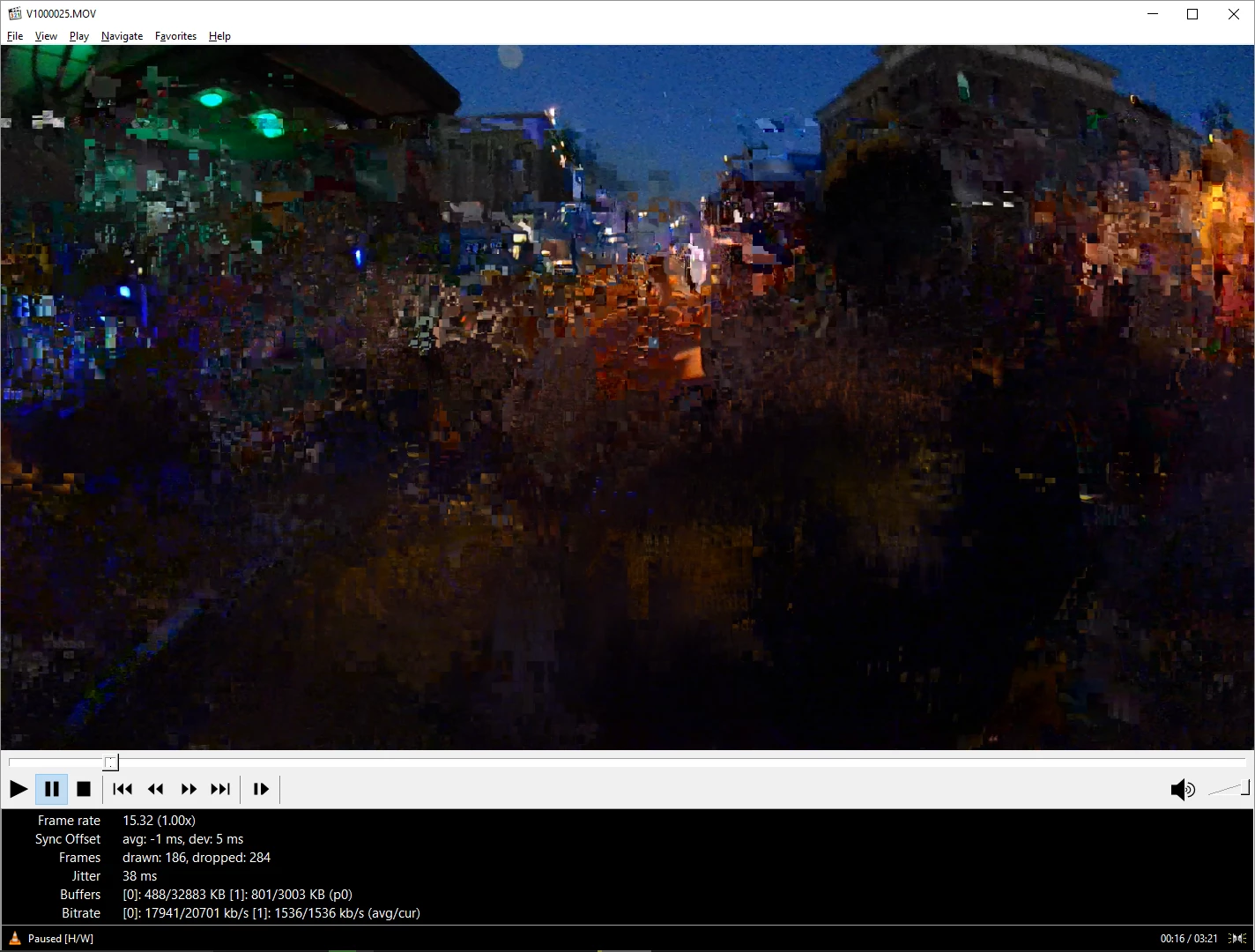
As you can see by screenshots below, the corruption is showing at the bottom of the footage but randomly jumps around the frame when playing. Also note that the frame rate jumps around a lot too. It was all recorded at 30fps and when it was originally played before this problem happened, it stayed at 30fps when playing. There's also a crazy amount of frames dropped when playing according to MPC. It just seems like the H.264 wrapper is completely and utterly nackered and I now have a very upset girlfriend to deal with!
Anyone have any ideas? I really appreciate your help, thanks in advance.


 AdChoices