
Moving Audio FX Slots and Sends
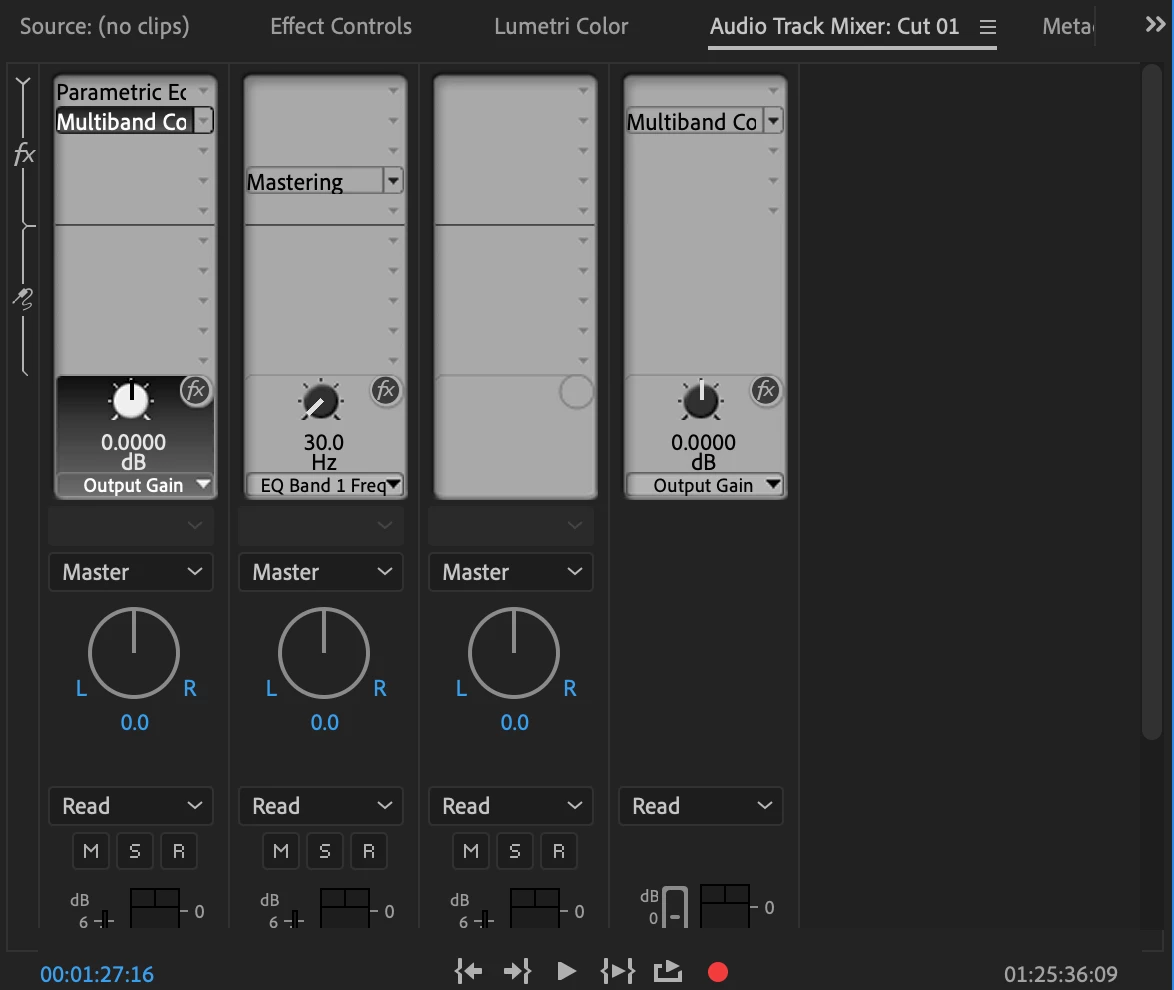
Can someone please help me understand why I can't drag my eq, or compressor, or whatever from one fx/send slot in the audio track mixer to another? This is standard in EVERY other DAW I've ever worked with. What if I want to rearrange my compression/eq/noise suppression order? I have to re-input every parameter I've changed in the new slot. Want to use the same plug-in (compressor/eq/whatever) setting across multiple tracks? You guessed it...manually add the compressor to every track and re-input every parameter (versus just being able to duplicate the plug-in to other tracks). Today's example (see attached photo) is I want to slide the eq and compressor on track 1 down a slot so I can add a deesser before them in the path flow. It would make sense that I could just grab the plug-in and slide it down to the next slot like every other DAW right? Wrong. I've been dealing with this for YEARS hoping eventually Adobe would update things so this functionality would be available.
On another note, if there's a way to do this and I'm just missing something, can someone please inform me? If not, Adobe, can you please do something about this? Seriously.
 AdChoices