mp4 video footage not syncing with audio when imported into Premier
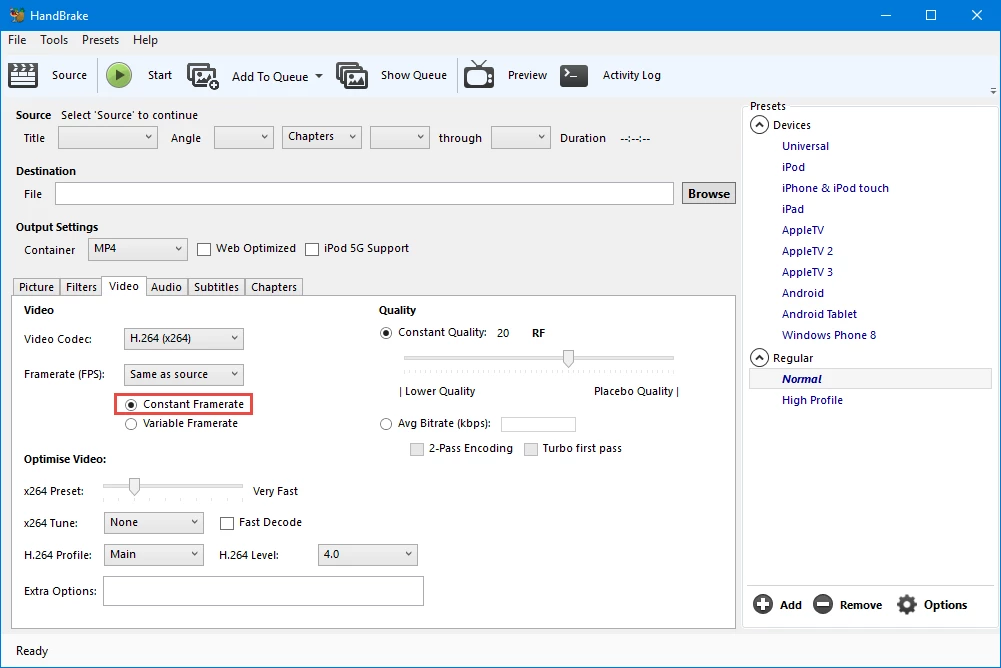
I've taken footage on my Samsung phone and when I view the footage in VCL it's just fine, but when I import it into Premier for editing, the audio doesn't sync with the video. I tried unlinking the audio and video and syncing it up, but it goes out of sync again a little further along the time line. I've tried using Handbrake to change the file somehow ( I read that it was supposed to work) but if anything it made it worse. I also tried changing the file name to .mov because others said that worked, but it didn't. Premier just said there was no audio and video in the file.
The settings match the footage because when I drag it into the time time, the box comes up saying do I want to make it match and I click yes.
How do I fix this? I see that others around the web have the same question, but it doesn't seem to have been answered anywhere. Help!
 AdChoices