

Mp4 video glitches out on import
Hi there,
I saw a similar post in the forums but my problem is slightly different, and I'm importing an mp4 file. The video I'm using was originally a mov file that was converted into an mp4. I sent it off as an mp4 to be edited, it was returned as an mp4, and when I import it to Premiere, it looks like the photo below. When I play it it looks like normal, but as soon as I stop it it goes back to looking like this. That makes it nearly impossible to edit. I put it into Media Encoder, and had it at match source and H.264, but when I hit the start queue button the preview looked like the glitched out version still. What's going on here??
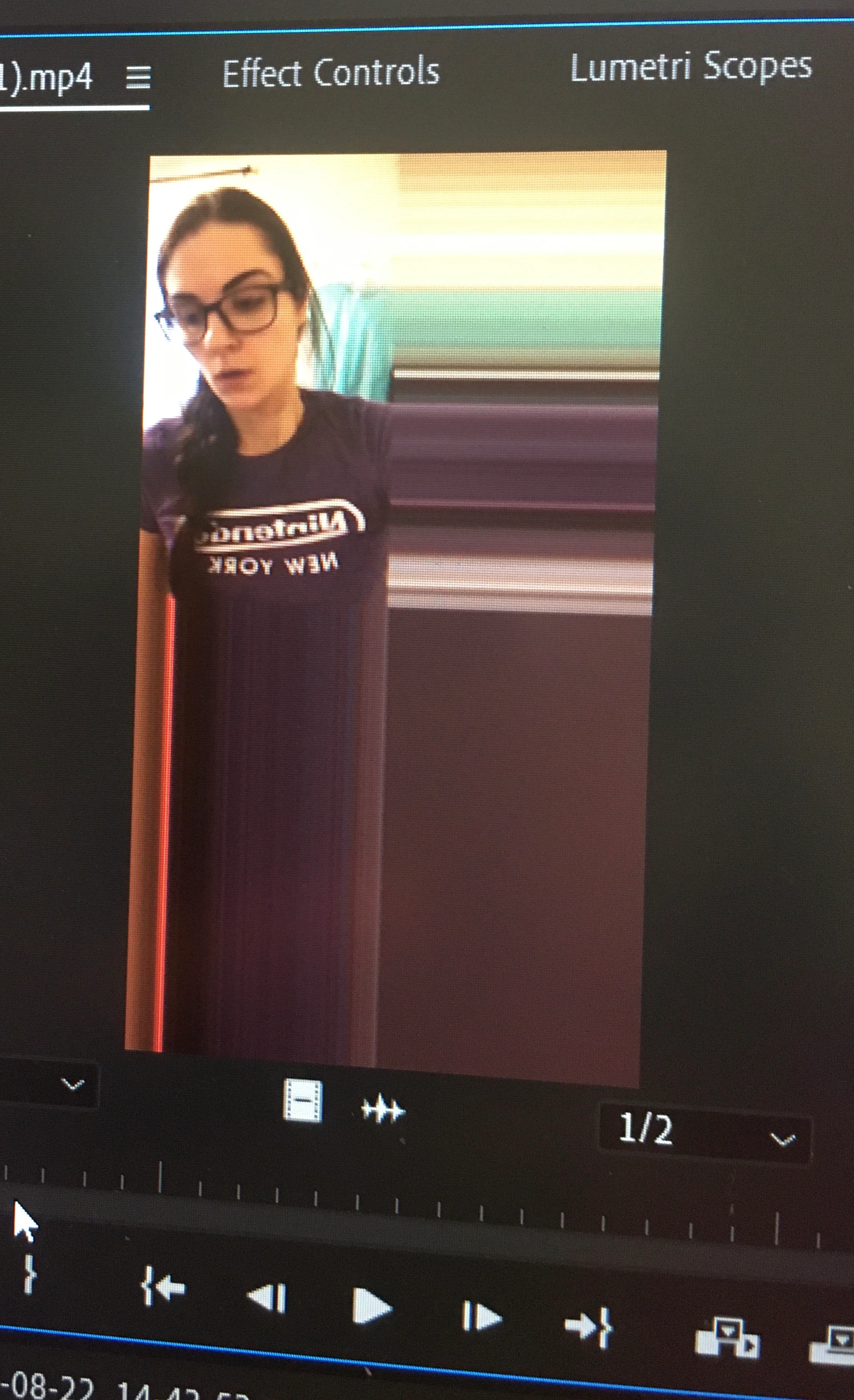
Update: I just re-converted it using an online converter and that seemed to work. Still very strange though. I'd be interested if anyone knew what happened.
 AdChoices