
MP4 Videos Glitching/Not Rendering Correctly on Export
I am having problems exporting videos as MP4s using the H.264 format. Everything looks normal on my timeline and even in the pre-export preview, but when I view the exported MP4, I get a crazy assortment of vertical lines instead of any video. It looks like this:
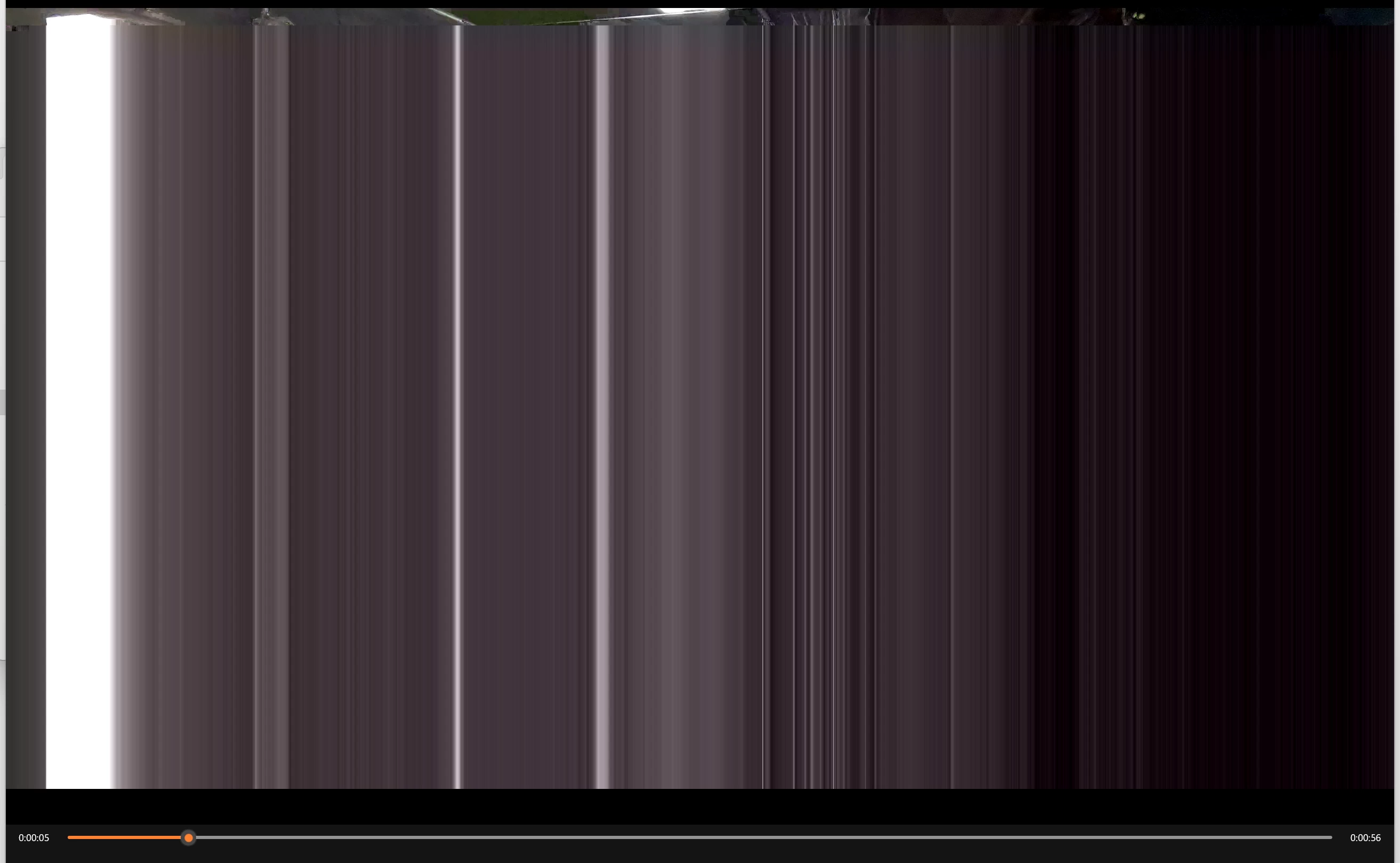
I just tried to open the MP4 in Photoshop to grab a frame and got this instead:

I've tried exporting to .mov instead and that seems to work fine for some reason.
I have tried deleting the media cache, restarting the machine, uninstalling and reinstalling Premiere Pro, reverting to an earlier version of Premiere Pro. My company's technical supervisor has made sure my graphics drivers are up-to-date and not reporting any errors. I have changed the renderer to Mercury Playback Engine. Software Only. I don't get any error messages.
Full video file attached.
Help!
Machine Specs:
OS Name: Microsoft Windows 11 Business
Version: 10.0.22631 Build 22631
System Manufacturer: Dell Inc.
System Model: Precision 3260
System Type: x64-based PC
Processor: 12th Gen Intel(R) Core(TM) i9-12900, 2400 Mhz, 16 Core(s), 24 Logical Processor(s)
BIOS Version/Date: Dell Inc. 3.3.2, 3/28/2024
Installed Physical Memory (RAM): 32.0 GB
Total Physical Memory: 31.7 GB
Available Physical Memory: 13.3 GB
Total Virtual Memory: 36.4 GB
Available Virtual Memory: 11.4 GB
Page File Space: 4.75 GB
GPU: NVIDIA T400 4GB
Export Specs:
Premiere Pro Version 24.3
Preset: Match Source - Adaptive High Bitrate
Format: H.264
Video: 2840X2160 (1.) | 29.97 fps | Progressive | 203 (75% HLG, 58% PQ) | Hardware Encoding | NVIDIA Codec | 00:01:01:27 | VBR | 1 Pass | Target 75.90 Mbps


 AdChoices