
Multi-cam and lag
Hi, I have a very fast machine, Apple M4 Max, 48 GB Ram, but still struggling to get a fast workflow whilst using multicam
I have a parent sequence, with a nested sequence which then contains a multi-cam sequence. These three tracks are also nested sequences.
Here are my parent, nested and multi-cam sequences:
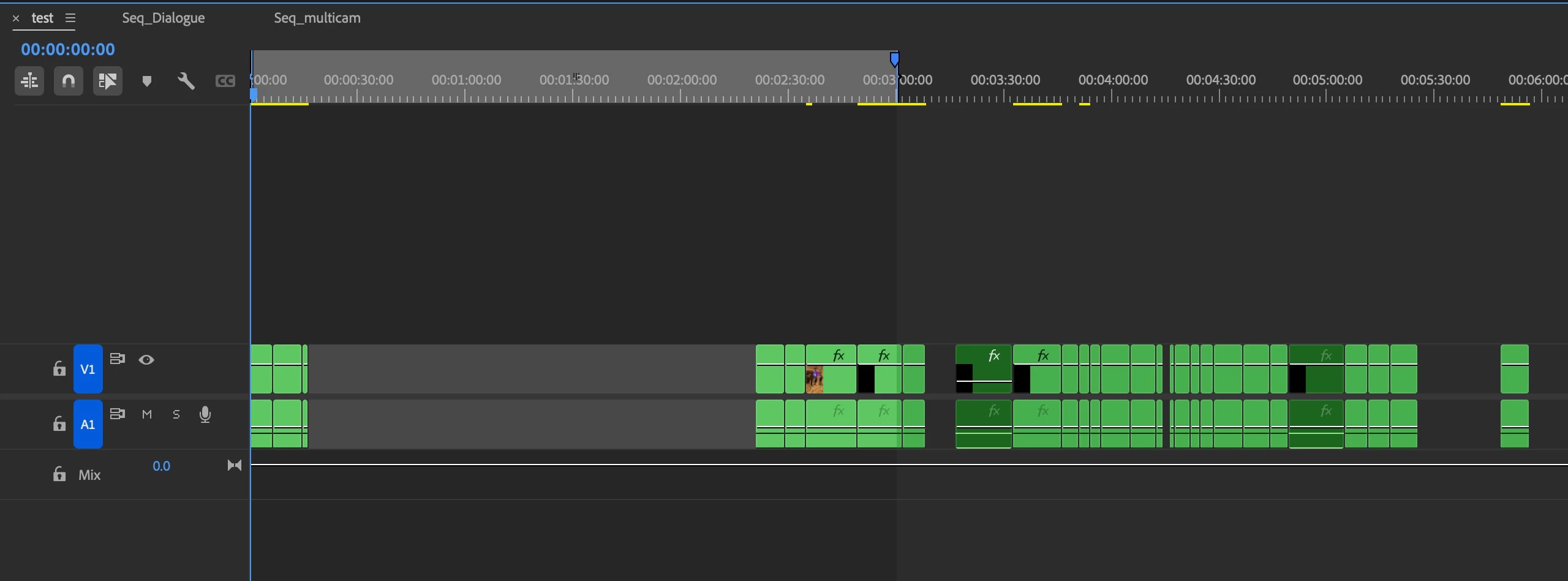
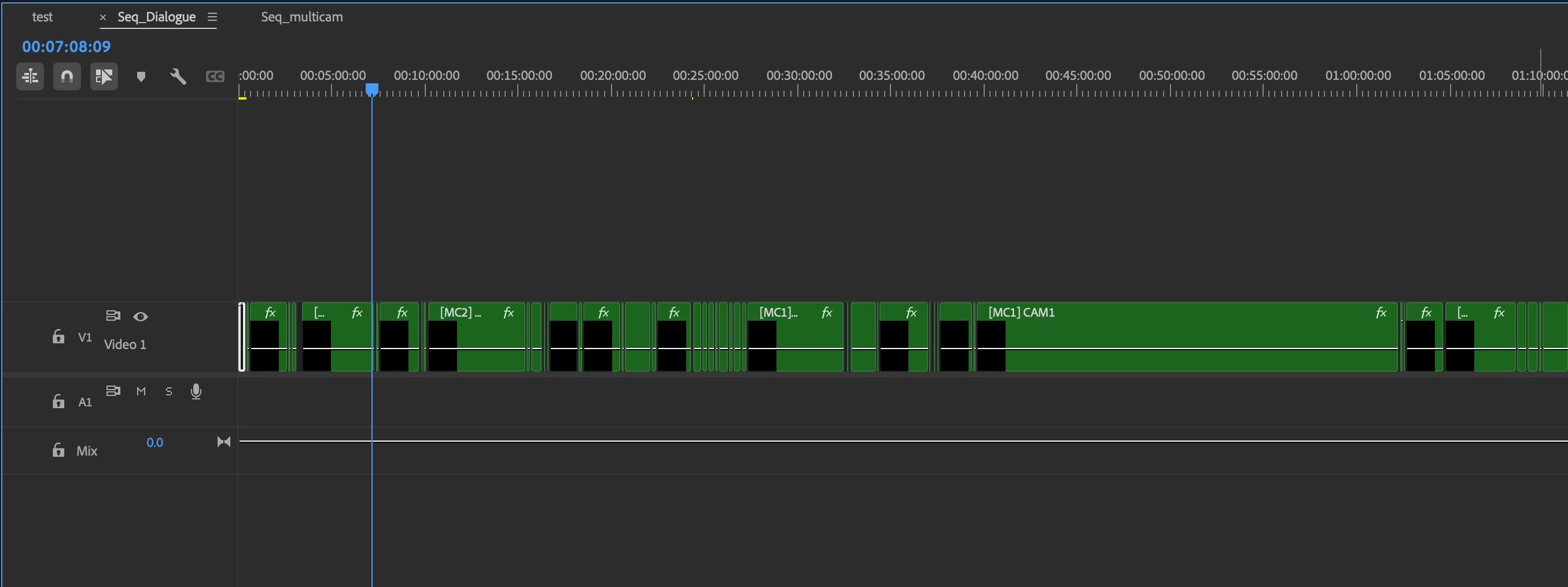
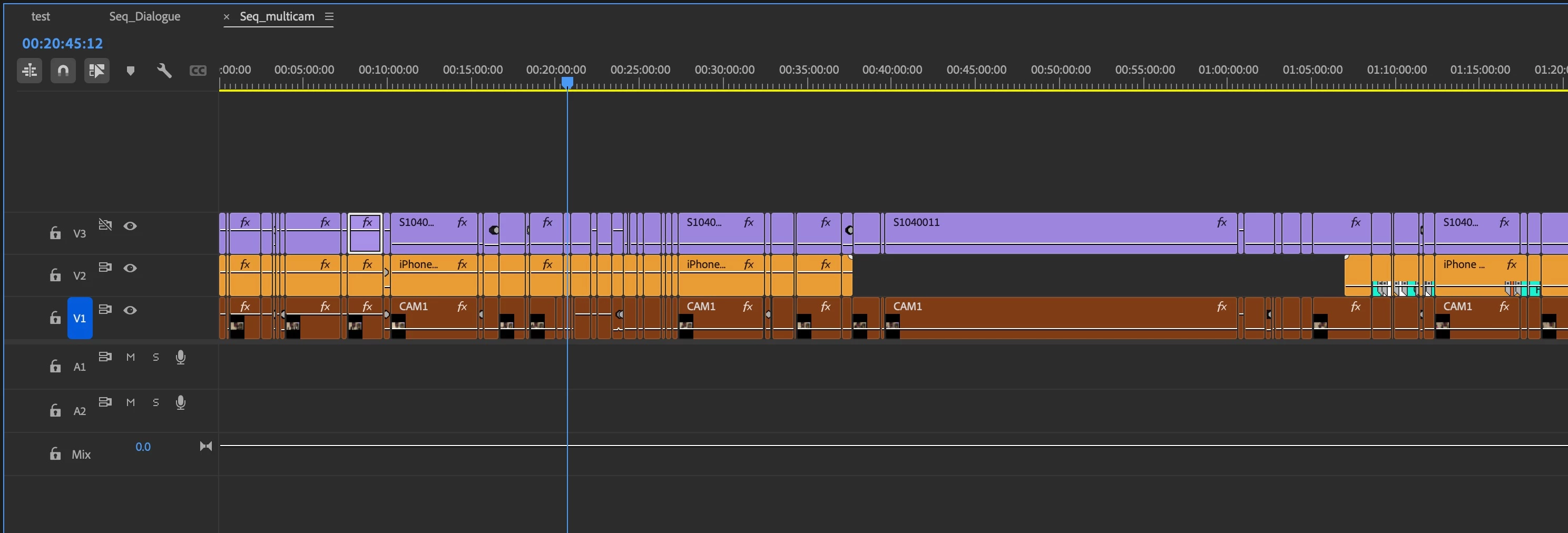
As you can see from this, the lag in the main parent sequence is very harsh (the spinning beachball doesn't show in the screen record, but you get the idea):
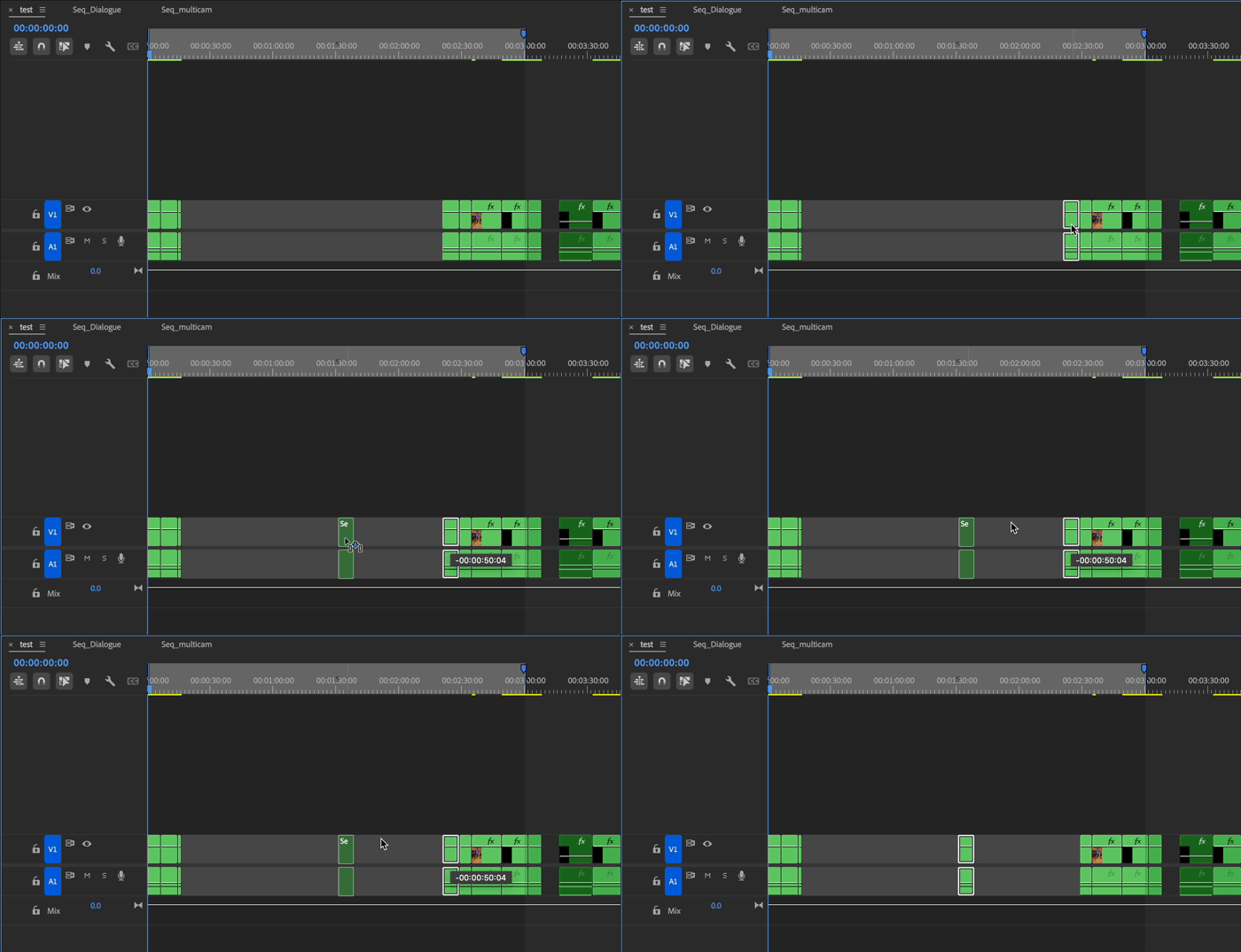
Next, I tried removing all the cuts in the nested sequence:
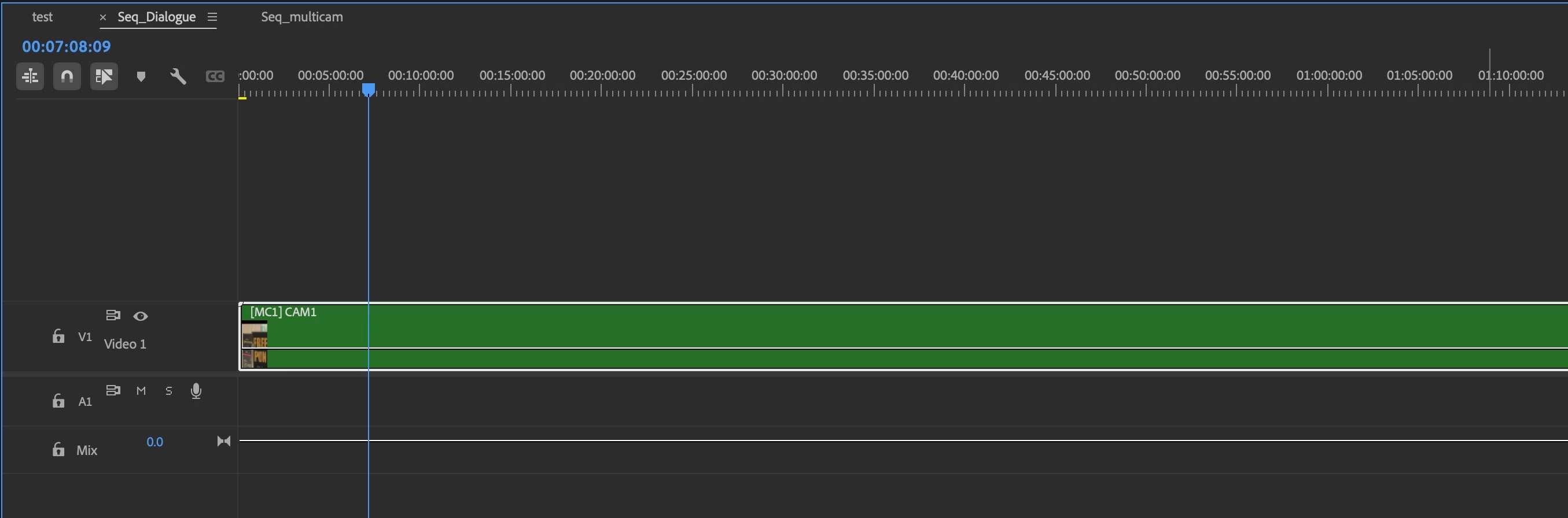
And voila, the lag is gone:
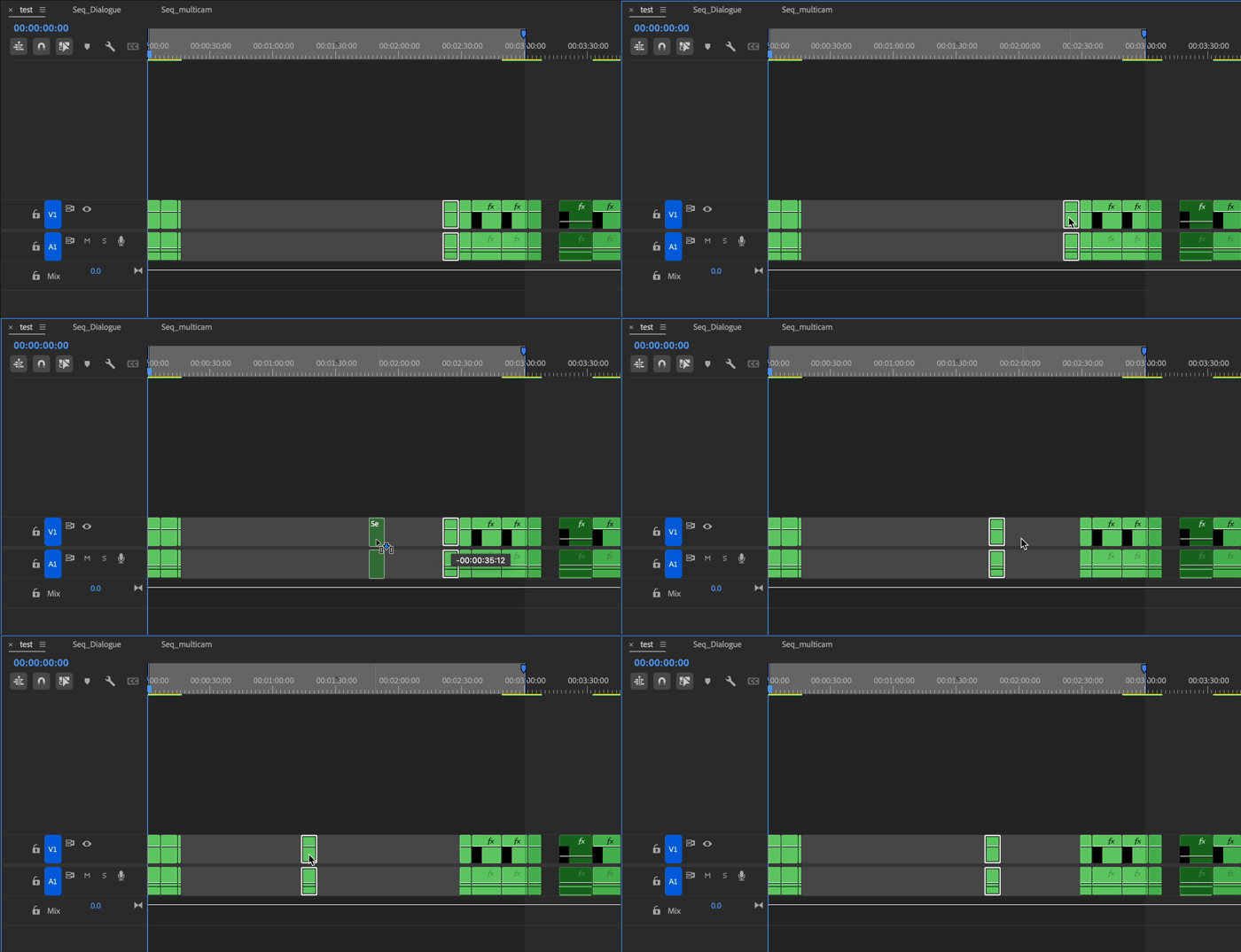
The lag also disspears when remove all the cuts in the multicam sequence.
Next I tried replacing all the nested clips in the multi-cam sequence, with the orignal MOV/MP4s and this also fixed the lag
Is Premiere just not designed for nested clips inside multicam sequences?


 AdChoices