
FrankieGS
Inspiring
September 27, 2023
Question

Multi camera editing - different aspect ratios - layers

  • September 27, 2023
  • 1 reply
  • 449 views

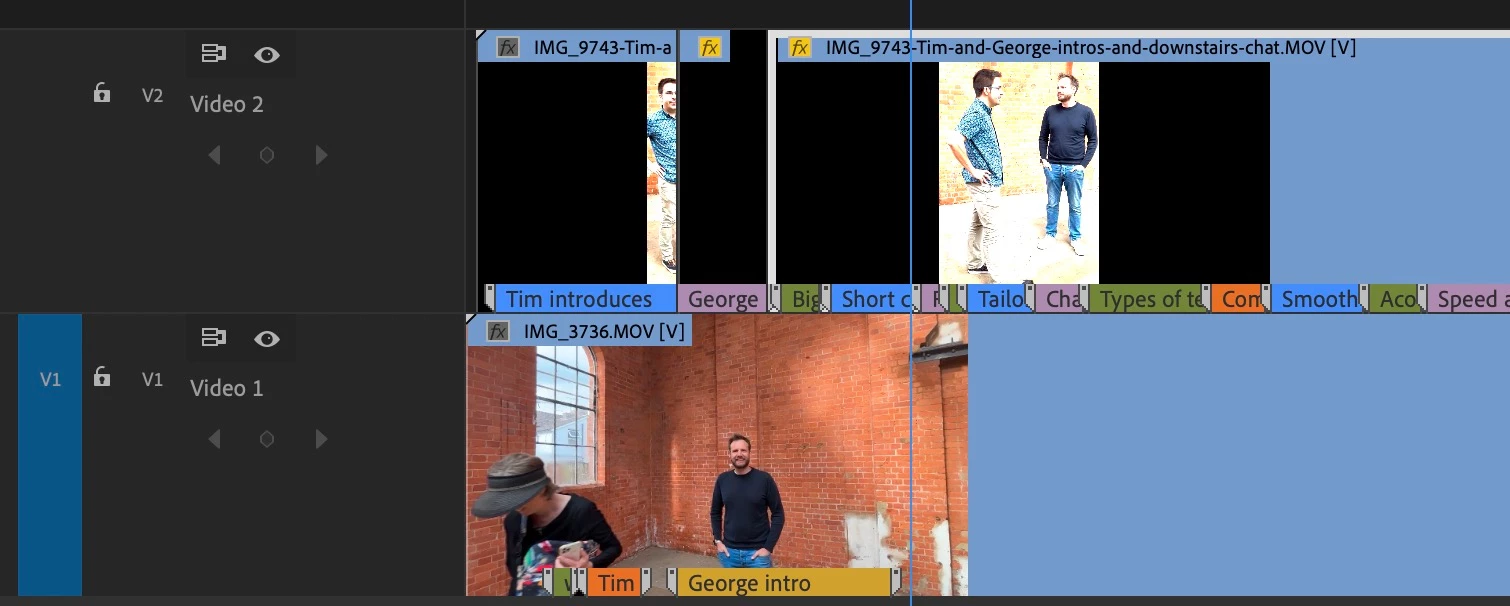
Hi, I have a vertical format video on top of a horizontal. I'm using the vertical as a kind of zoomed in view.

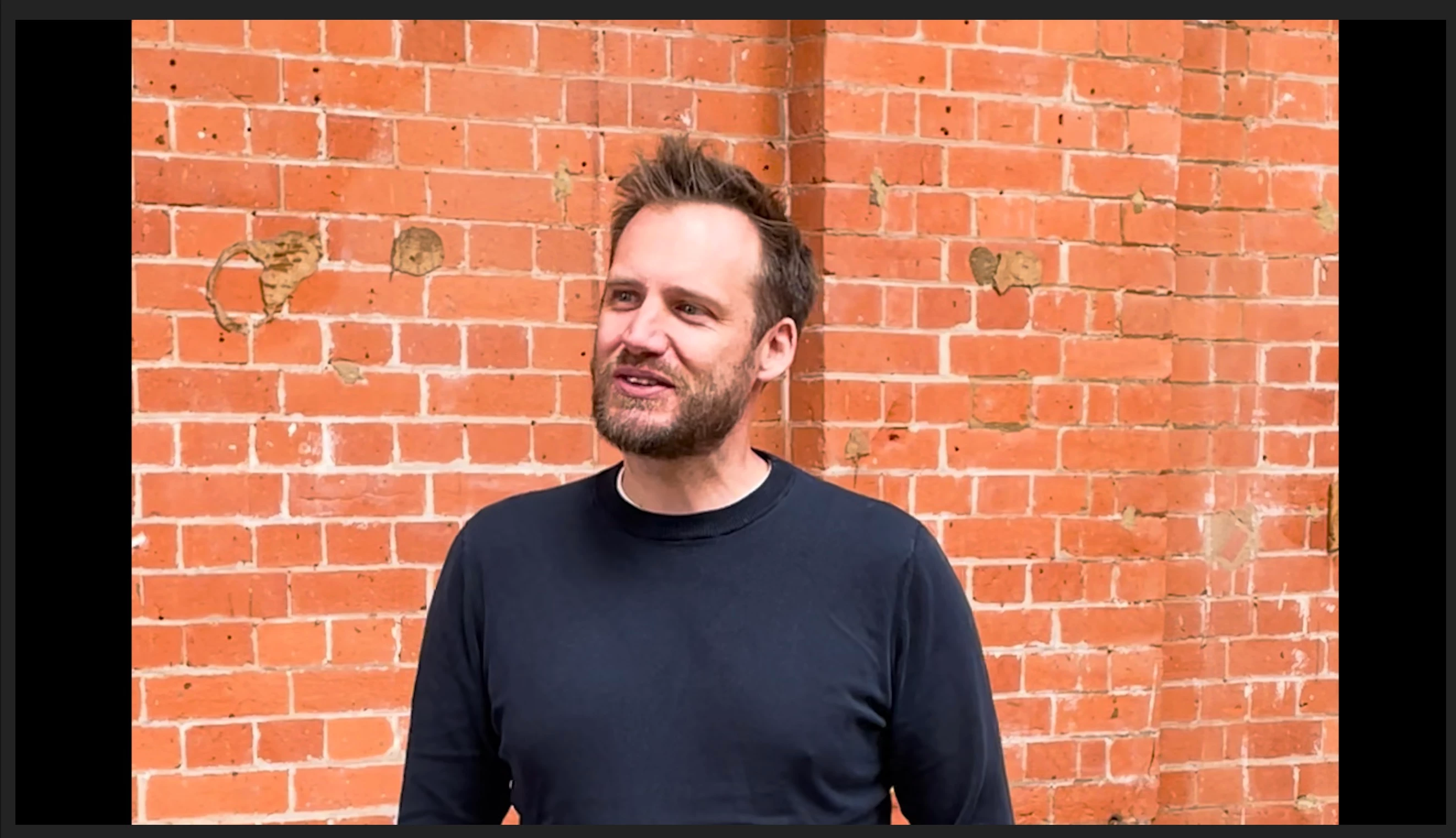
When I cut to the vertical camera, I get black edges.

How can I have the horizontal version show through underneath?

Here are a couple of screenshots.

This is how I want the finished item to look (and how I can see it in some views but not in the main view).
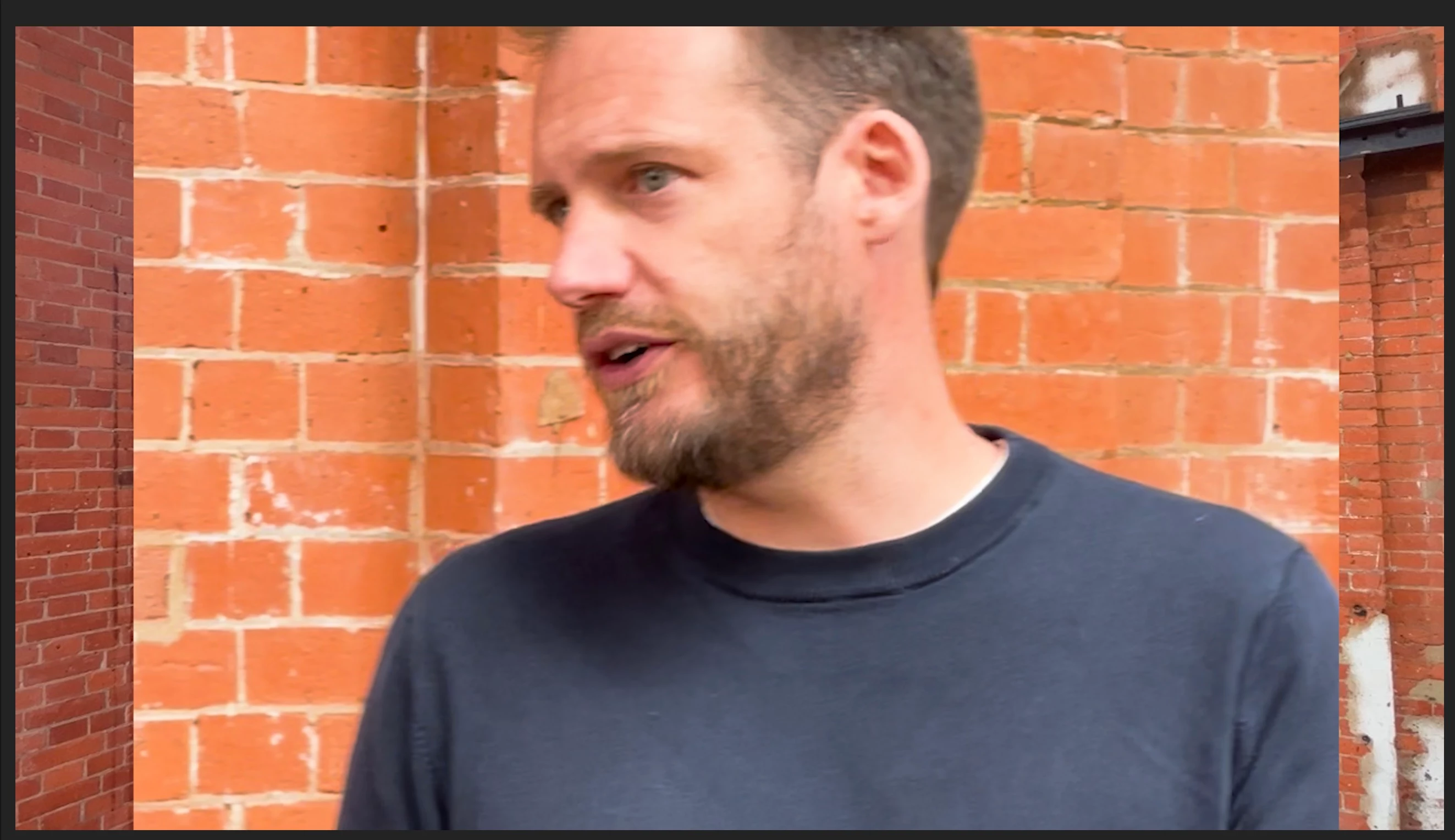
 

This is how it looks now.
This is shows the vertical video on top of the horizontal.
Thanks for looking, hope you can help. I'm something of a beginner with PP and not a pro editor.

This topic has been closed for replies.

1 reply

Richard van den Boogaard
Community Expert
Community Expert
September 27, 2023

To get rid of the black bars (and thus prevend the lower layer video from peeking through from behind, you could enlarge and reposition the clip so that it covers the entire frame (and slap the camera guy for recording this in portrait in the first place ;-))


Hope this helps.

FrankieGS
FrankieGSAuthor
Inspiring
October 2, 2023

ha ha I am the camera guy! A very inexperienced camera guy.
I actually want the specific effect described, as I like the effect. But thanks anyway.

Community Expert
October 2, 2023

In the Program monitor, double click on the top clip (the vertical one), a bounding box should appear around the borders of the clip, you can use that bounding box to resize and reposition the clip.

If for some reason you couldn't do it, select the top clip, open the Effect Controls panel, in the Motion controls, adjust scale and position as desired.