
Question
Multicam one video source not in sync / how to edit?
I opened my project on another computer from same hard drive, but my multicam sequence that is completely edited shows one video source totally off/not in sync which wasn't the case on the other computer/same drive.. how can I solve this?
When I opened the project I needed to locate the files from the hard drive and I guess something went wrong there.
I think it has something to do with this starting point, but I can't change the number..
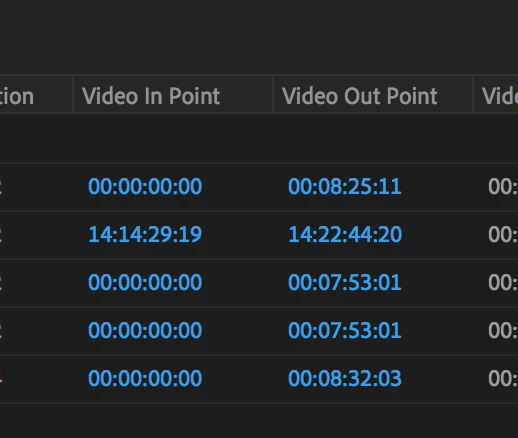
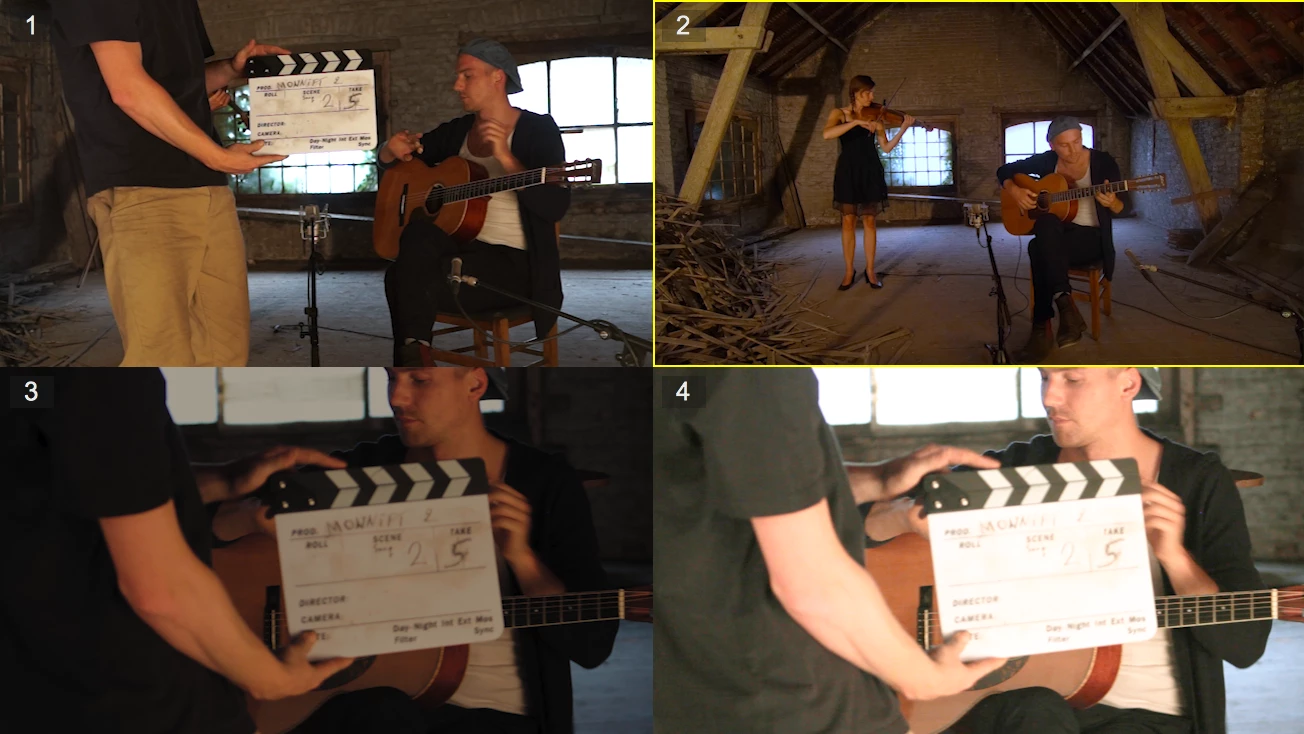
EDIT : I was able to change the timecode 'Vide in point' to 00:00:00:00 too, but still nothing.. I still get this:
 AdChoices