
Multicam Sequence - Can't change cameras without changing audio
Looking for suggestions. I do tons of multicam projects. I can't stand Premiere Pros internal multicam process. I miss PluralEyes which was so much simpler and worked better for me. Now I use Syncaila.
After I get rid of the audio from Cam B and C (the good sound is on Cam A) my sycned sequence looks like this:
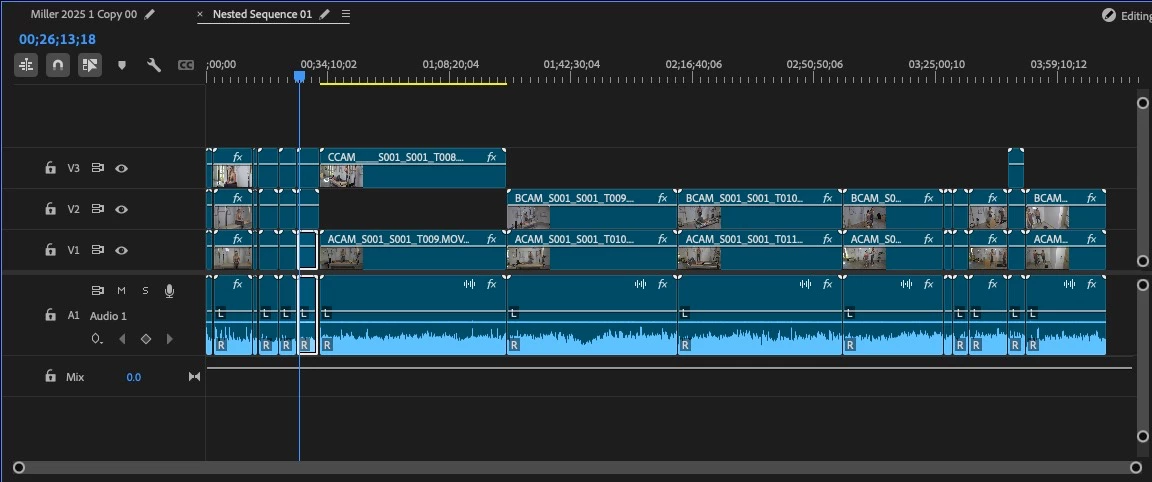
From there - I select all and nest it, enable mutlicam on the nested vide and I get this:
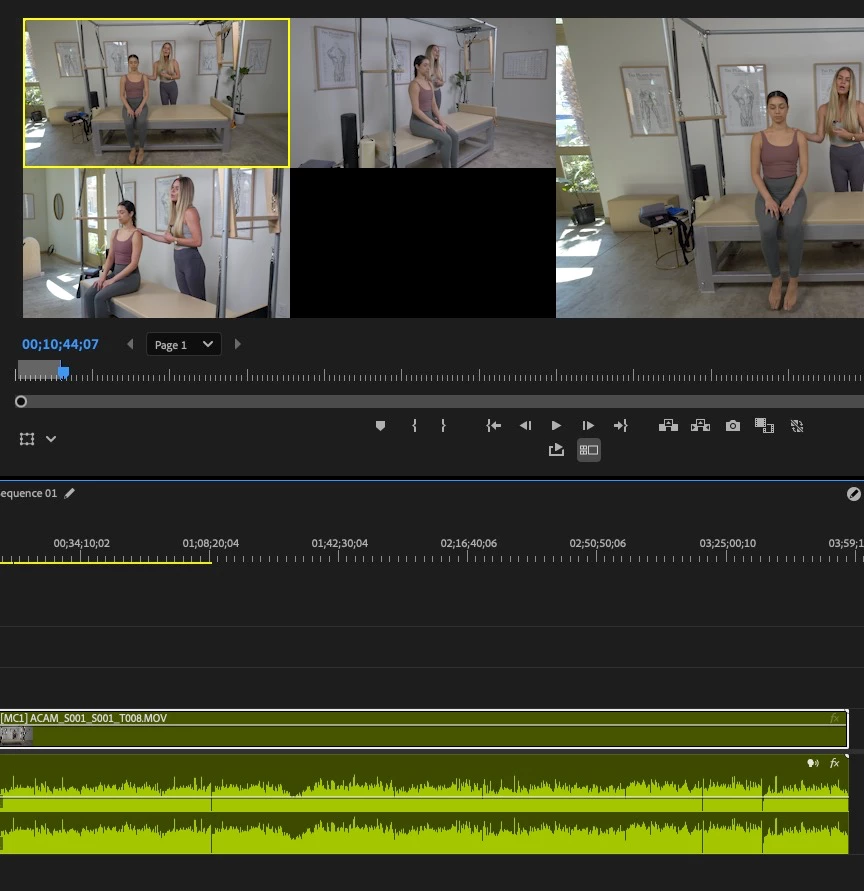
All good. But when I change cameras, the audio disappears. The waveform doesn't change, but the audio stops playing. I assume it's changing to the Cam B or C's audio - which there is none because I removed it before nesting. Multi-Camera Audio Follows Video is unchecked.
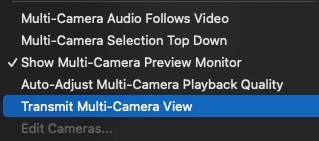
Help! It's driving me crazy. For now - I just unlink the video and audio tracks, but it's slightly easier to deal with when it's linked...


 AdChoices