
Participant
October 30, 2025
Answered

Multicam Sequence dragging as one nested clip

  • October 30, 2025
  • 1 reply
  • 75 views

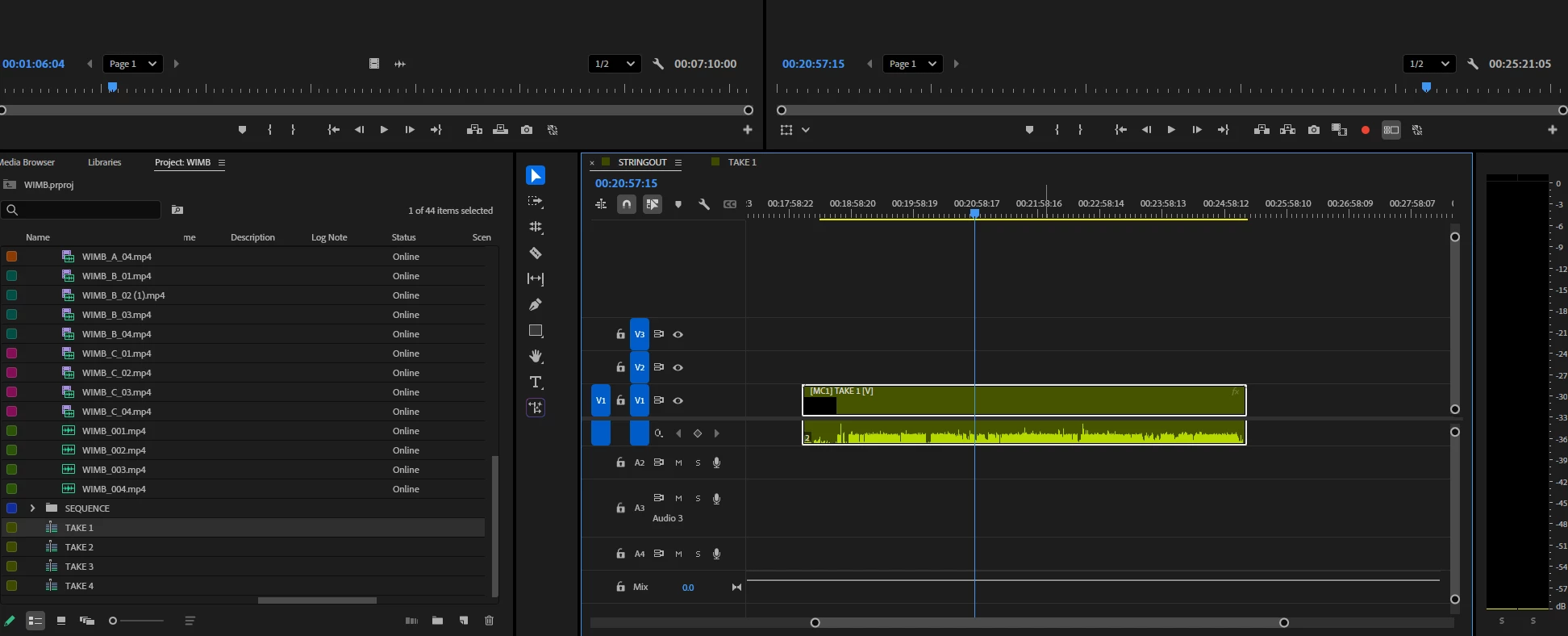
I am very new to premiere pro (currently in school and in a digital film production class) where we need to follow a tutorial from valentina vee. I have created 4 multicam sequences, but when i go to drag them to my timeline it only drags over as one nested clip. I have toggled off the insert and overwrite sequences button but it's still only dragging as one nested clip. Is anyone able to help guide me?
 

Correct answer mattchristensen

@strong_strength5635 click on the Timeline panel menu (the three horizontal lines) and choose "Multi-Camera Follows Nest Setting". Then toggling that button will also affect Multi-Camera clips.

1 reply

mattchristensen
mattchristensenCorrect answer
Legend
November 3, 2025

@strong_strength5635 click on the Timeline panel menu (the three horizontal lines) and choose "Multi-Camera Follows Nest Setting". Then toggling that button will also affect Multi-Camera clips.