


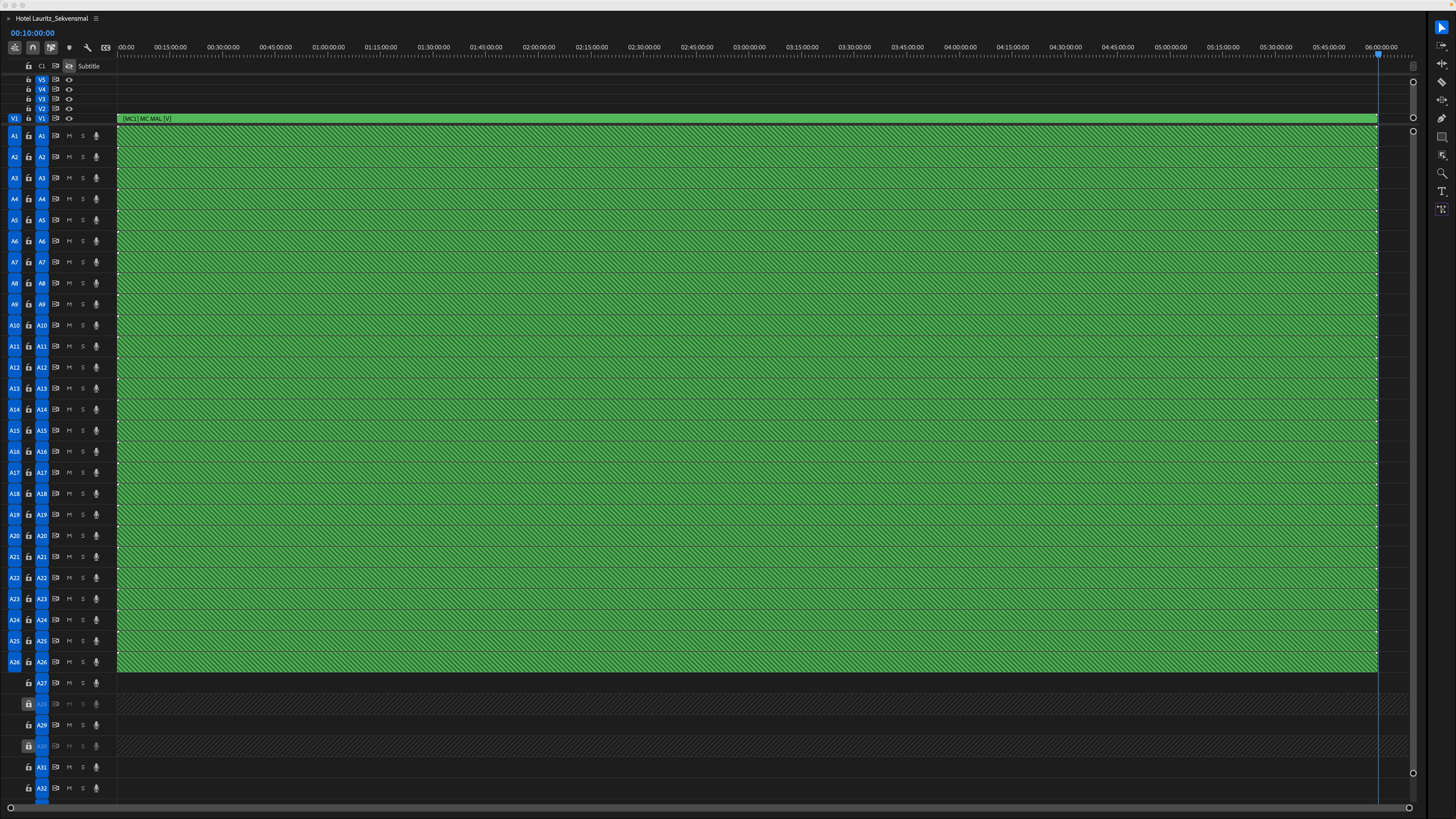
Multicam template is 6h long
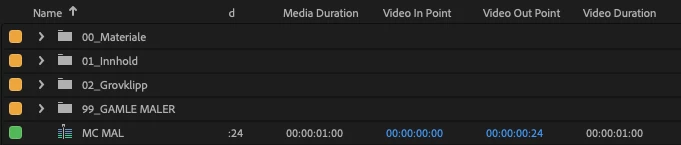
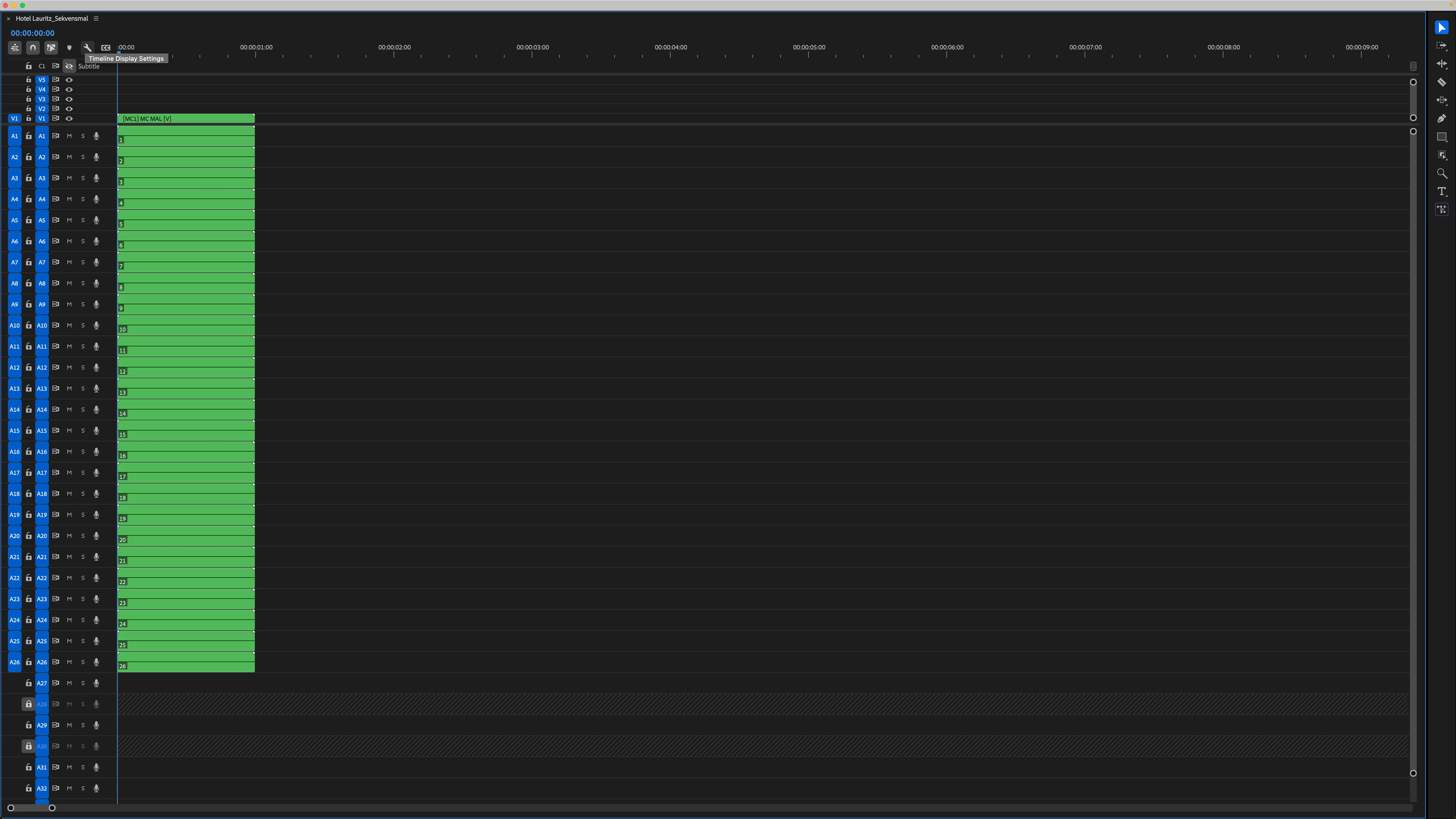
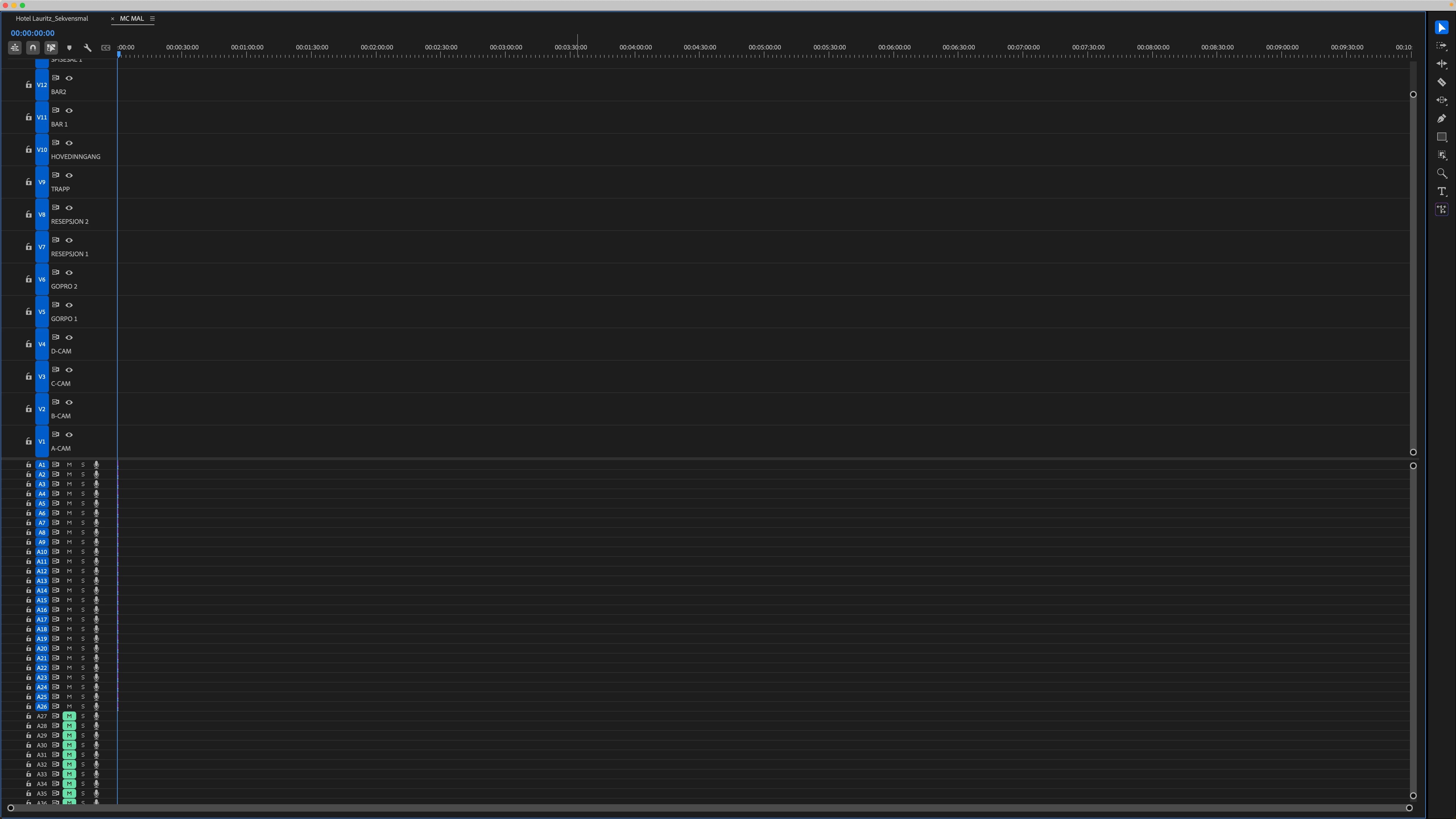
I am working on a pretty extensive TV project with project with 20 cameras and 20 audio clips, 3 editors assistants, 6 editors and 24 hours of footage for about a month. This requires a MultiCam template. The template is supposed to be 1 second long because of some empty audio clips that is in there (these were added after the first time we had this problem so is probably not related) and it is whenever you check the duration, drag it onto a timeline or open it in the source monitor. The problem however arises when you use the Overwrite/Insert features, using these the template suddenly becomes 6 hours of empty space except for the first second. Is there any way to change this 6h duration without making a new template and redo everything we have done until now?
I am on 26.2.2 Build 3 on a 2023 M2 Max Mac Studio
BTW: “Mal” is norwegian for template
Thanks
 AdChoices