Participating Frequently
January 16, 2022
Question

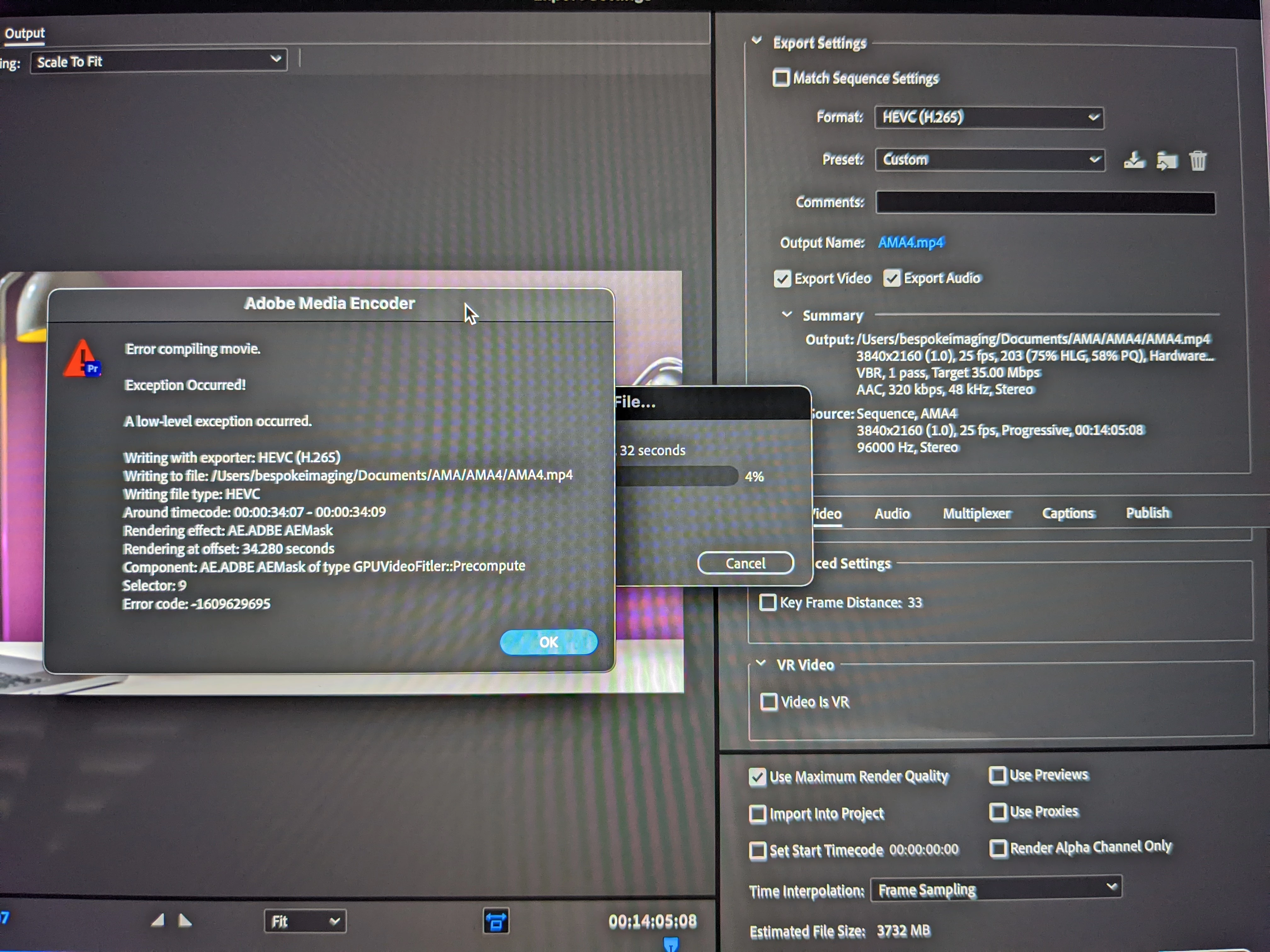
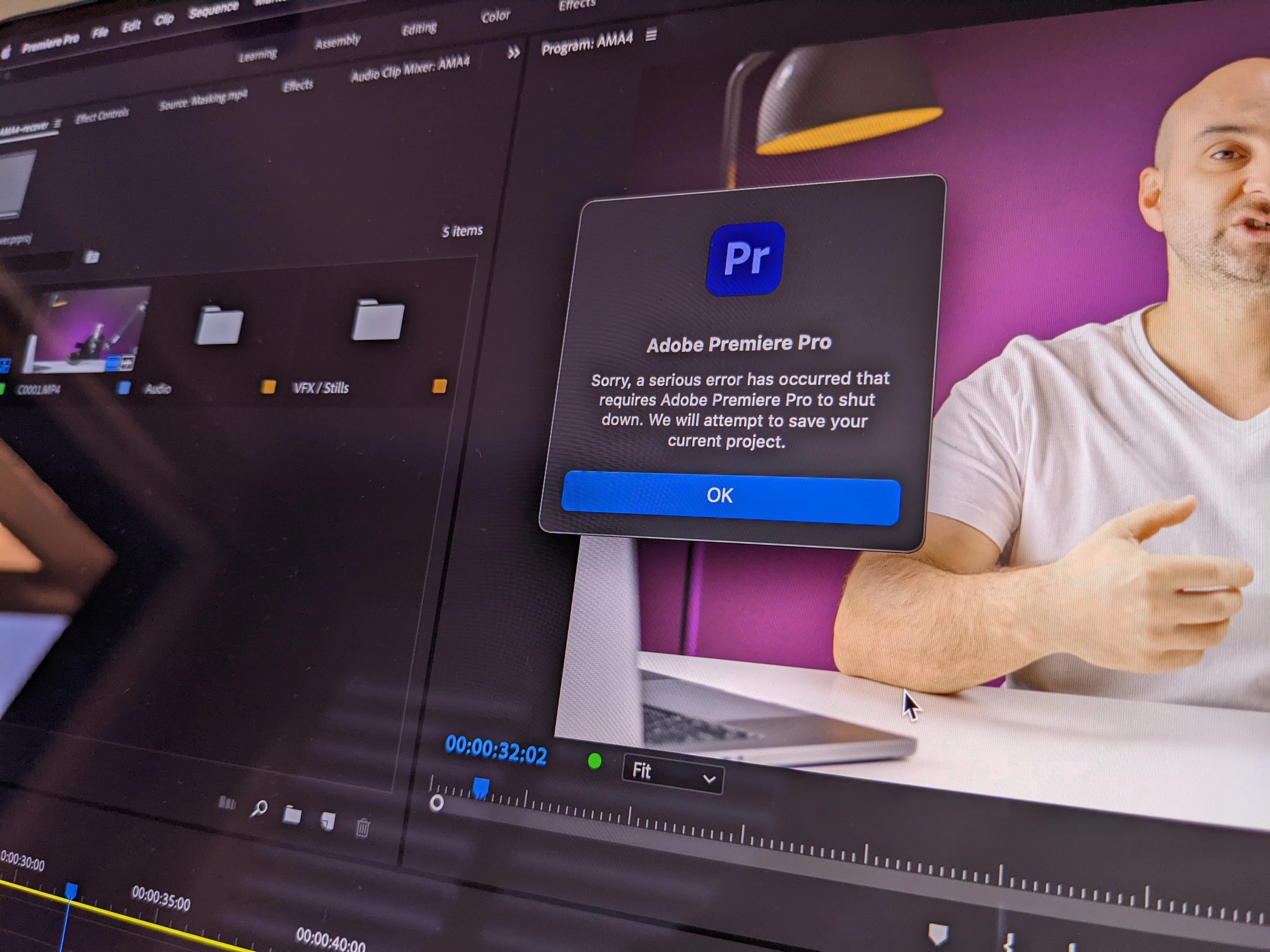
Multiple different failures in a single day.
  • January 16, 2022
  • 2 replies
  • 160 views

 my client has asked what the hold up is for the latest production and I can't explain why it when the service will be complete.


I'm used to and accepted these issues, but multiple in a day is super, super frustrating.


I'm not doing anything flash, just simple edits with bits of b roll above a virtually unedited base track.


This on a new $6000 MacBook Pro that should provide more than enough performance.


Please adobe, if you're going to charge the most abs regularly, at least have dependability.


If I figure out it's easier to use resolve, final cut etc. I'll never be back.  I've already replaced audion and after effects.

This topic has been closed for replies.

2 replies

Inspiring
January 17, 2022

Hi Robert, 


a frustrating situation. As Kevin mentioned - more info and the many users on this forum (and Adobe people like Kevin) might be able to help.


One thing I would suggest (and I do this whenever I have any encoding issues/crashes) is export to a more robust codec.

Try exporting using (say) Prores 422 instead of H.265 and see if that works. If it does you can then use that file to re-encode to H.265 in Media Encoder. You can also preview render your sequence (make sure your sequence settings are also a robust codec) and then when exporting choose 'match sequence settings'. Sometimes this will prevent any export failures.


Another thing to try is change your 'renderer' in Premiere Pro. In project settings change renderer to 'software only' or vice versa.


And as Kevin mentions - check out what's at or around the timecode reported by the error window. 


Good luck.

Participating Frequently
January 17, 2022

The more frustrating part is that adobe forced me onto CC from CS6, which was super stable and all I needed in terms of functionality.


The constant monthly payments when lockdowns shut down the business and income has evaporated is hurting business and now reliability issues that require me to do Adobe's job of debugging software, which costs more money, is another unwanted 'upgrade'.


I've tried exporting in 264 & 265, I don't want to export another way as the client will have no way to playback.


I've solved the issue and had the content sent without premiere.

Kevin J. Monahan Jr.
Legend
January 16, 2022

Hey Robert,

Sorry for the frustration. Something is up with masks at 34 seconds. What's going on there? If Premiere Pro ever crashes, see if you can save a crash report so we can take a closer look at what crashed it.


There are many reasons why one would have so many problems with a workflow. Mine is so stable that I rarely face such problems. I'm on macOS too. Finding that v.22.1.2 on Big Sur has been treating me very well. I use solid source files from both pro codecs and from my iPhone, which has some custom settings to get Premiere Pro running OK (no HEVC source, no variable framerates, no HLG/HDR).


Let us know more about what's going on with your workflow and we may be able to help. 


Thanks,

Kevin

Kevin Monahan - Sr. Community and Engagement Strategist – Adobe Pro Video and Audio