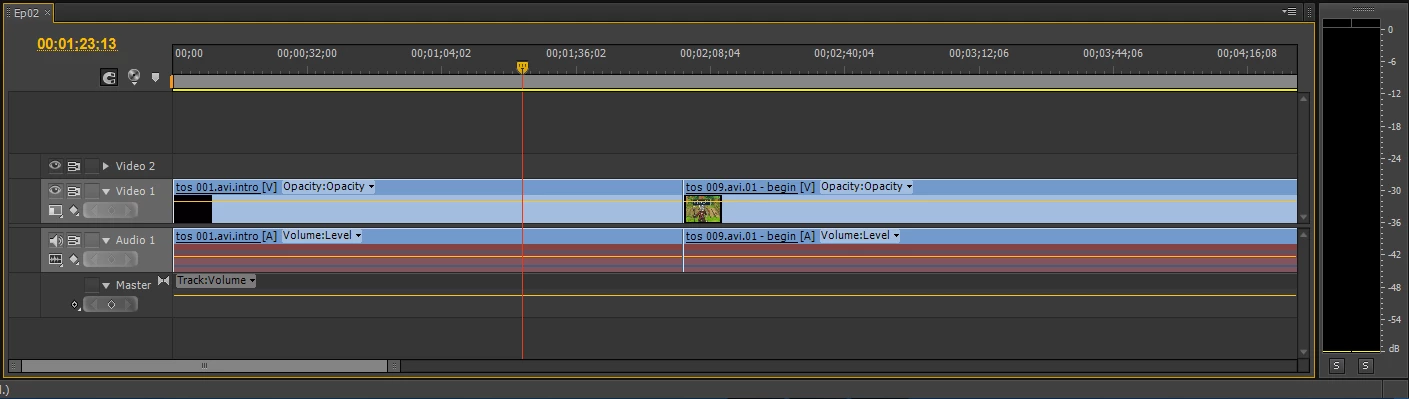
I tried Match Frame. Before performing Match Frame, the audio displays as unlinked in the Source window (next to Effects Controls). After the operation, it reloads the footage with the waveform and all in the Source window, but remains unlinked in the timeline. So, still no dice.
ECBowen sounded like he was on to something with getting Premiere to rebuild the conform files, but because it's such a background process I'm finding it difficult to be certain I've properly cleared everything. Is there a way to set a new Media Cache folder as you would the scratch disk folder?
Thanks for the responses, everyone.
had the same issue myself today, spent 1 hour on the phone with TS agent.
It seems that the problem involves copied/pasted elements from one project to another (copied the data in the sequence, switched projects, copied said data into sequence in the newer project). All was well until after a save, then the file was salmon-red and the audio file in the Source Panel looked like a nice clay tennis court.
TS suggested and it seemed to work, to import the sequence from the other project rather than copy/paste the files. I did this with the same footage then saved/closed several times with no additional problems.
The original problem sequence, however, was toast.
Looks like a bug to me.
Jay



 AdChoices