
Answered
.MXF files not matching between PC & Mac - Not Color Management Override Issue
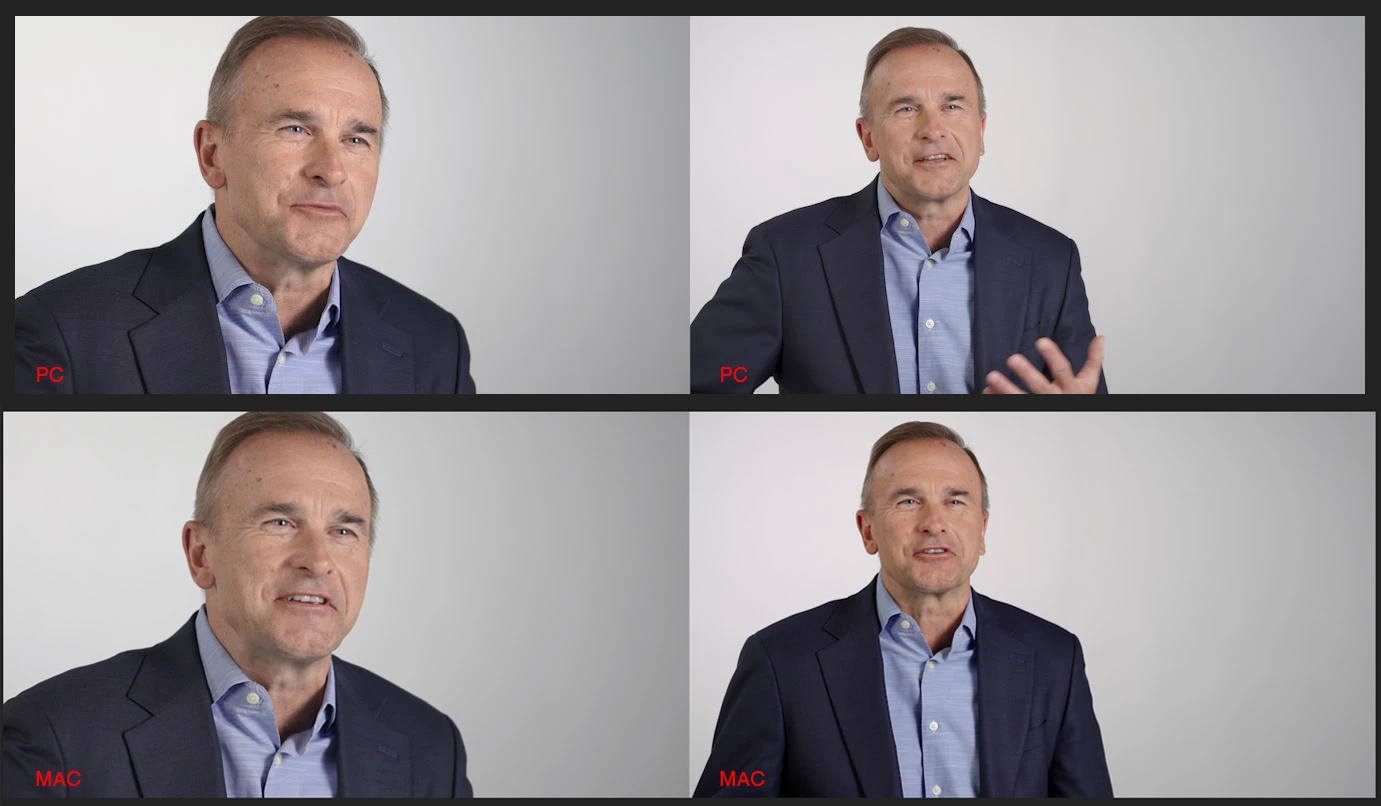
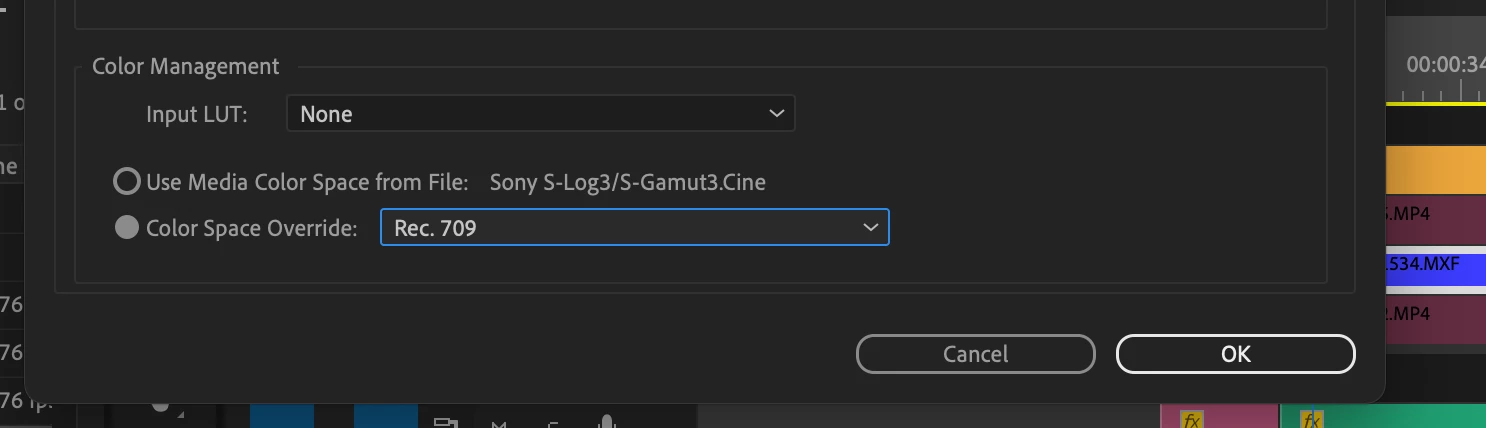
My Sony MXF files appear to have crushed blacks and slightly more saturation in Premiere on a Mac vs PC. This is not the usual color space override issue. Even after I set my clips to Rec. 709, they are still looking slightly more saturated.
On my PC, I have color-matched a shot between my Sony FX3 and Sony FX6. One is a .MP4 file and the other is a .MXF. On my PC, the two clips appear matched on two different displays. When I open the project on a M1 Mac, the .MXF file looks darker and more saturated...not a crazy amount, but the clips are very visibly not matching now (see attached example)
In my comparison, the FX3 (on the left) in both comparisons seems to be fine. It's only the FX6 with the MXF files on the right (wider shot) that are having color mismatch issues. Notice how much darker the suit is on the Mac.
How do I fix this?
 AdChoices