Yorben
Participant
February 23, 2022
Answered

My footage has more saturation, and contrast in the Program monitor but not in Source monitor.

  • February 23, 2022
  • 1 reply
  • 872 views

Hi! 


I recently got an issue in Premiere 22.2 and 22.1. 

My footage (shot on FS7 in 4K) is displayed completely different in Finder and in my Source monitor then in my timeline and render. If I add proxies and let my timeline play the footage is shown in its original state.

I work on an iMac 2020 AMD Radeon Pro 5300 4GB from 2020 without an external screen.

I do not have checked the Display Color Management in my preferences, and if I do check it the footage just gets darker. 


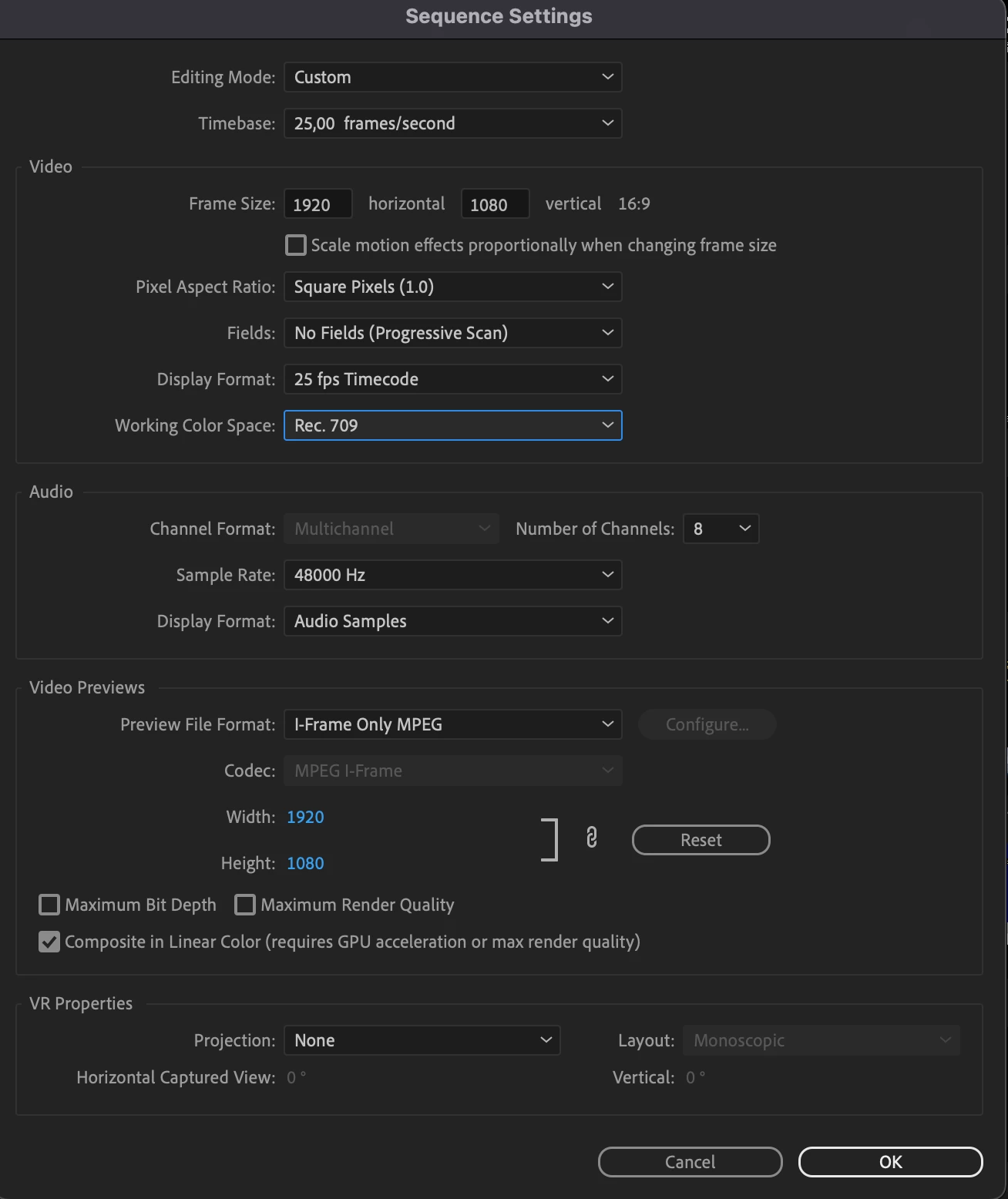
I have added my sequence settings, if there is needed any more settings or specs let me know!

Thanks!!
  

This topic has been closed for replies.
Correct answer Kartika Rawat

Hi there!

Sorry about the issue. Could you check this article for more suggestions? https://community.adobe.com/t5/premiere-pro-discussions/faq-how-to-fix-saturated-over-exposed-hlg-clips-in-premiere-pro-v-22/td-p/12489252


Let us know how it goes.

Thanks,

Kartika

1 reply

Kartika Rawat
Community Manager
Kartika RawatCommunity ManagerCorrect answer
Community Manager
February 23, 2022

Hi there!

Sorry about the issue. Could you check this article for more suggestions? https://community.adobe.com/t5/premiere-pro-discussions/faq-how-to-fix-saturated-over-exposed-hlg-clips-in-premiere-pro-v-22/td-p/12489252


Let us know how it goes.

Thanks,

Kartika

Yorben
YorbenAuthor
Participant
February 24, 2022

Hello,


Thank you so much, this resolved my question!


Yorben