
My recorded video is 1920x1080, but Premiere Pro won't let me export anything larger than 352x288
Hi all!
I'm afraid I'm a bit of a novice when it comes to video editing. I recorded some video using a Nikon SLR camera. According to Premiere the properties of the imported video file are:
-----------------------------
Type: MPEG Movie
File Size: 119.44 MB
Image Size: 1920 x 1080
Frame Rate: 29.97
Source Audio Format: 48000 Hz - 16-bit - Stereo
Project Audio Format: 48000 Hz - 32 bit floating point - Stereo
Total Duration: 00:01:26:09
Pixel Aspect Ratio: 1.0
Alpha: None
Video Codec Type: MP4/MOV H.264 4:2:0 (Full Range)
-----------------------------
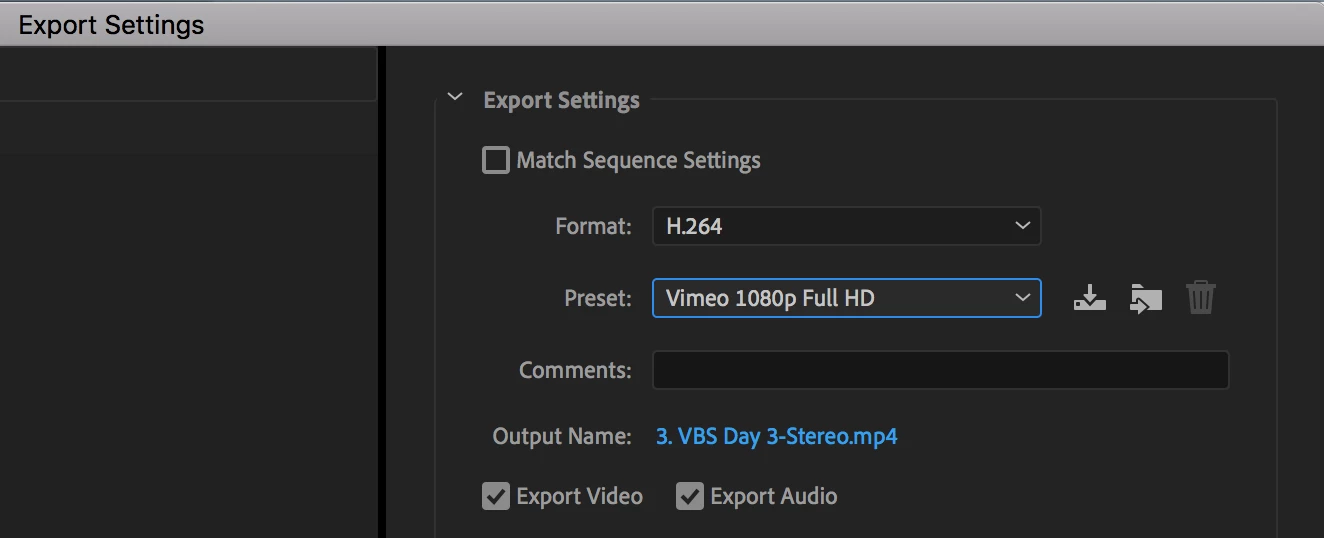
But when I try to export the video as an MPEG4, which is the required file format, it won't let me export with anything larger than 352 x 288 aspect ratio. I've tried changing the sequence settings but usually get a pop-up saying that the video doesn't fit the settings. If I keep the settings anyway then the video exceeds the Preview display size. The sequence settings I'm running with currently are:
-----------------------------
Editing Mode: Custom
Timebase: 29.97 frames/second
Frame Size: 1920 x 1080
Pixel Aspect Ratio: Square Pixels (1.0)
Fields: No Fields
Preview File Format: I-Frame Only MPEG
Width: 1920
Height: 1080
-----------------------------
What am I doing wrong that makes it so that I can't export an MPEG4 at a higher aspect ratio? Any help would be greatly appreciated! Thank you!
 AdChoices