Inspiring
April 30, 2024
Question

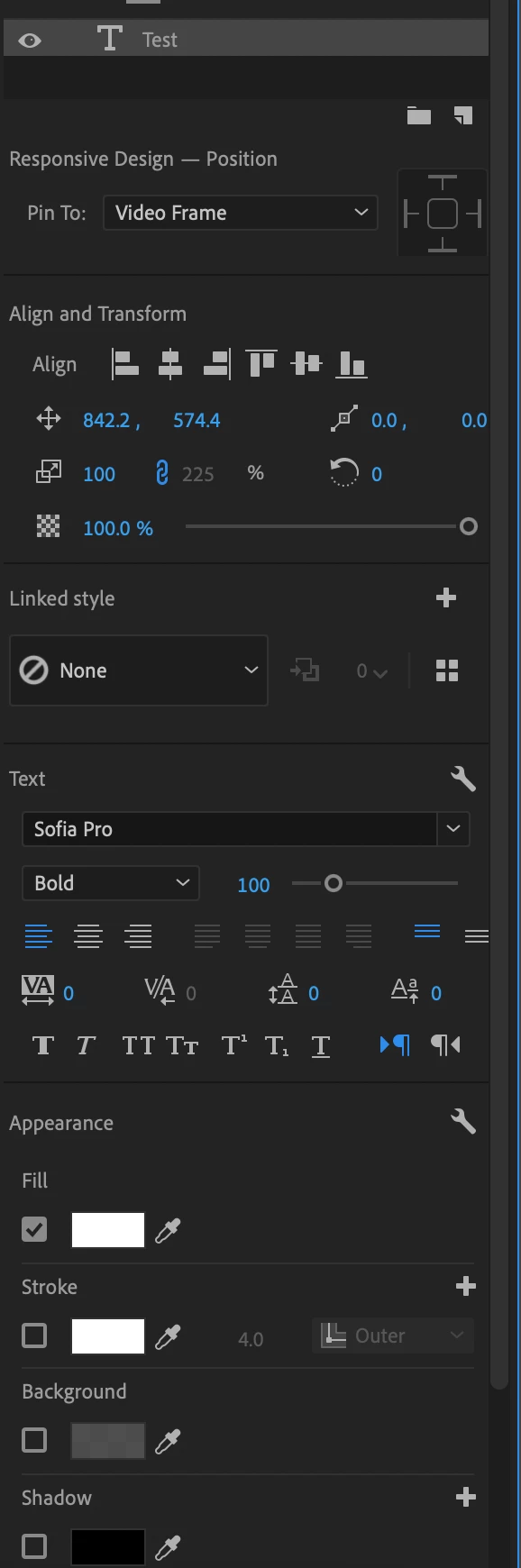
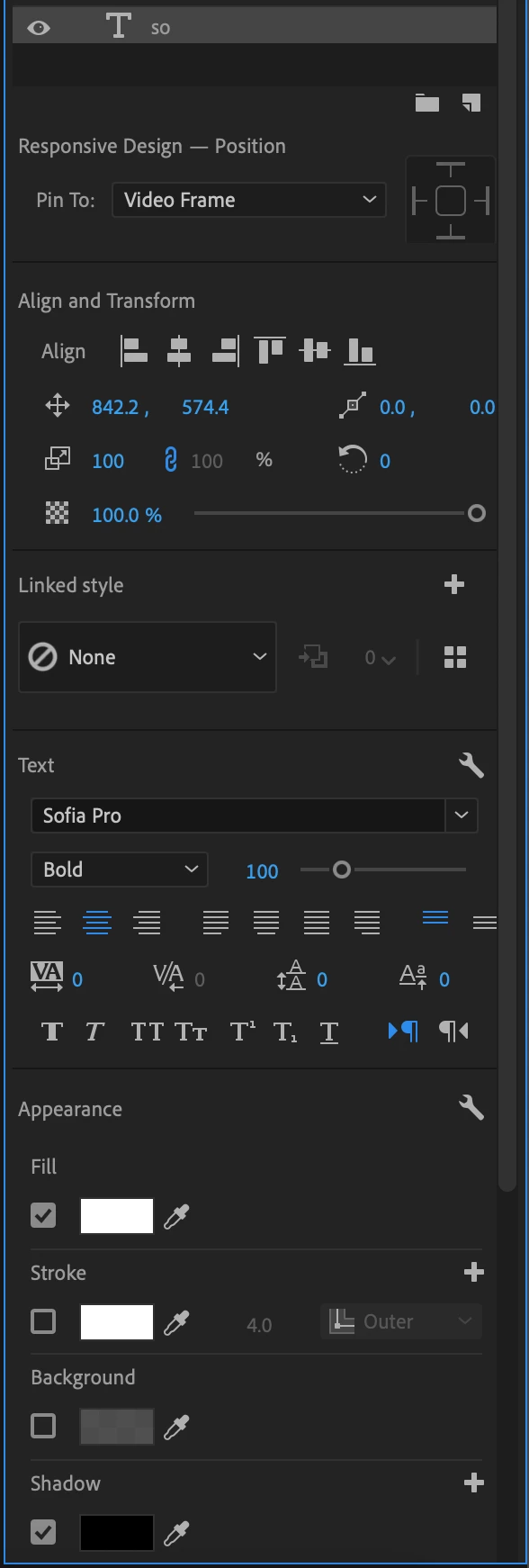
My text has the same attributes, but different positions. How do I make them similar?

  • April 30, 2024
  • 2 replies
  • 286 views

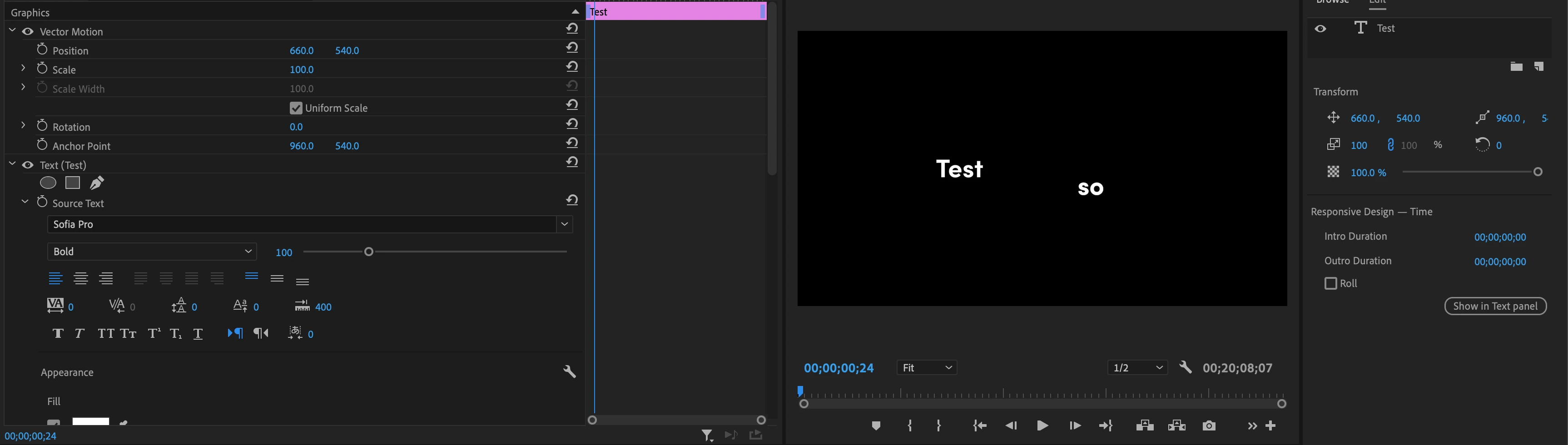
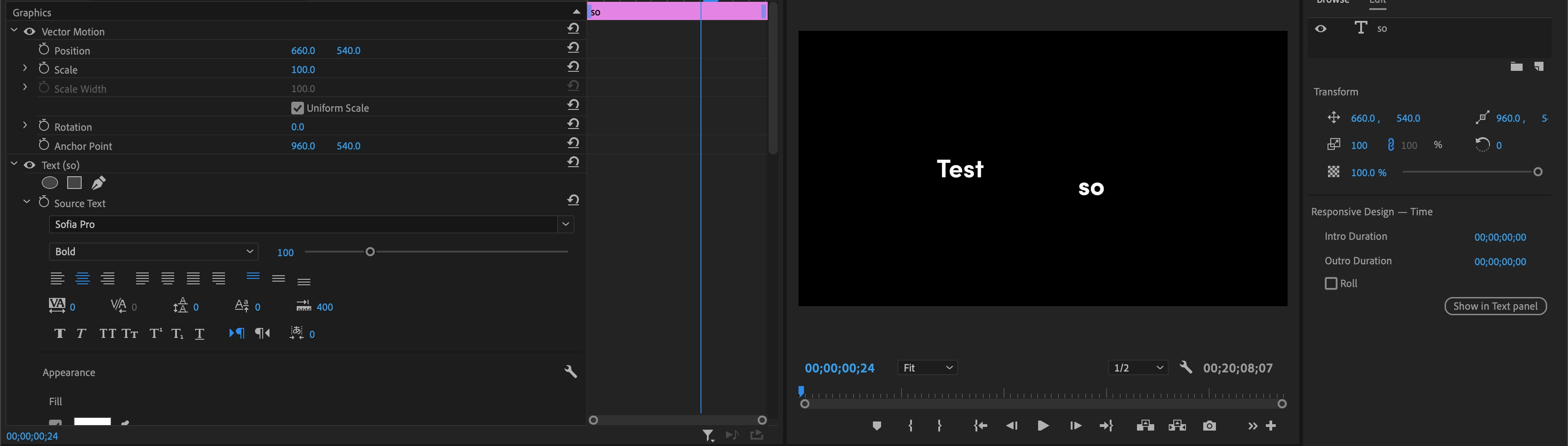
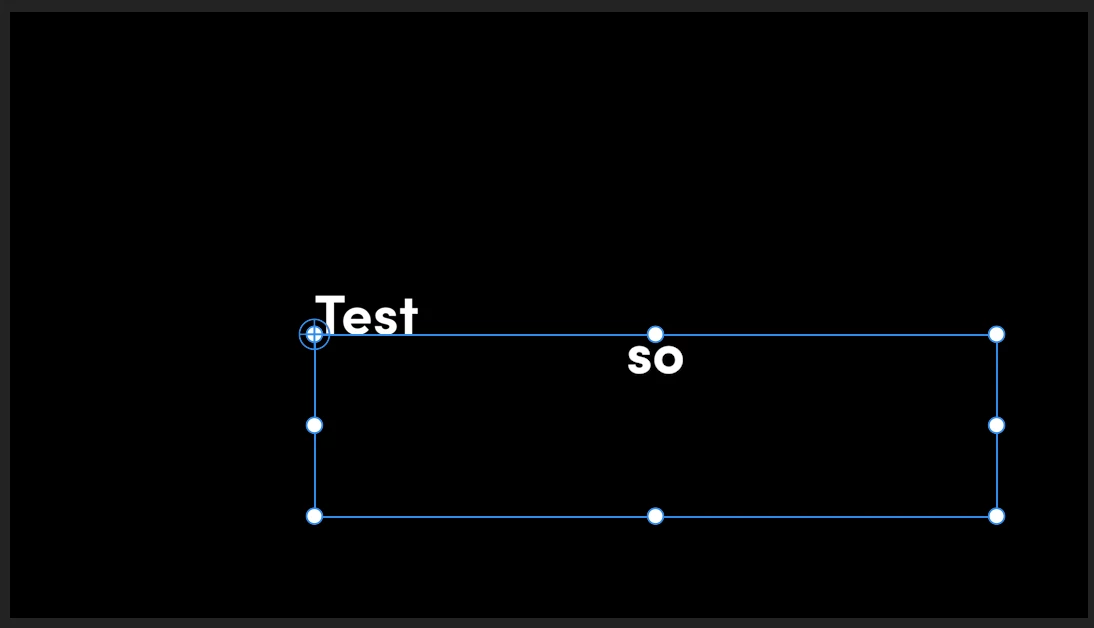
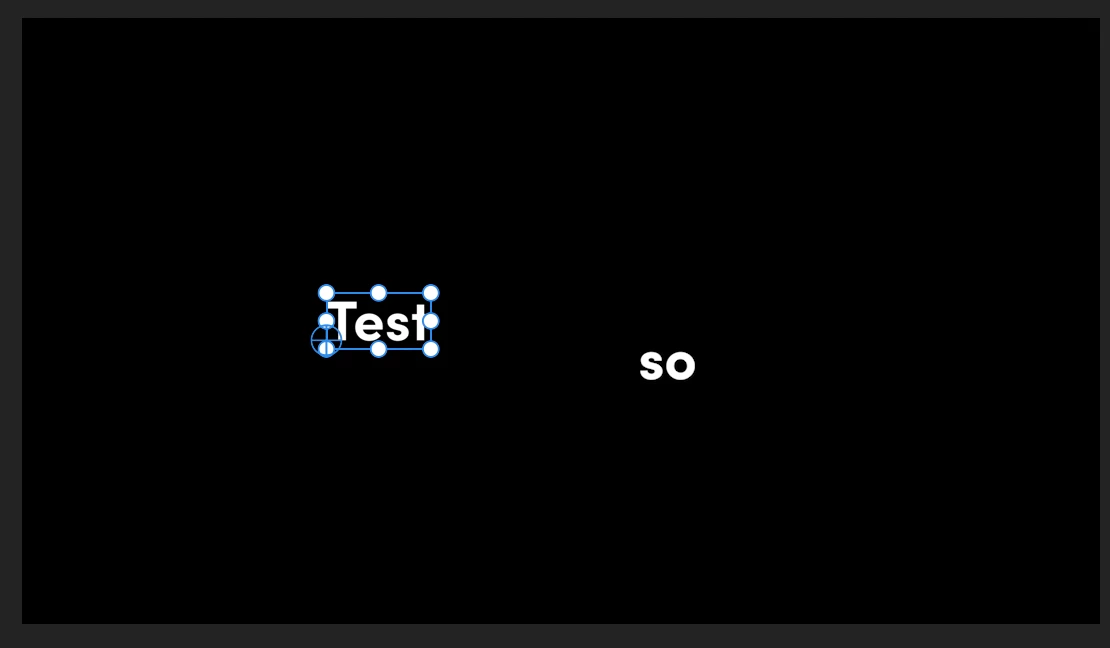
I'm working on a text heavy video. In the photos below, I'm trying to align my text where the "Test" text is. Everything in the essential graphics panel is the same for the two text. The only difference is "so" has a different text box. It was originally a caption that I converted to text. I have a ton of converted captions that I want to position where "Test" is. How can I change the text box so they line up? Is there anyway to automate this process?


This topic has been closed for replies.

2 replies

AnnikaKoenig
Legend
April 30, 2024

There is no perfect way to do alignment across multiple graphics at the moment. Do you have the chance to undo the conversion from captions to graphics and do the alignment with the captions first and then turn them into graphics? That would be much easier.


1. Align one of the captions to the "Test" Graphic using the Align and Transform controls in the Essential Graphics panel

2. Create a Track style using in the Essential Graphics panel (this will automatically align all your captions)

3. Now do the conversion to graphics

R Neil Haugen
Legend
April 30, 2024

There are two types of entering text on-screen in PrPro. The first is "point", where you click on the screen, then start typing. The other is box, where you click/drag to create a 'bounding box', and type inside the box.


So ... if one is one, the other the other, you would naturally have different behaviors. I don't know enough of the precise steps you used to be able to guess what's what.

Everyone's mileage always varies ...
Inspiring
April 30, 2024

The "test" is point. I used the text tool for it. The captions were highlighted -> Graphics and Titles -> Upgrade Captions to Graphics. Is there anyway to change the behavior of the graphics?