


StickyQuestion
Navigate Faster with the Sequence Index
🧭 Navigate Faster with the Sequence Index
TL;DR
- Sequence Index is a navigation tool, not an edit panel
- It surfaces markers, clips, and titles instantly
- It’s ideal for large or long timelines
Why Sequence Index Exists
Scrolling long timelines is slow. Sequence Index lets you:
- Jump directly to markers
- Locate clips by name
- Navigate complex structures instantly
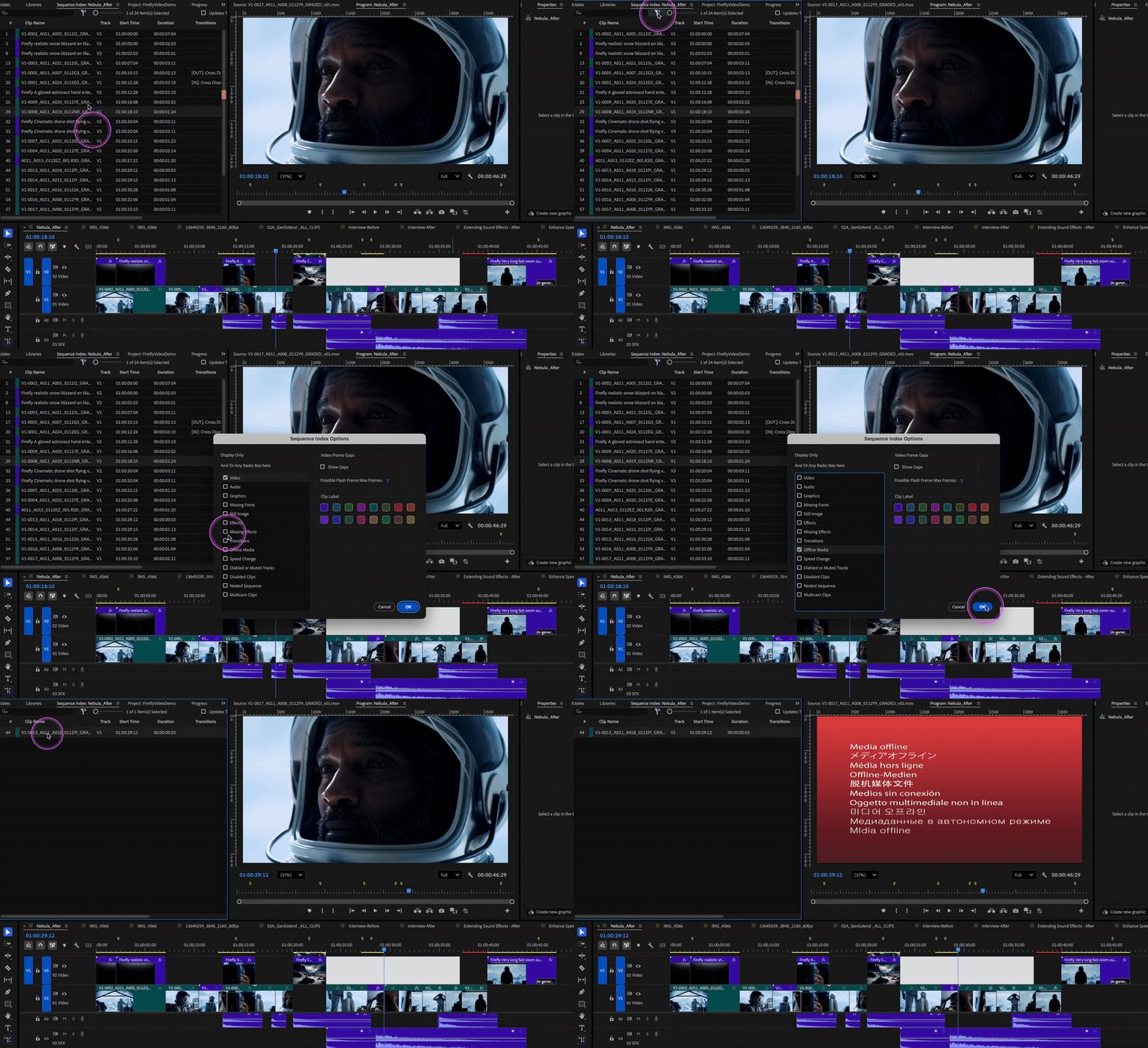
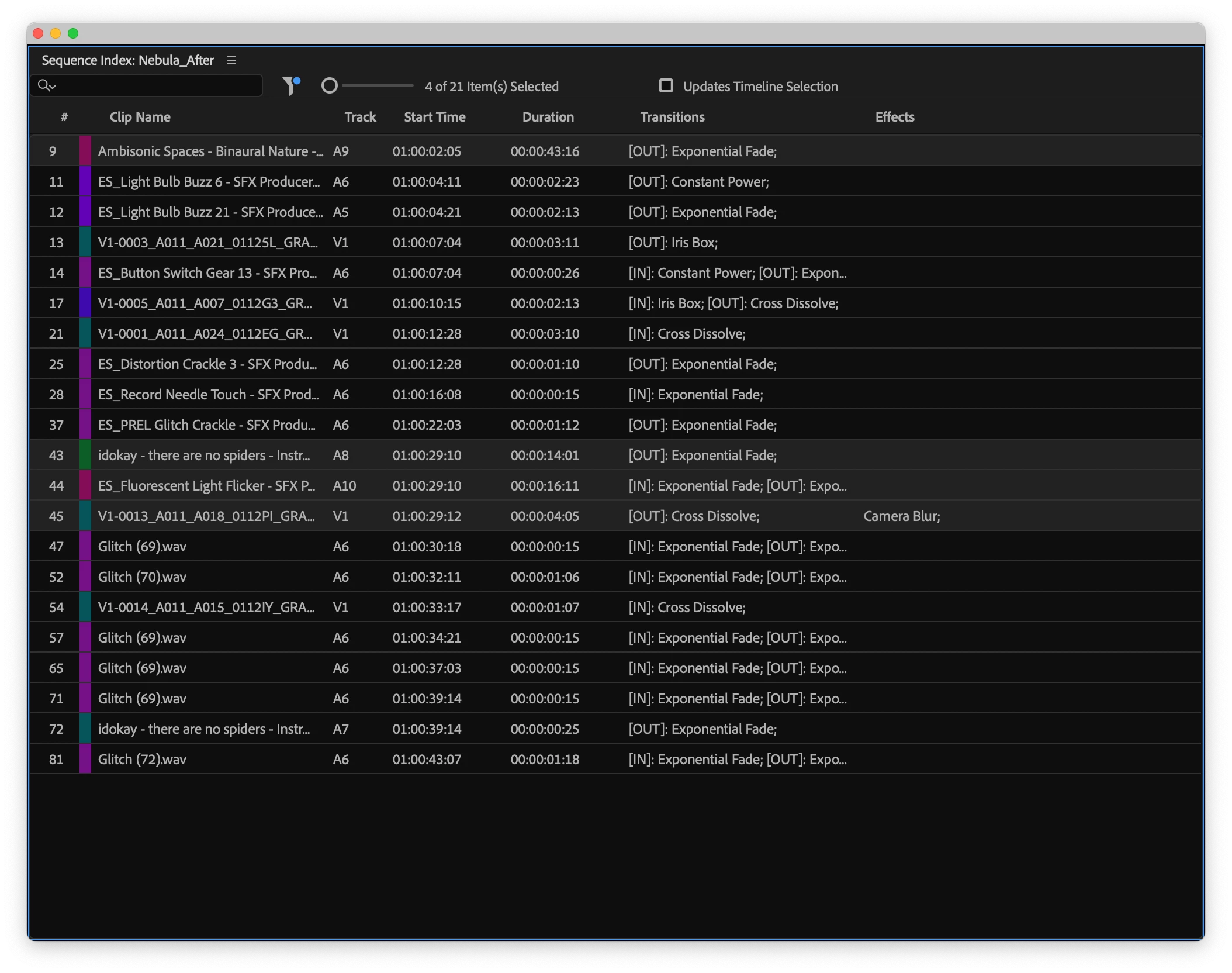 Filter clips in the Sequence Index by label color or properties such as media type, effects, or clip status to quickly locate specific items in complex timelines.
Best Use Cases
- Feature‑length timelines
- Documentary editing
- Projects with dense marker use
📎 Resources
Help documentation: Navigate timelines with Sequence Index
 AdChoices