Participant
March 17, 2024
Question

Need help with editing 4k videos

  • March 17, 2024
  • 3 replies
  • 623 views
Hello everybody, I am very new to filmmaking + editing and completely helpless and confused right now.
 
System: I have a Windows PC with 32GB RAM and a Nvidia TX 3070 graphics card. I use Game Ready Drivers. I use Premiere Pro 2024 on a 7 day trial. My display is 2560x1600.
 
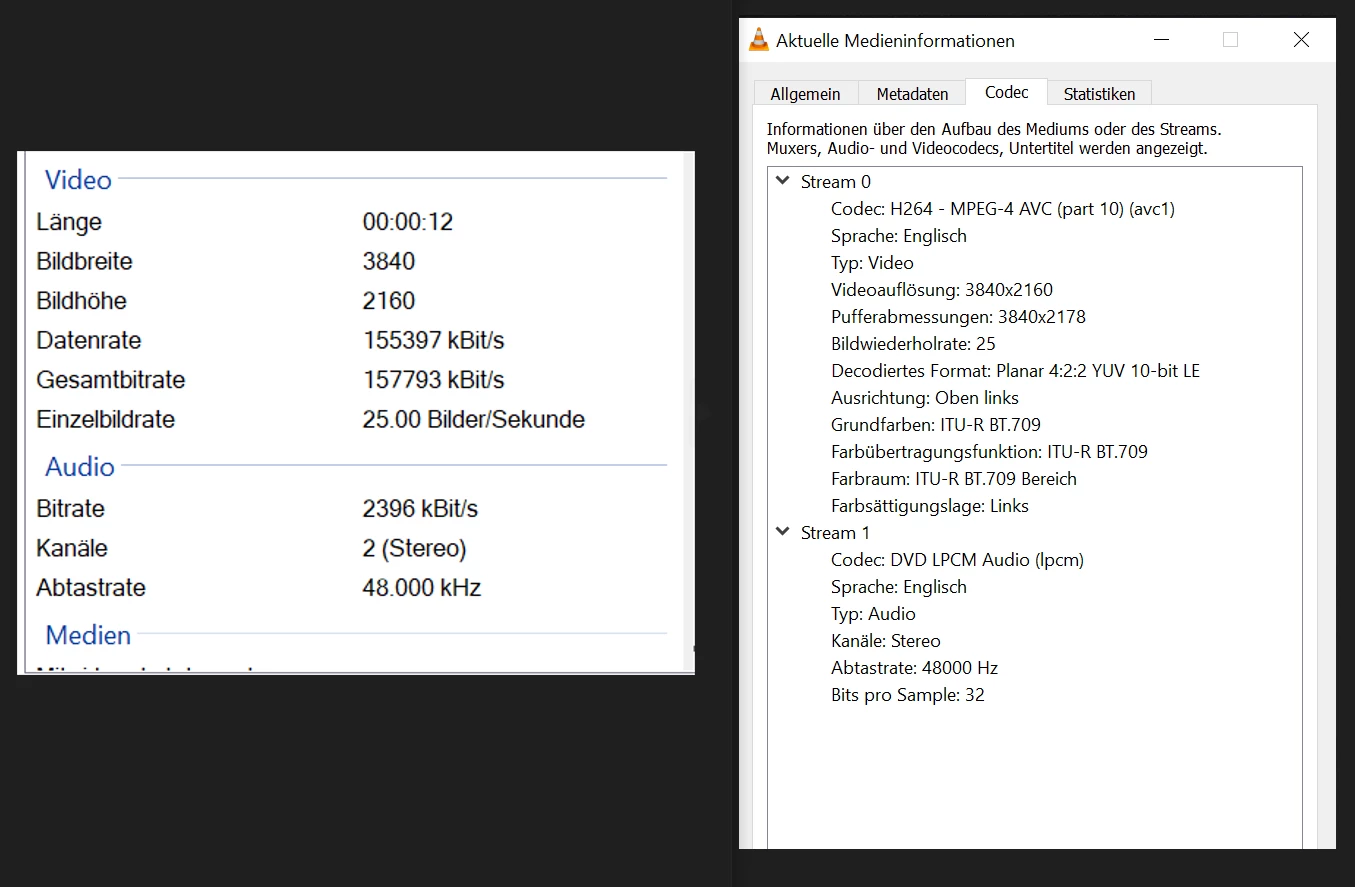
Footage: The footage is .mov, filmed in 4k and 25fps. I can not play the footage with VLC media player. Apparently the codec is "H264 - MPEG-4 AVC). I attached pictures.
 
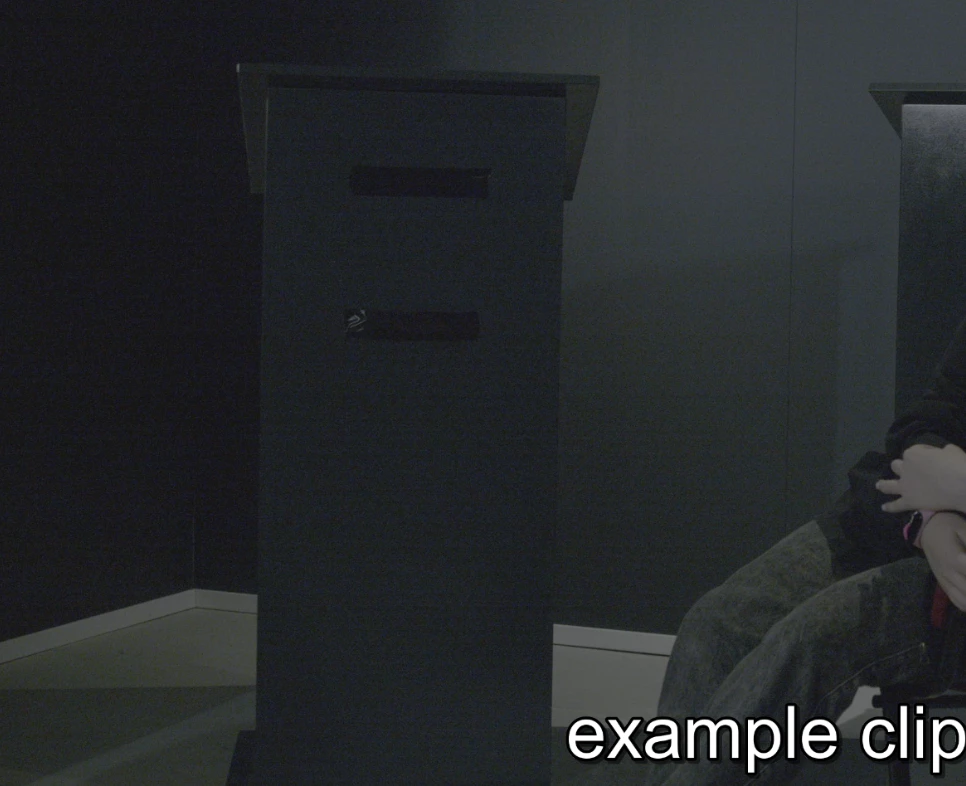
Problem: When I import/edit the footage into Premiere Pro, it runs very well but looks extremely grainy in a stripy kind of way. See picture. Questions: What can I do to solve this problem? Is the footage faulty or my setup? If this is normal while editing, how can I export this correctly to full quality?
 
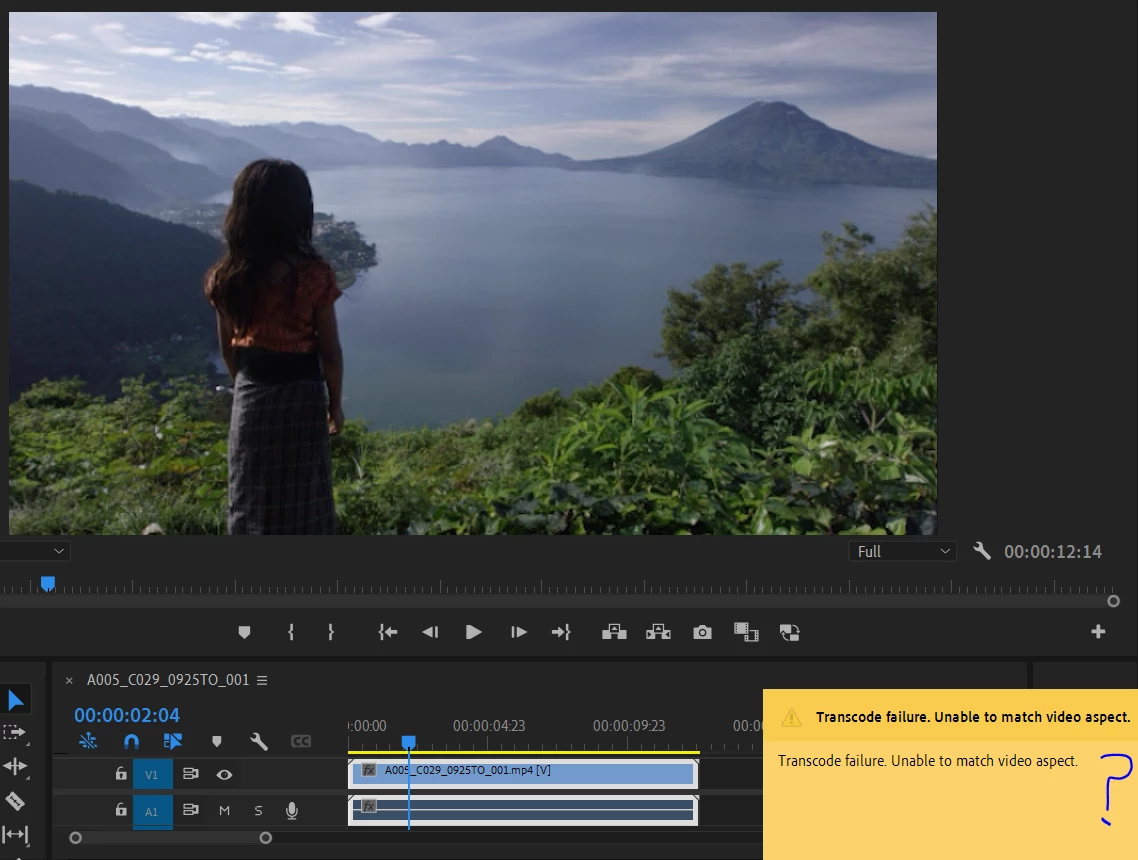
Sidenote: The Premiere Pro Tutorial footage also looks grainy, and when I try to render it, it says "Transcode failure. Unable to match video aspect." Maybe this has something to do with it? See picture.


3 replies

Rey927Author
Participant
March 17, 2024

Hello, here is additional info acquired with MediaInfo:

R Neil Haugen
Legend
March 17, 2024

John's got excellent comments!


I'll add, the latest Studio driver from Nvidia is another botch job. Use their driver support page to search for older drivers, and take the one just back one driver from the current Studio driver. And when you see the options on their install process, don't select the 'experience' one, the simple install ... and choose the 'clean install' option also.

Everyone's mileage always varies ...
John T Smith
Community Expert
Community Expert
March 17, 2024

>Nvidia TX 3070 graphics card. I use Game Ready Drivers


nVidia Driver Downloads https://www.nvidia.com/Download/index.aspx?lang=en-us
-for all Adobe programs use the STUDIO driver, not the GAMING driver
-To achieve the highest level of reliability, Studio Drivers undergo extensive
-testing against multi-app creator workflows and multiple revisions of the top
-creative applications from Adobe to Autodesk and beyond


>can not play the footage with VLC media player


That is VERY BAD


Exactly what is INSIDE the video you are editing?
Report back with the codec details of your file, use the program below
Free program to get file information for PC/Mac http://mediaarea.net/en/MediaInfo/Download
- a MediaInfo tutorial https://youtu.be/Ivy9ckSX1M0
- when you analyze your file in MediaInfo and post a screen shot in the forum, do so in TREE view
- post your information IN your message, not as an attachment that someone would have to download