

Leonardo5FDE
Participating Frequently
June 15, 2023
Answered

Need HELP! WOW!!! Very, very! strange behavior (audio issues - premiere)

  • June 15, 2023
  • 3 replies
  • 502 views

So.. 

basically ... 

when i play feel parts of my 50 hours recordings on VLC, or other player,

the audio seems to come from an old telephone... the quality falls a lot (... sad  😕😕

when i imported to premiere and play inside the timeline the audio is still horrible...

HOWEVER ... !!!
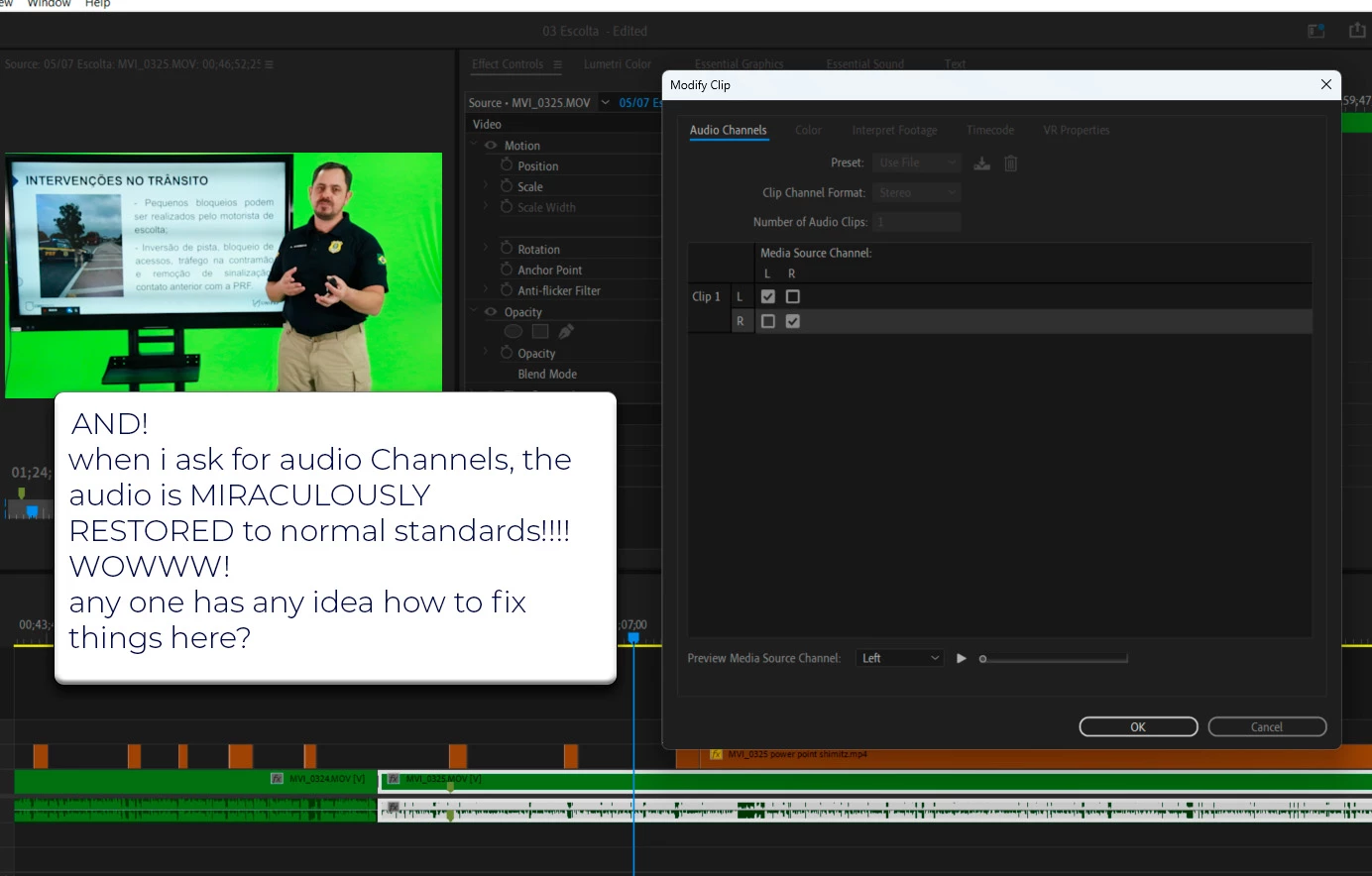
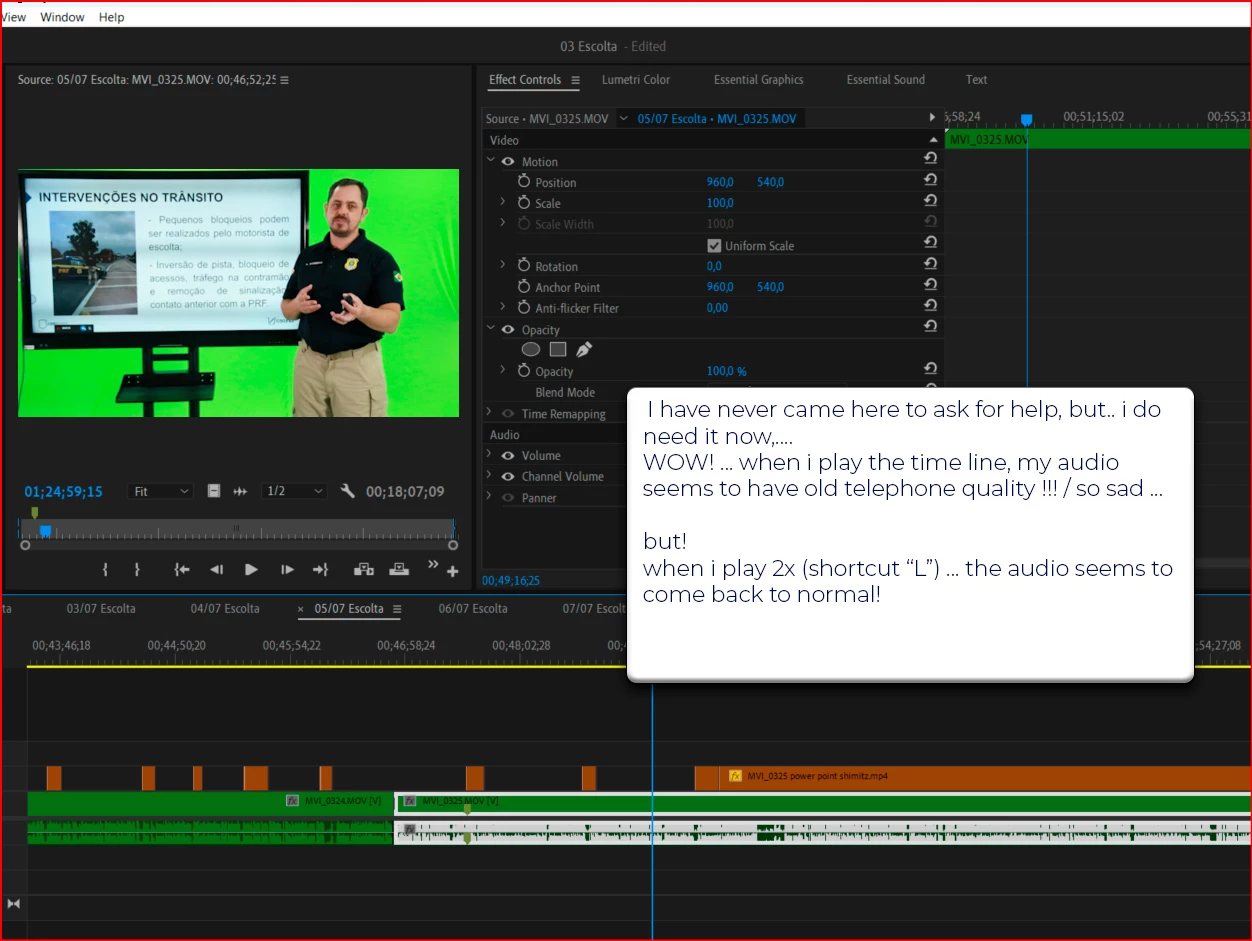
when i play the thing in premiere, with 2x speed.. the audio seems to be restored to normal status! 🙂

and!!!!

when i check the window, 'audio channels', inside premiere menus, and play over there, the audio comes back LIFE! to perfect condition! 

WOW!!!


anyone has anyidea what could be wrong with 10% of my 50 hours recordings ? ... 

This topic has been closed for replies.
Correct answer Richard M Knight

Your faulty clip is completely out of phase, try adding 'fill left with right' audio effect to the track to sort the problem. Not sure how this has happened with just this clip if the others are ok. This problem is often caused by connecting a balanced mic to a unbalanced 3.5mm jack on the camera with an incorrectly wired cable, was anything changed in your filming setiup?

3 replies

MyerPj
Community Expert
Community Expert
June 15, 2023

Yes, I gave those a try. The With Problem clip is definitly thinner. I tried to zoom in on the mic to see if it had reveresed itself on his shirt, but I couldn't see anything. Maybe something moved in the room and it is picking up more echo?  The with clip starts on a breath so it sounds a little worse right at the start. Sorry I can't help more...

Leonardo5FDE
Participating Frequently
June 15, 2023

so ... here comes the weird thing ... 

if you throw the both clips in a timeline ... 

and, ..

if u press "L" while playing, (to move clip foward faster) ... you will notice that the sound gets instantly normal, and the BAD SOUND transforms into a GOOD SOUND ... 


weird ...

and! 

if you click w the leftbutton on the track, and ask for the option AUDIO CHANNELS, and, inside this window, hit play, the audio also instantly gets better and normal!


hard to belive... lol ... but many thanks for trying ! 

Richard M KnightCommunity ExpertCorrect answer
Community Expert
June 16, 2023

Your faulty clip is completely out of phase, try adding 'fill left with right' audio effect to the track to sort the problem. Not sure how this has happened with just this clip if the others are ok. This problem is often caused by connecting a balanced mic to a unbalanced 3.5mm jack on the camera with an incorrectly wired cable, was anything changed in your filming setiup?

MyerPj
Community Expert
Community Expert
June 15, 2023

Sure, send a file, I'll give it a try.

Leonardo5FDE
Participating Frequently
June 15, 2023

hi there!!!

thanks for you fast reply!!!!!


here are the links to see the files... 

https://drive.google.com/drive/folders/1K_RS_mGnND3I4IO5Tb9Ltcbcw4vn8yIf?usp=sharing


i m anxious to see if anyone could solve this mistery! lol ...and... as i told it ... i just dont remember to have changed any configuration on the mics during the shootings ... 

thanks!!!


https://drive.google.com/drive/folders/1K_RS_mGnND3I4IO5Tb9Ltcbcw4vn8yIf?usp=sharing

Leonardo5FDE
Participating Frequently
June 15, 2023

perhaps some advanced users could have an answer to this very strange behavior ... 

Leonardo5FDE
Participating Frequently
June 15, 2023

btw ... i could make the files avaliable 🙂

Ann Bens
Community Expert
Community Expert
June 15, 2023

Make sure Default Input in the Audio Hardware in the Preferences is set to No Input.