
Nested layers exporting with 'transform'
Believe this issue must have something to do with the nested sequence not matching the timeline sequence, but I haven't run into this issue before...
In my project I have nested a clip in my sequence to do some basic rotoscoping, I've replace the photo in the frame with a JPEG:
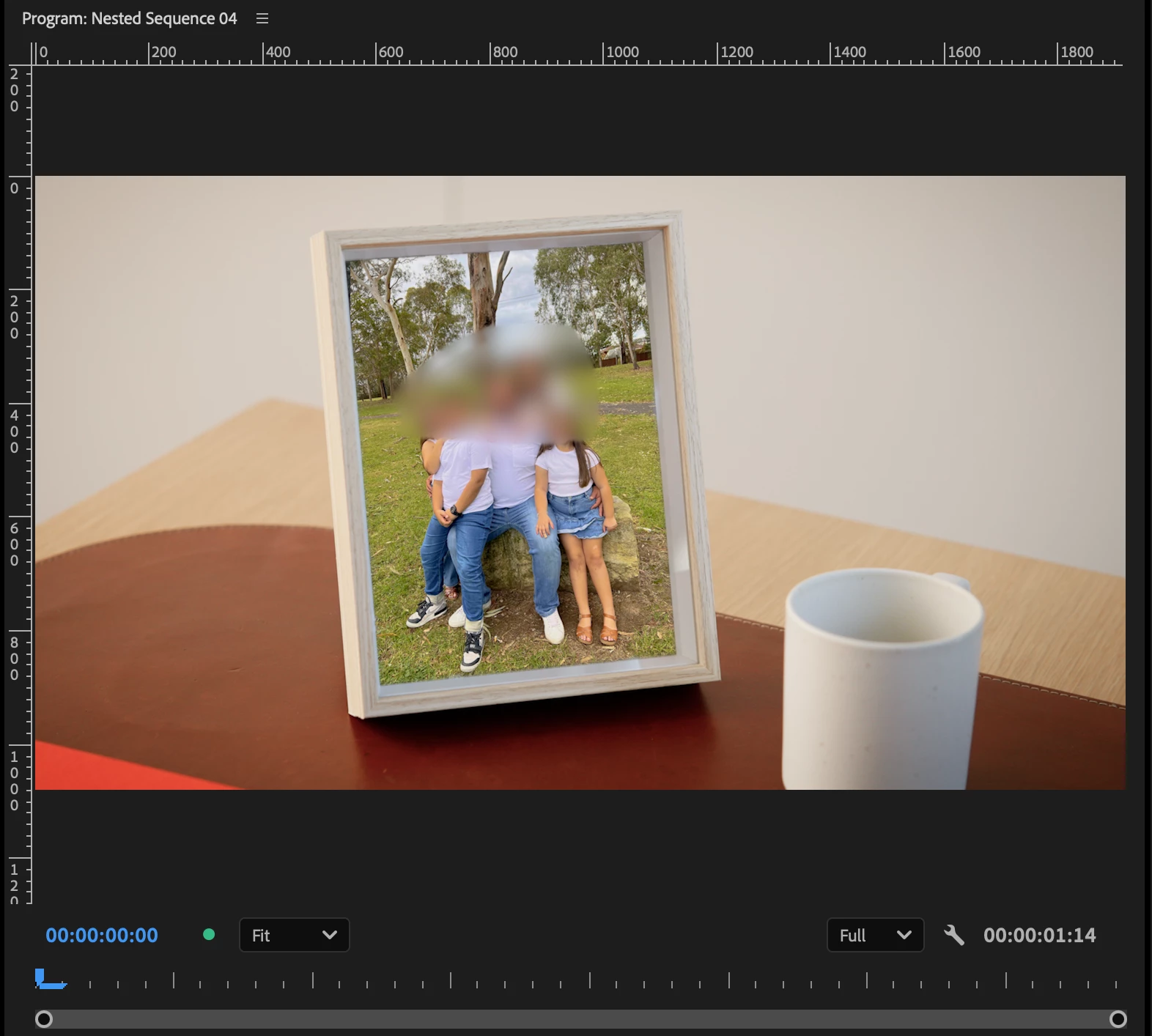
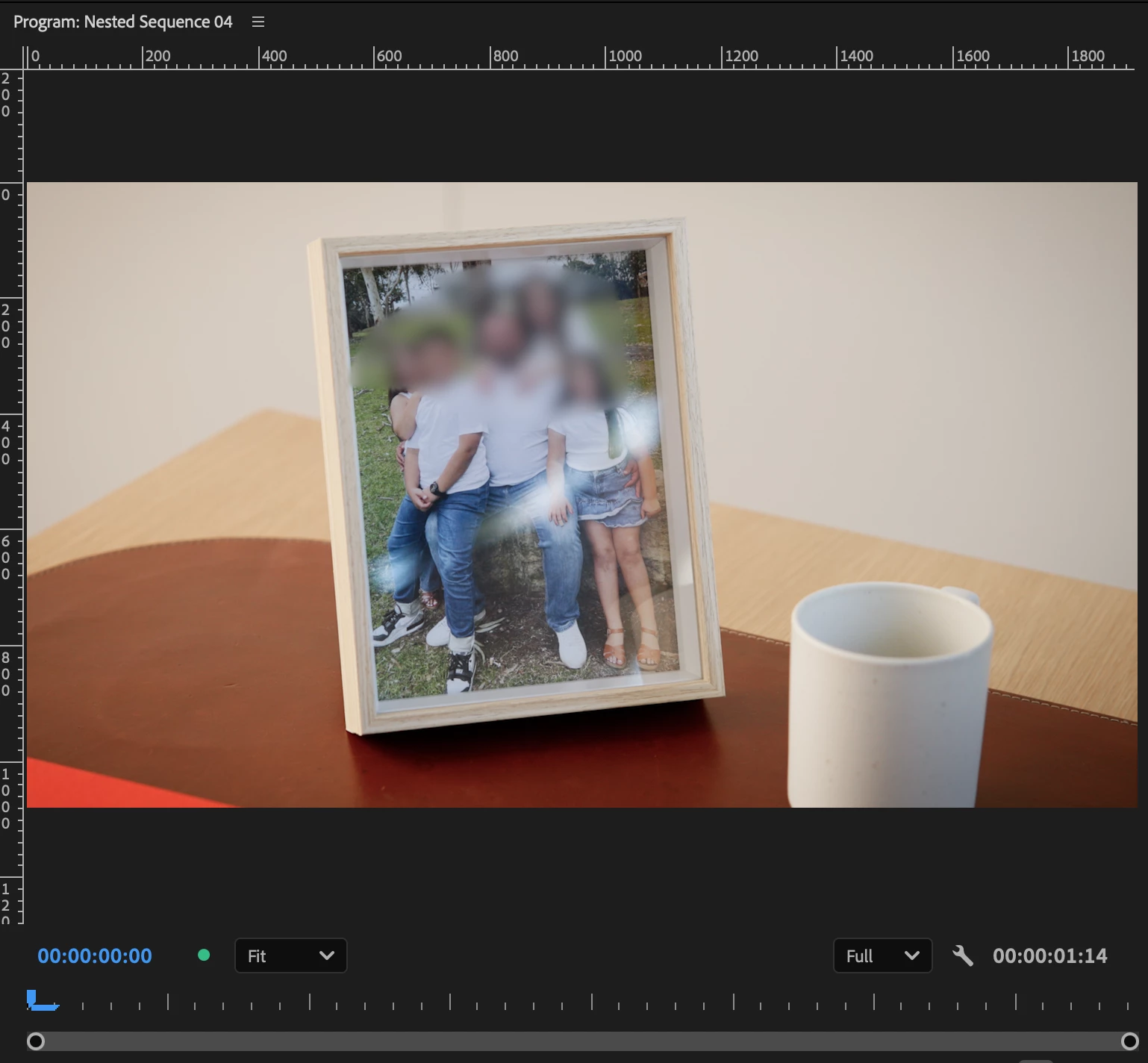
This nest was originally created for 1920x1080 (16x9) timeline, but the client has also asked for several other versions including a vertical edit, so I'm exporting a 607 x 1080 (~9x16) version here:
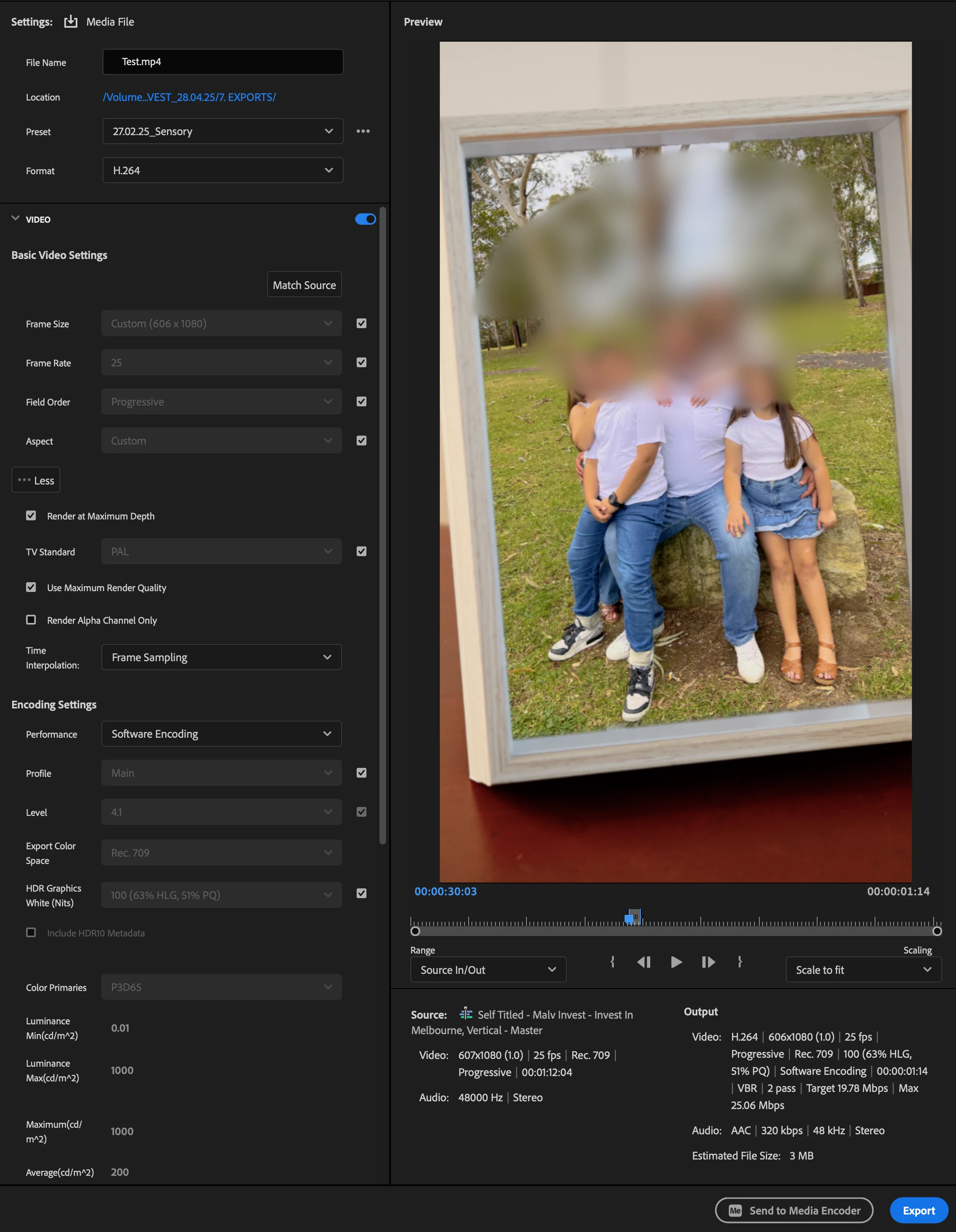
In my 607x1080 timline the nest looks perfect, but when I export it the JPEG slips
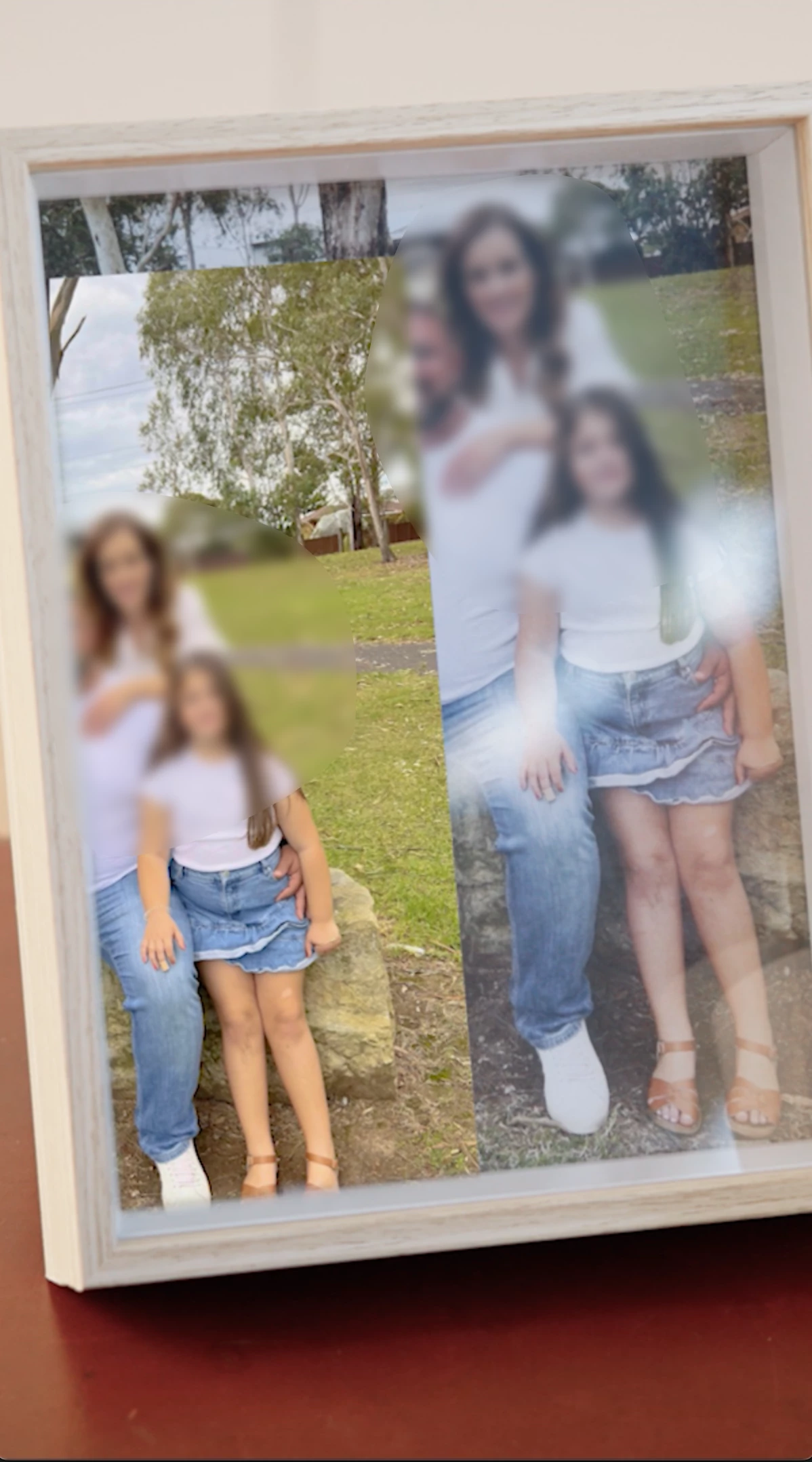
The work around is to simply render out the sequemce inside the nested clip, which is okay but I want to know why this is happening - any ideas?
A few details:
I'm working off a Mac M2 Max Studio
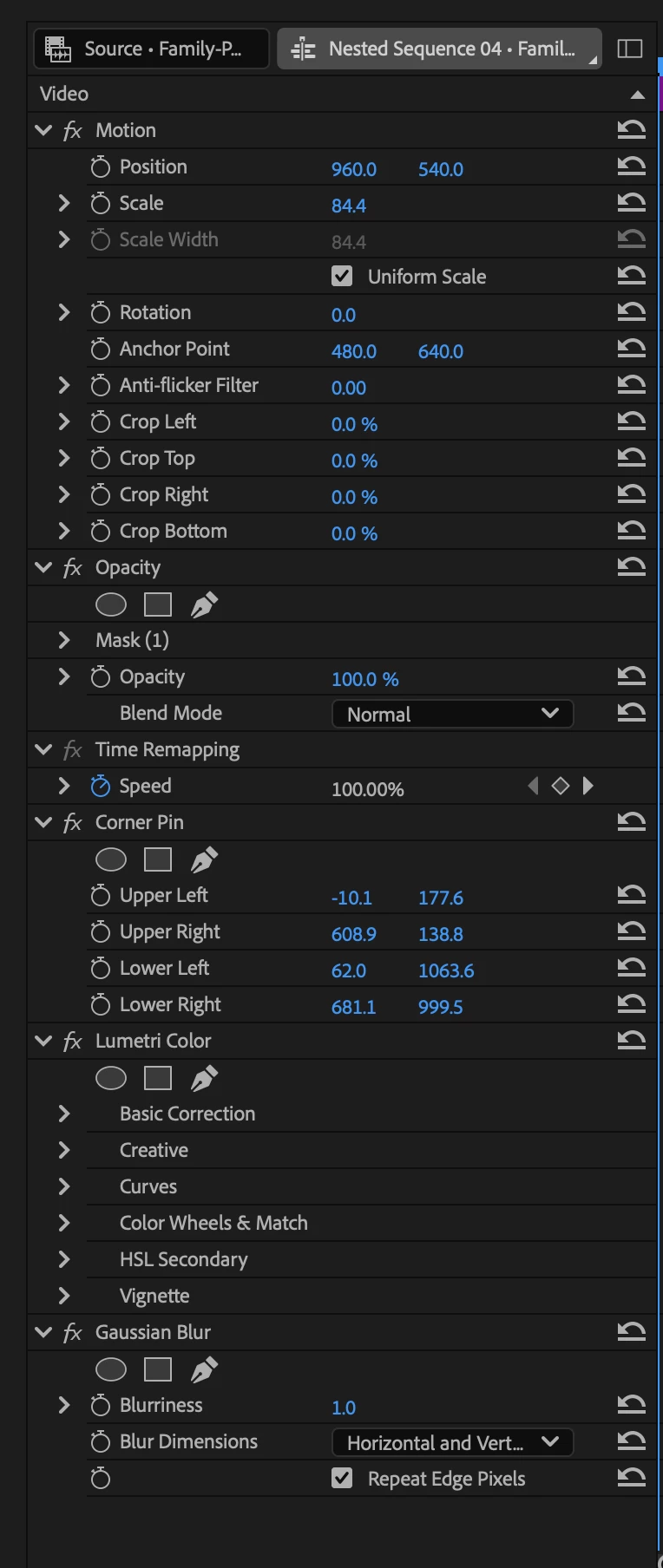
I've used the following effects on the JPEG to get it to match:
- Motion
- Corner Pin
- Lumetri Color
- Gaussian Blur



 AdChoices