
Videographer Suxrob
Known Participant
April 23, 2022
Answered

New Import Workflow in Premiere Pro

  • April 23, 2022
  • 2 replies
  • 1077 views

Hello everyone!
I thought there were a lot of new friends and real people here.
I contacted Adobe specialists during the day, they listened to my problem and demanded an active subscription from Medan. (Unfortunately I do not currently have an active subscription to Adobe)
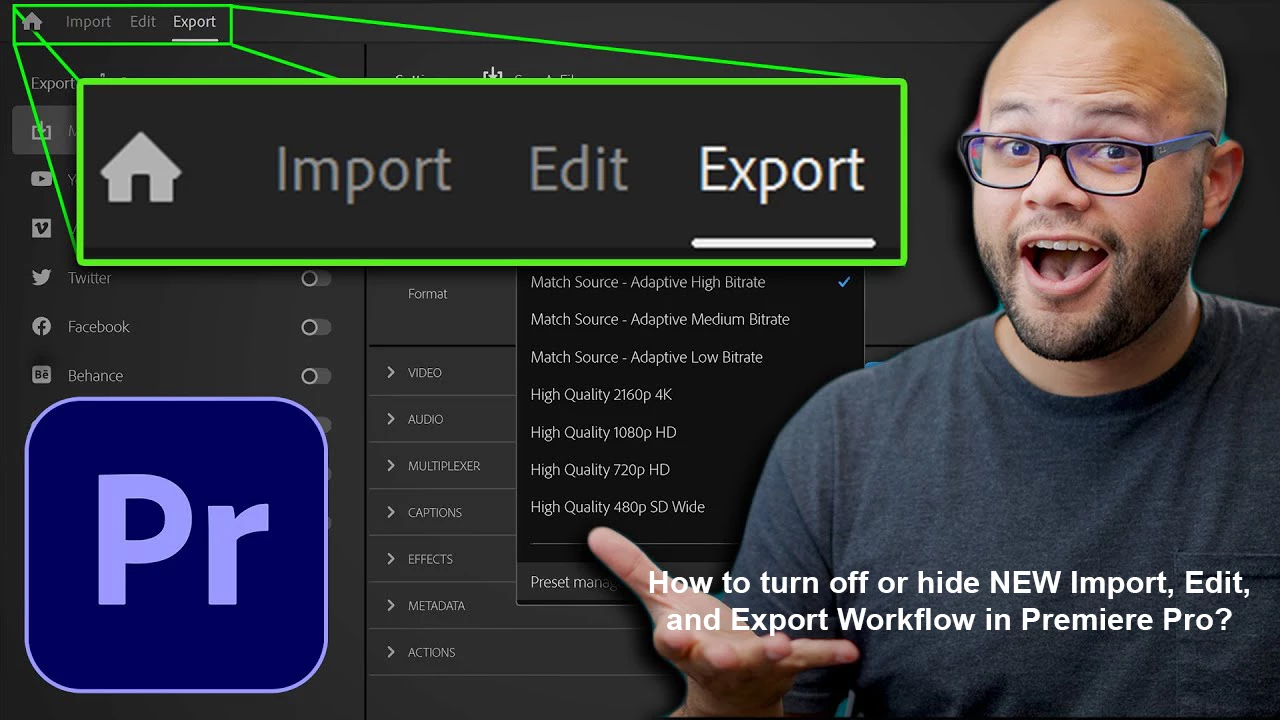
I had a question about disabling or hiding the new import workflow on the Premiere Pro CC2022, tell me how to disable or hide this new but weird and buggy new menu (from the engineering menu or elsewhere) can i put Thanks for any answers!
 

This topic has been closed for replies.
Correct answer R Neil Haugen

As noted in the other post you made on this ...  if you use the option 'same as project' this time, they will be there until you change them. So they will be in subfolders of the main folder your project file is in.


Project Settings are sticky. Set them once, they'll follow that the next time.


Neil

2 replies

John T Smith
Community Expert
Community Expert
April 25, 2022

>do not currently have an active subscription to Adobe


Your PPro questions go back to January About visioni45554600 - Adobe Support Community


Just how are you using Premiere Pro if you do not have a subscription?

R Neil Haugen
Legend
April 23, 2022

The old "new project" dialog had a ton of things most people never used. Which is not at all different from the new one, just different options to ignore.


We simply gave a name and location, clicked "create". Then imported assets from the Project panel or the MediaBrowser panel. And got to work.


Now? Exactly the same thing! Seriously. The only diffence happens exactly ... ONCE.  The first time, make sure no options to the right are blue ... uncheck any that are. Now no imports will happen ... and you never need check again.


On the Import page, give a project name, location. Click Create project in the lower right.


Your project opens, import assets from either the Project panel or MediaBrowser.


Exactly as before. It takes no more time, effort, or clicks.


The only change is the look and options available if you want them, which are different from the options we never used before.


Neil


Everyone's mileage always varies ...
Videographer Suxrob
Known Participant
April 23, 2022

Dear Neil, Thank you for your feedback and response!


I have videos in 4 folders, if I use the new import section, my videos in 4 folders will be saved to a single folder and all the videos will be messed up. (and the folder names stored in the 4 folders are also not written separately in the import,) How can I replace it with the previously simpler import menu? Or can you tell me how to hide the New Import business process?