


Inspiring
April 22, 2026
Question

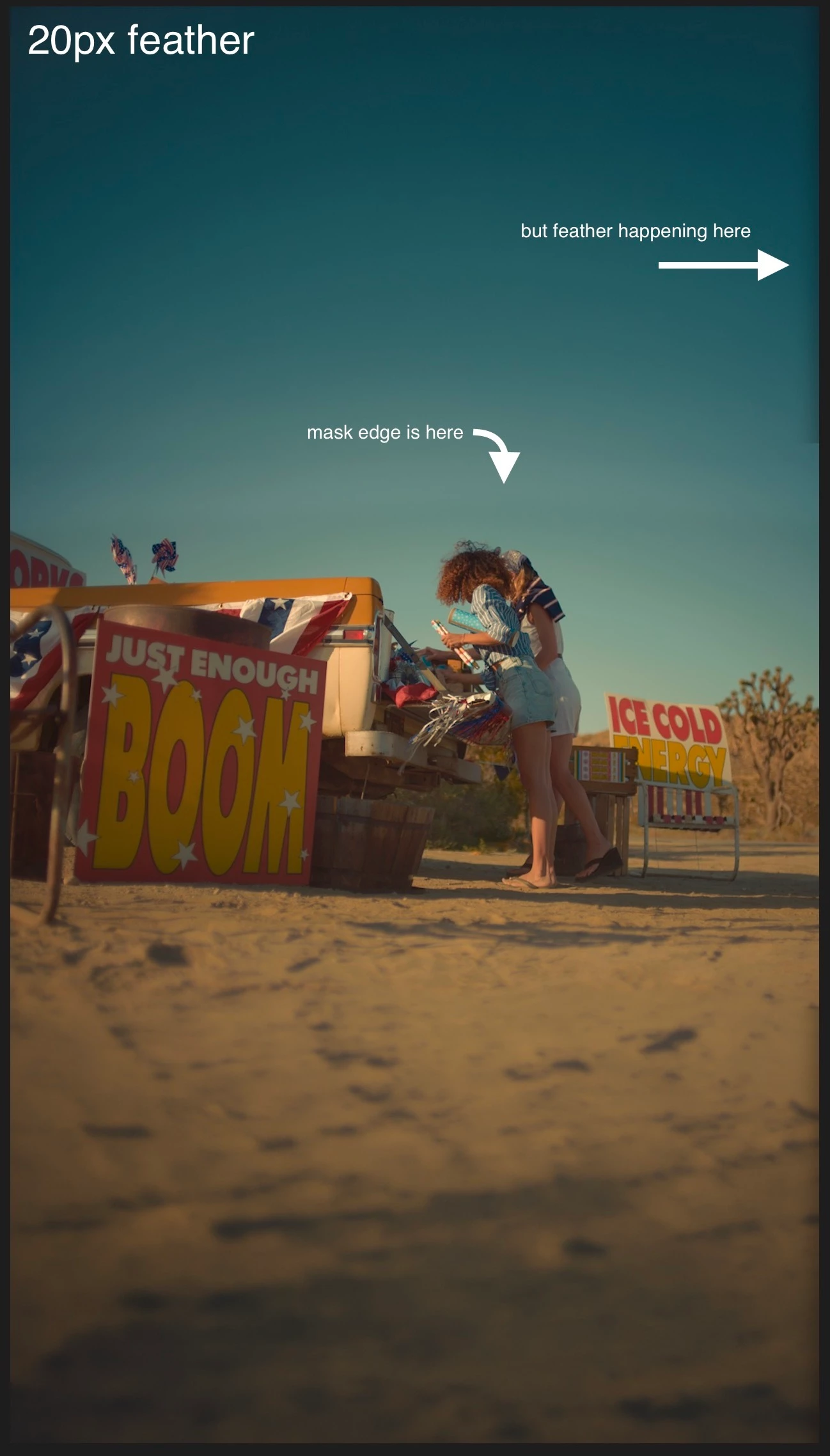
New mask tool feathers entire layer's edges instead of just the mask

  • April 22, 2026
  • 11 replies
  • 127 views

I have a still image (frame extend) layered on top of video. I want to punch a hole in the image to reveal the video below. I draw a mask in the center of the top layer and add a feather—but oh no, feathering seems to be added to the edges of the whole layer as well, not just the mask shape.
 

    This topic is closed to new replies. Start a new post to keep the conversation going.

    11 replies

    Ann Bens
    Community Expert
    Community Expert
    September 2, 2026

    Show a screenshot with transparancy grid on and layer below disabled

    Ron Rigler
    Community Manager
    Community Manager
    April 23, 2026

    Can you please share a picture showing the Effect Controls Panel with the mask selected, so we can see the mask?

    benwinterAuthor
    Inspiring
    April 23, 2026


    Ron Rigler
    Community Manager
    Community Manager
    April 23, 2026

    You have Inverted ENABLED, which masks everything OUTSIDE of the selection. The Red overlay shows the area that will be affected by the mask. Disable Inverted and it should behave as you expect.