No Capable Video Play Modules - Premiere Pro
Okay I have tried so many different things and my friend also has no idea what could be happening (computer nerd). So here is it is. Have tried to use PPro 2017 (updated today) but haven't had any ability to get into the program.
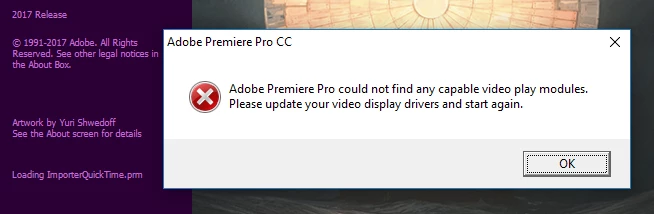
"Adobe Premier Pro could not find any capable video play modules. Please update your video display drivers and start again."
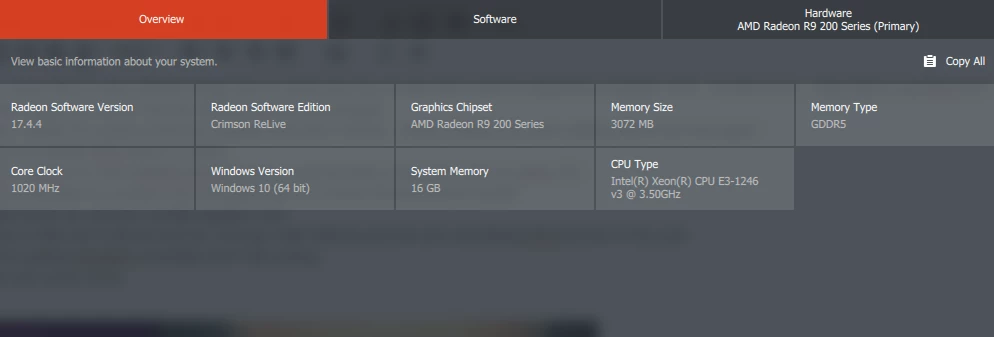
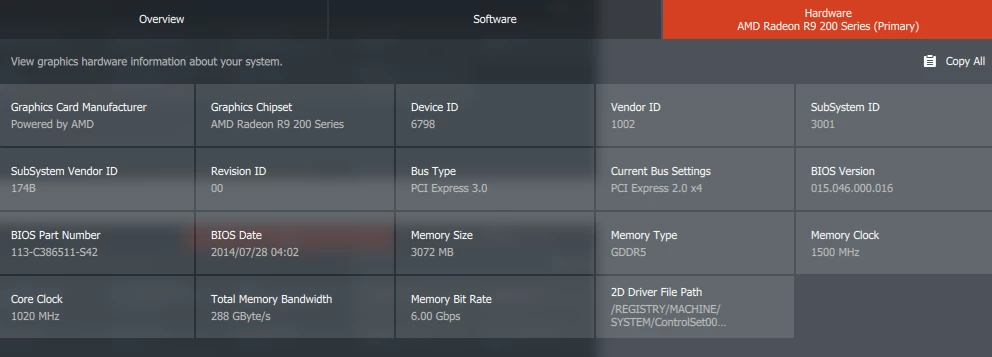
- I have re-installed PPro about 2-3 times- I have disabled my AMD Radeon R9 280x Series card and able to open just using my Xeon CPU.
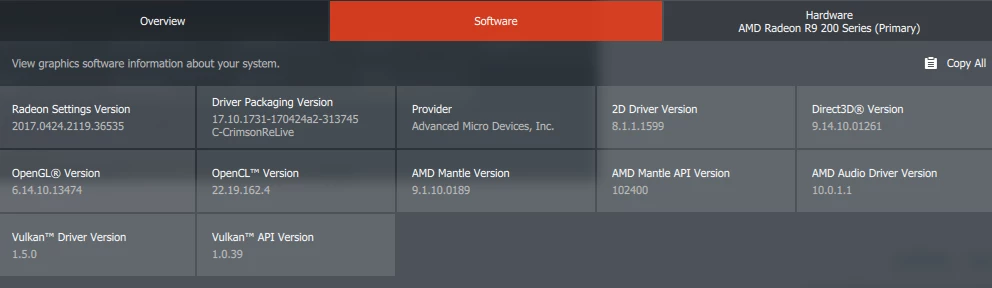
- I have uninstalled my graphics and reinstalled up to its current Recommended Update
- Adobe shows my card as a verified graphics card
- I have no idea why it will not work as i can play Cities Skylines just fine and was playing ESO just fine on the card.
- I did try getting Quicktime reinstalled and it did nothing.
Please see screen shots below
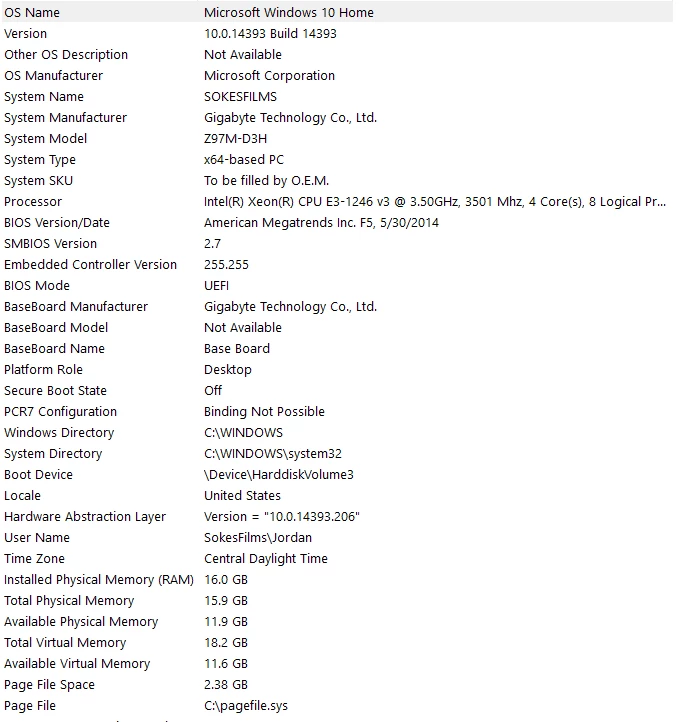
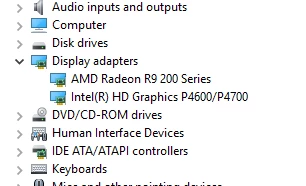
If anyone has any ideas please let me know 
 AdChoices