Known Participant
March 17, 2019
Answered

No motion option under Effect Controls?

  • March 17, 2019
  • 4 replies
  • 10748 views

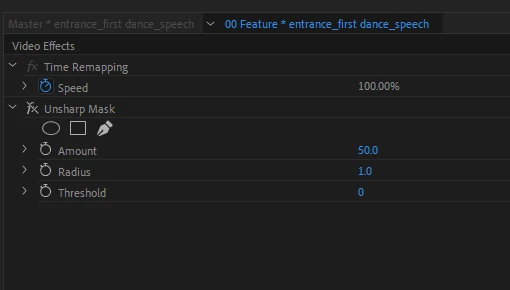
I have never seen a clip not have motion under the effect controls (in source monitor) until today. I don't have access to the motion drop down arrow on some clips. So I can't change position, rotation, scale, etc.

What might be causing this and how do I correct it? Thanks!

Jim
Correct answer defaulthc63m4b9y0gx

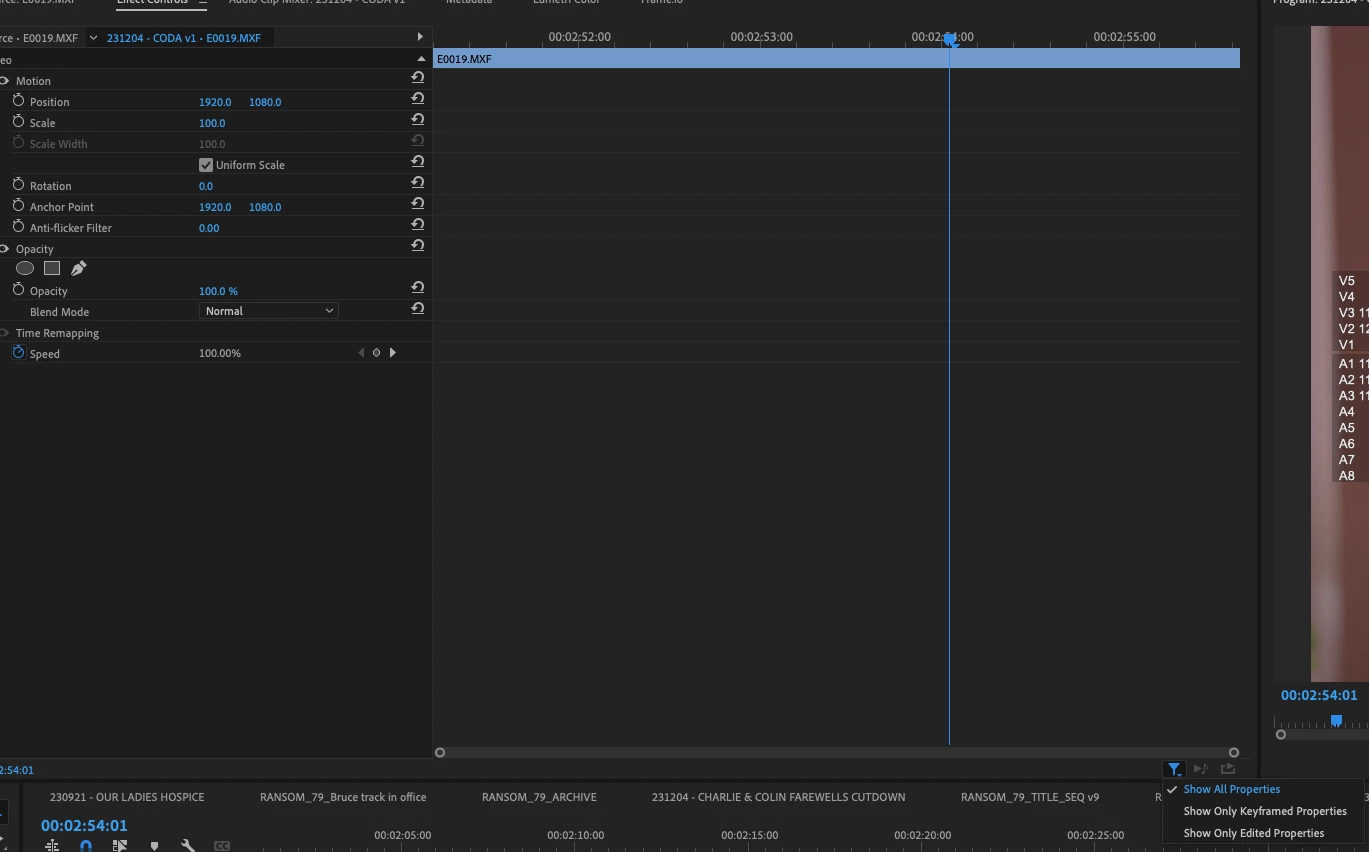
 Bit late to the party, but if anyone is searching for this issue, I had it.. turns out there's a setting needs to be checked, bottom right of the source window (and this still) make sure it's set to 'show all properties'


4 replies

Participating Frequently
October 16, 2025

It turns out that this kind of thing happens in 2025 too. Selecting filters, restarting, or importing didn't help.

Using any clip that contained a "Motion" section, I created a Preset and then dropped it onto a clip without a "Motion" section. This added the missing parameters.

Participant
October 16, 2025

THIS! Thank you, man. You just saved my a**. 

defaulthc63m4b9y0gxCorrect answer
Participant
December 8, 2023

 Bit late to the party, but if anyone is searching for this issue, I had it.. turns out there's a setting needs to be checked, bottom right of the source window (and this still) make sure it's set to 'show all properties'


Participant
June 11, 2024

Thanks!

Participant
March 31, 2021

I've had this issue with certain effects disappearing too, but after closing a bunch of panels and then going to Window -> Effect Controls everything was back to normal. 

Peru Bob
Community Expert
Community Expert
March 17, 2019

Try resetting the preferences:

FAQ: How to reset preferences in Premiere Pro?

If that doesn't work, try resetting the Workspaces:

Reset a workspace

Reset the current workspace to return to its original, saved layout of panels.

  1. Do one of the following:
    • Click the Workspace menu icon and select Reset to Saved Layout.
    • Choose Window > Workspace > Reset to Saved Layout.

from here:

https://helpx.adobe.com/premiere-pro/using/workspaces.html

If that doesn’t work ,try updating or rolling back your graphics driver directly from the video card manufacturer’s site.

Known Participant
March 18, 2019

Thanks Bob, but I reset the workspace to a saved layout and rolled back the drivers a few versions and I'm still not seeing motions under effect controls. That other issue I'm having with the volume didn't correct itself either. They may be related. I see the volume option seems to be missing under effect controls for some audio clips as well.

Jim

Ann Bens
Community Expert
Community Expert
March 18, 2019