cpilavios
Participating Frequently
January 11, 2017
Question

No preview from old project LUTs

  • January 11, 2017
  • 1 reply
  • 666 views

Hi everyone!

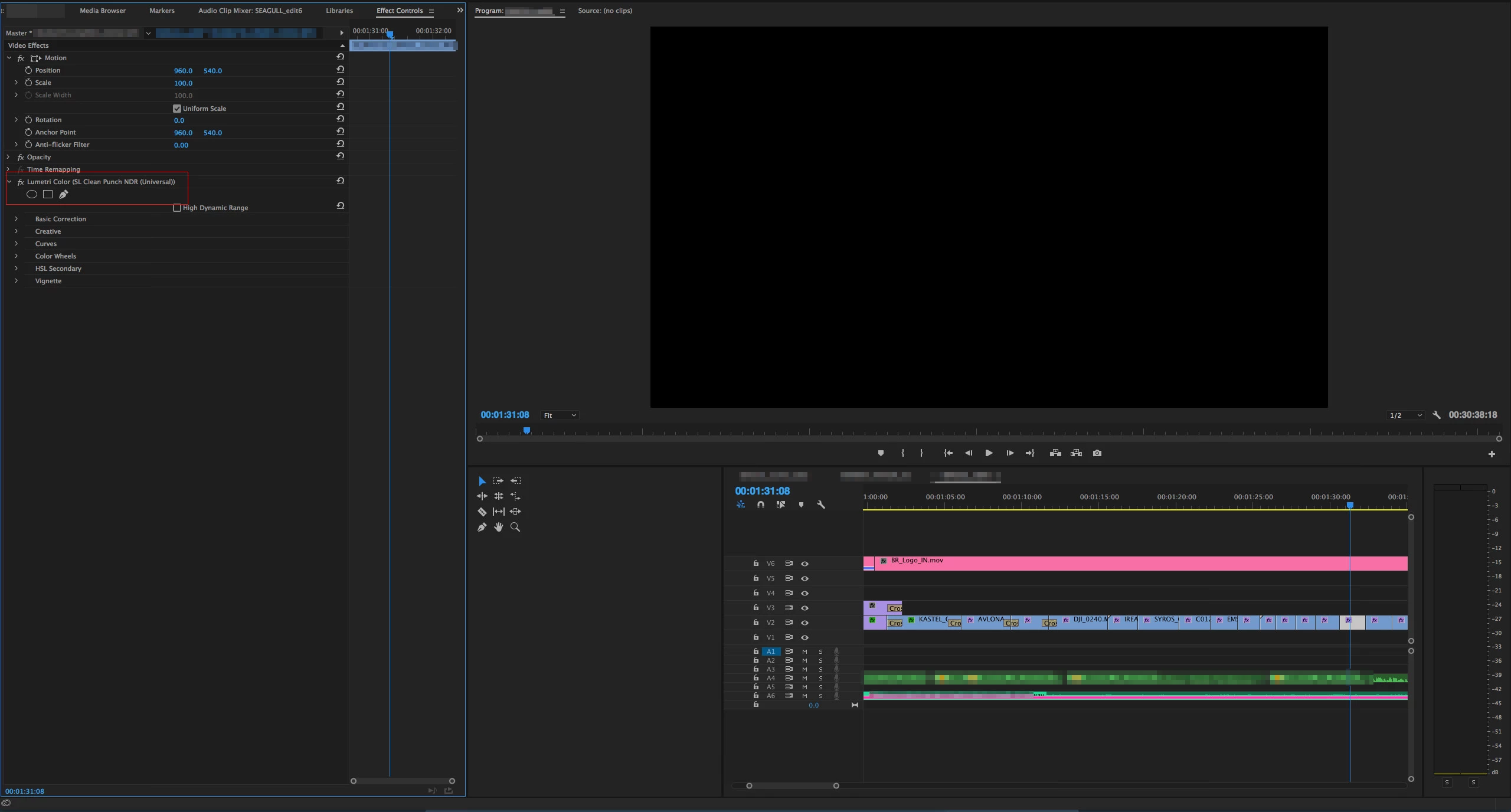
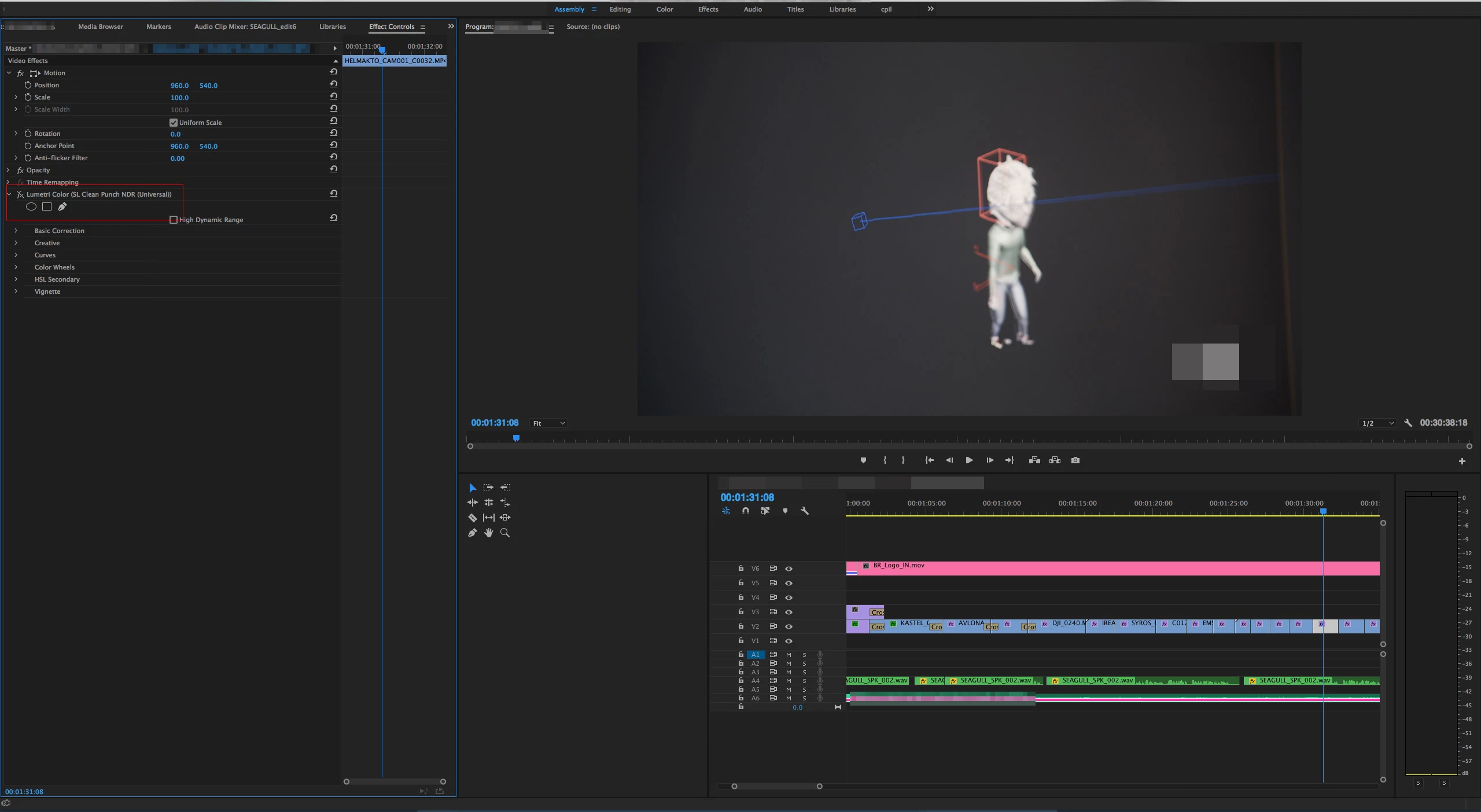
I've just opened an old project from November 2016, well not that old, and apparently on some videos a specific LUT does not render or preview. It just makes the video go Black. It's a preset LUT called SL Clean Punch NDR (Universal). As you can see in the screengrabs, when I turn it OFF the video appears again. The odd thing is that when it's ON no of the above layers appear in the preview.

Is there a work arround this? I'd have to colour grade the project again .

This topic has been closed for replies.

1 reply

R Neil Haugen
Legend
January 11, 2017

That's currently in the "Legacy" group ... which was created because some of those had issues on a fair number of user systems.

I'd suggest deleting the current one on your clip, then trying to Navigate option to the Program Files/Adobe/Premiere Pro 2017/Lumetri/LUTs/Legacy folder, and look for "Clean Punch NDR - SL" and see if that version of the file works.

Another option is if it works in a previous version for you, load a clip in that version, without effects, apply that filter to a "bare" clip (no other effects), then choose the option off the fly-off menu (three little bars at the top of the Lumetri tab) "Export .cube", name & save that to someplace you'll remember or even better, the Creative folder (within the long folder tree mentioned above) and see if that gives you the same effect but works.

Neil

Everyone's mileage always varies ...
cpilavios
cpilaviosAuthor
Participating Frequently
January 11, 2017

Thanks for your answer! I'm trying to avoid removing and placing the effect again since I've done some tweaking on each file. Unfortunately the second option you suggested wont work, because the effect doesn't work on any previous version :/

R Neil Haugen
Legend
January 11, 2017

It should in say the 10.x builds of 2015.3/4 or perhaps the 9.x builds of 2015.0-2. Or was that used best in 2014.2? Dang ... don't remember!

However, if you just go into Lumetri, and de-select that LUT, you don't change any of the other settings. Apparently I wasn't clear enough on that. You can simply replace the LUT with another one. As I suggested.

Neil

Everyone's mileage always varies ...