
FirstTaste
Participant
January 14, 2024
Question

No Sound on my video when I export

  • January 14, 2024
  • 2 replies
  • 203 views

I have no sound on my video when I export it.  I exported it on the 11th Jan and it was fine.  12th and since - no audio.

Audio appears to be 'on' in the export panel. Do I have one of the settings wrong or is this a bug? I have uploaded Beta and tried there too and get the same result. Neither music or voiceover track are playing.
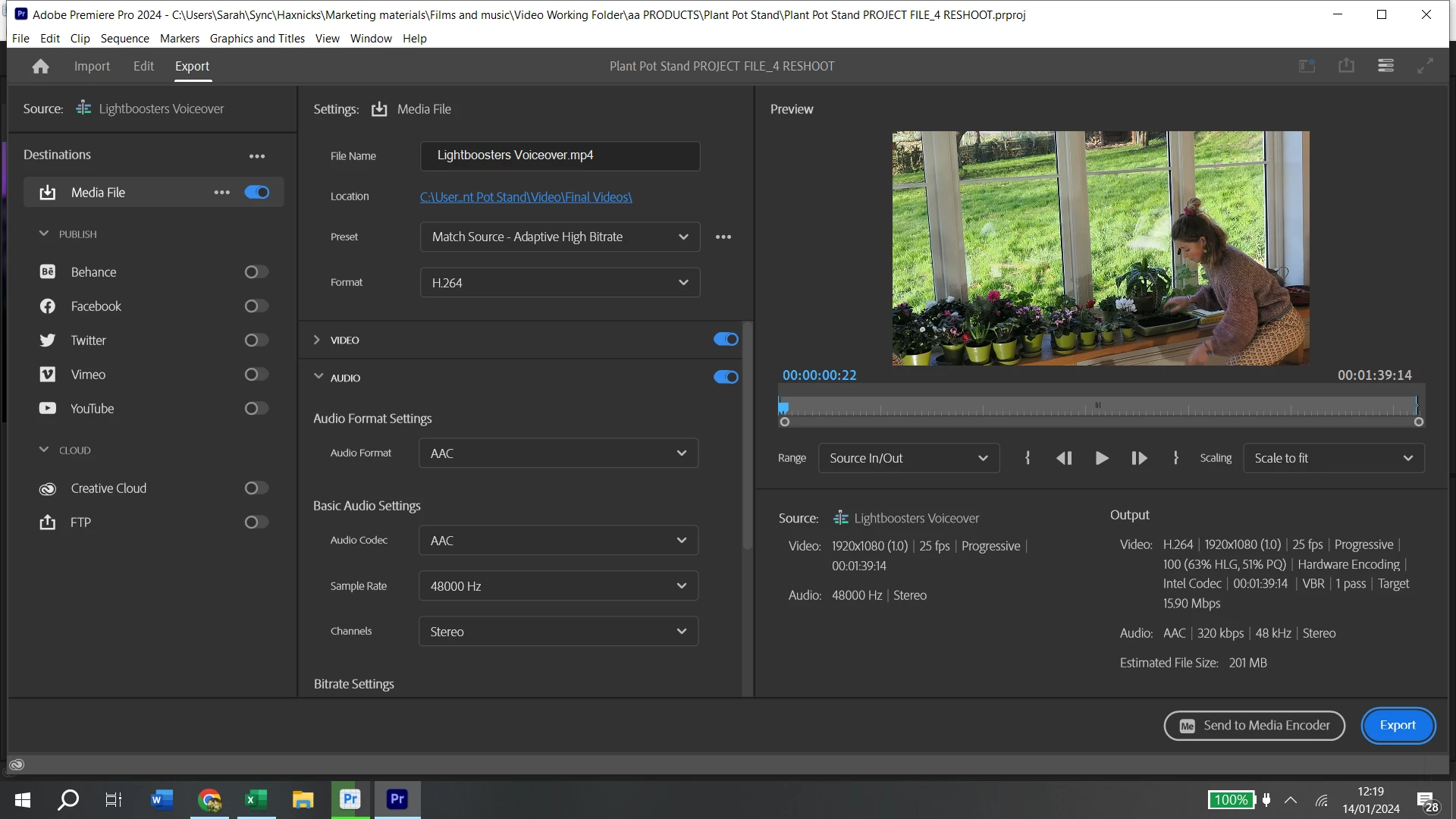
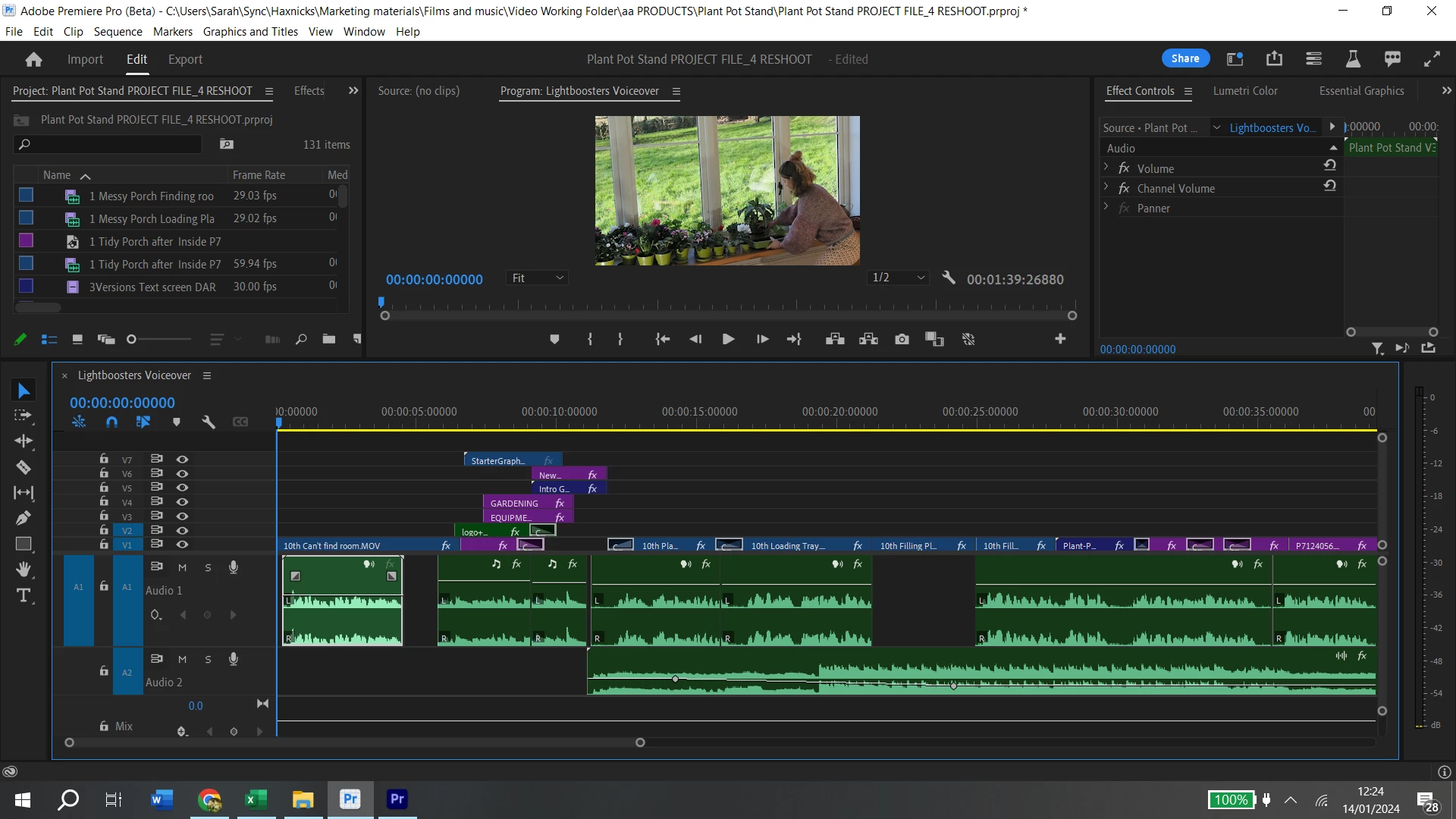
I need to deliver this video tomorrow so this urgent - please help!


This topic has been closed for replies.

2 replies

Peru Bob
Community Expert
Community Expert
January 14, 2024

Delete the Media Cache and Media Cache files:
https://community.adobe.com/t5/premiere-pro/faq-how-to-clear-your-media-cache-in-30-seconds-in-premiere-pro-2020/m-p/11017257/thread-id/260446?page=1

If that doesn't work, try resetting the preferences:
https://community.adobe.com/t5/premiere-pro/faq-how-to-reset-trash-preferences-in-premiere-pro/td-p/8236158?page=1

If that doesn't work, try resetting the Workspaces:
Reset a workspace
Reset the current workspace to return to its original, saved layout of panels.
1. Do one of the following:
• Click the Workspace menu icon and select Reset to Saved Layout.
• Choose Window > Workspace > Reset to Saved Layout.
from here:
https://helpx.adobe.com/premiere-pro/using/workspaces.html

If that doesn't work, try Preferences > Audio Hardware and set Input to None.

If that doesn't work, try creating a new project and import the old one into it.

kglad
Community Expert
Community Expert
January 14, 2024

in the future, to find the best place to post your message, use the list here, https://community.adobe.com/

p.s. i don't think the adobe website, and forums in particular, are easy to navigate, so don't spend a lot of time searching that forum list. do your best and we'll move the post (like this one has already been moved) if it helps you get responses.


<"moved from using the community bugs">