2 replies

Ann Bens
Community Expert
Community Expert
May 14, 2025

Properties Panel:

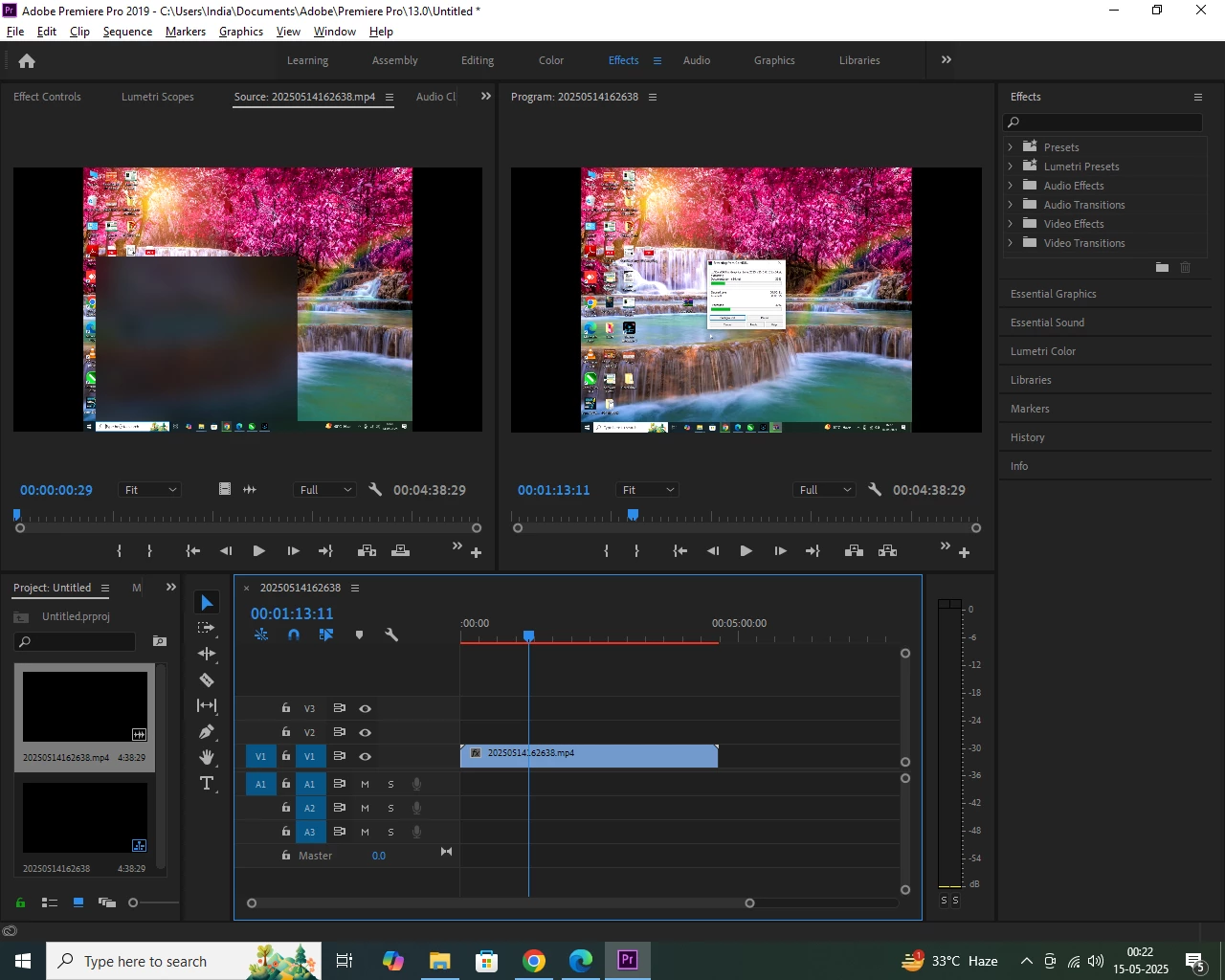
With your image showing as shown

Fit will fit top and bottom with black sidebars.

Fill will cover the entire screen, but you will lose top and bottom


Or right-click on your image in the Project window > New sequence from clip. Sequence settings are now the same as your image.

But if you want to export as 16:9 the black sidebars are back.

Kevin-Monahan
Community Manager
Community Manager
May 14, 2025

Hi, Balbeer Singh Taragi,

Thanks for the question. Are all applications behaving this way or just Premiere Pro? Have you tried resetting preferences? Press Shift at launch for the Reset Options dialog box. You lose customizations, but it can help reset things like this. Let us know.


Thanks,
Kevin


Kevin Monahan - Sr. Community and Engagement Strategist – Adobe Pro Video and Audio