davids80705832
Participant
July 25, 2019
Question

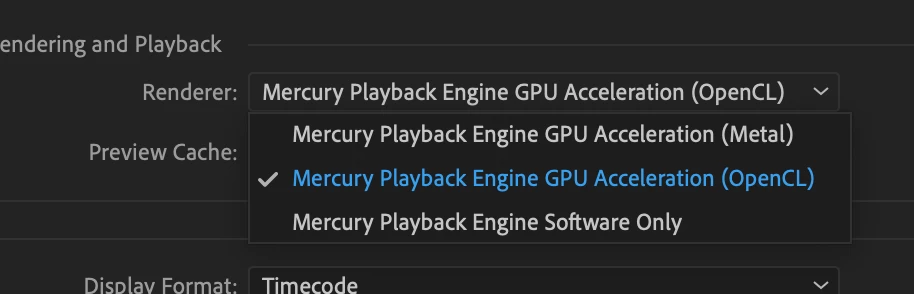
Not rendering at all? Premiere Pro CC 201 on iMac Pro with great specs

  • July 25, 2019
  • 2 replies
  • 525 views

Hi all,

New to Premiere Pro. But, when I go to render sections or in-to-out or sequence, etc...

Nothing is happening.  The playhead plays through the selection,  but...

The dialog box with the task bar does not appear. Nothing renders... Line above timeline does not change color.

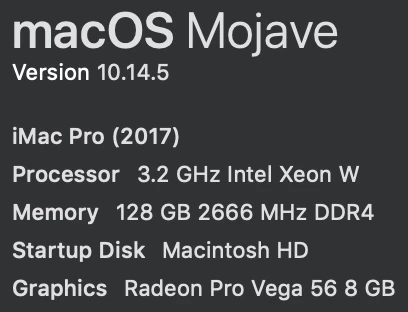
I've got top-of-the-line specs, so what gives?

Specs:
This topic has been closed for replies.

2 replies

Community Manager
July 25, 2019

Hi davids80705832,

As Avinash suggested if the system can playback in real-time it may not render the sequence. Please let us know the color of the render line and are you getting choppy playback when you try to play the timeline? You may refer to this link to know more about the render bar and rendering.

Red, yellow, and green render bars and what they mean | Adobe Blog

Thanks,

Sumeet

Legend
July 25, 2019

If Premiere thinks you don't need to render something, it won't render it. To force a render, mark a range (optionally), and use this specific command: Render In to Out.