Participant
June 9, 2021
Question

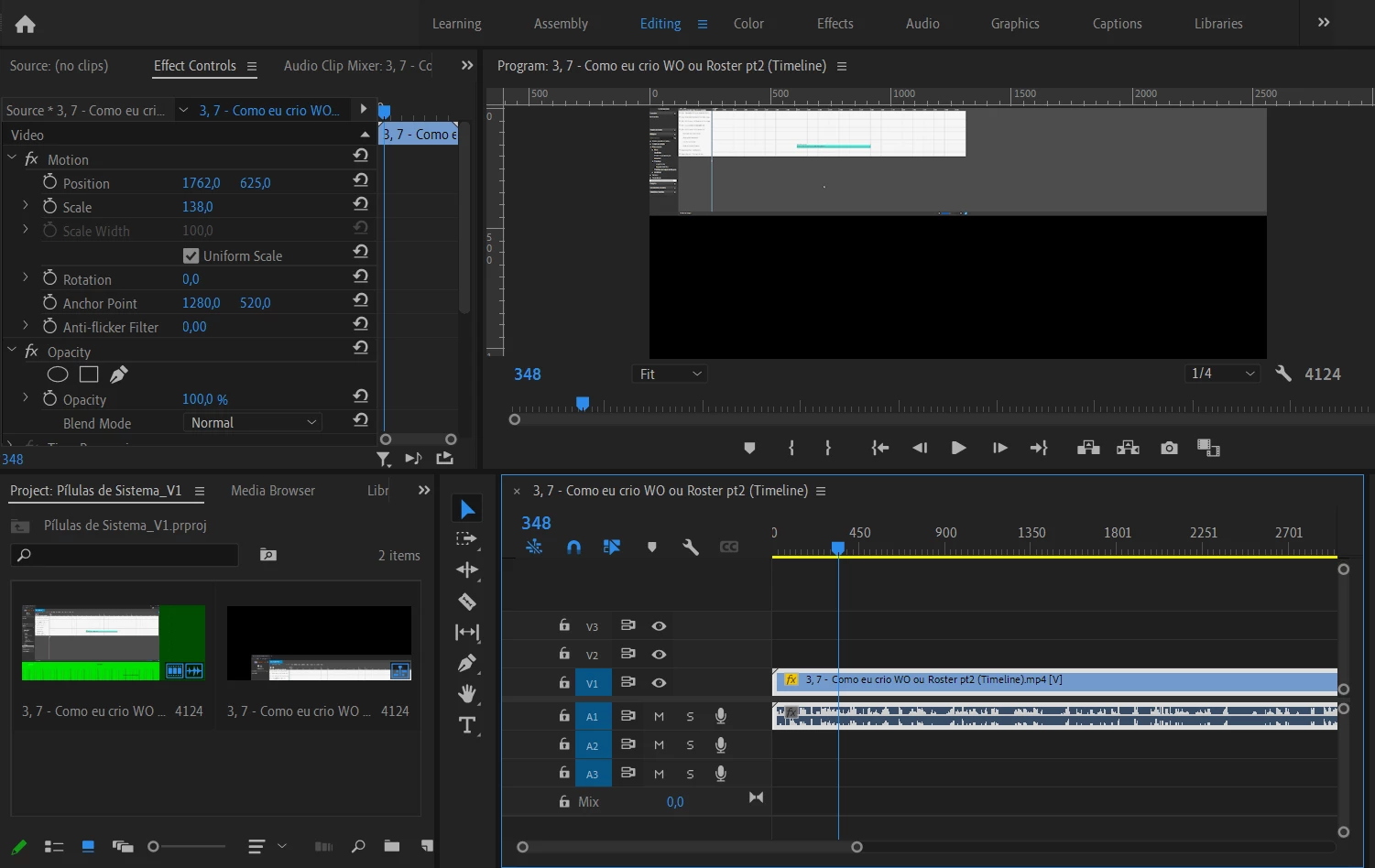
Not the regular GRREN SCREEN, this is the NEW One Green Line that I never see
  • June 9, 2021
  • 2 replies
  • 235 views

Hey folks, help me. Is the drive thing? Tks for your time

This topic has been closed for replies.

2 replies

Ann Bens
Community Expert
Community Expert
June 9, 2021

Turn off H.264/265 hardware accelerated decoding in Preferences.

John T Smith
Community Expert
Community Expert
June 9, 2021

Do not count on Windows to be fully up to date when it comes to device drivers
Go to the vendor site to be sure you have an updated driver for your graphic adapter
•nVidia Driver Downloads http://www.nvidia.com/Download/index.aspx?lang=en-us
••for Premiere Pro use the STUDIO driver, not the GAMING driver
•••such as (MAY not be the latest) https://www.nvidia.com/en-us/drivers/results/170344/
•ATI Driver https://www.amd.com/en/support
There are also intermittent reports that the newest driver is not always the best driver due to driver bugs or compatibility issues, so you MAY need to try an earlier driver version