Question
Offline Media / Link Media - Bin changed caused "offline media" but "Link Media" not an option
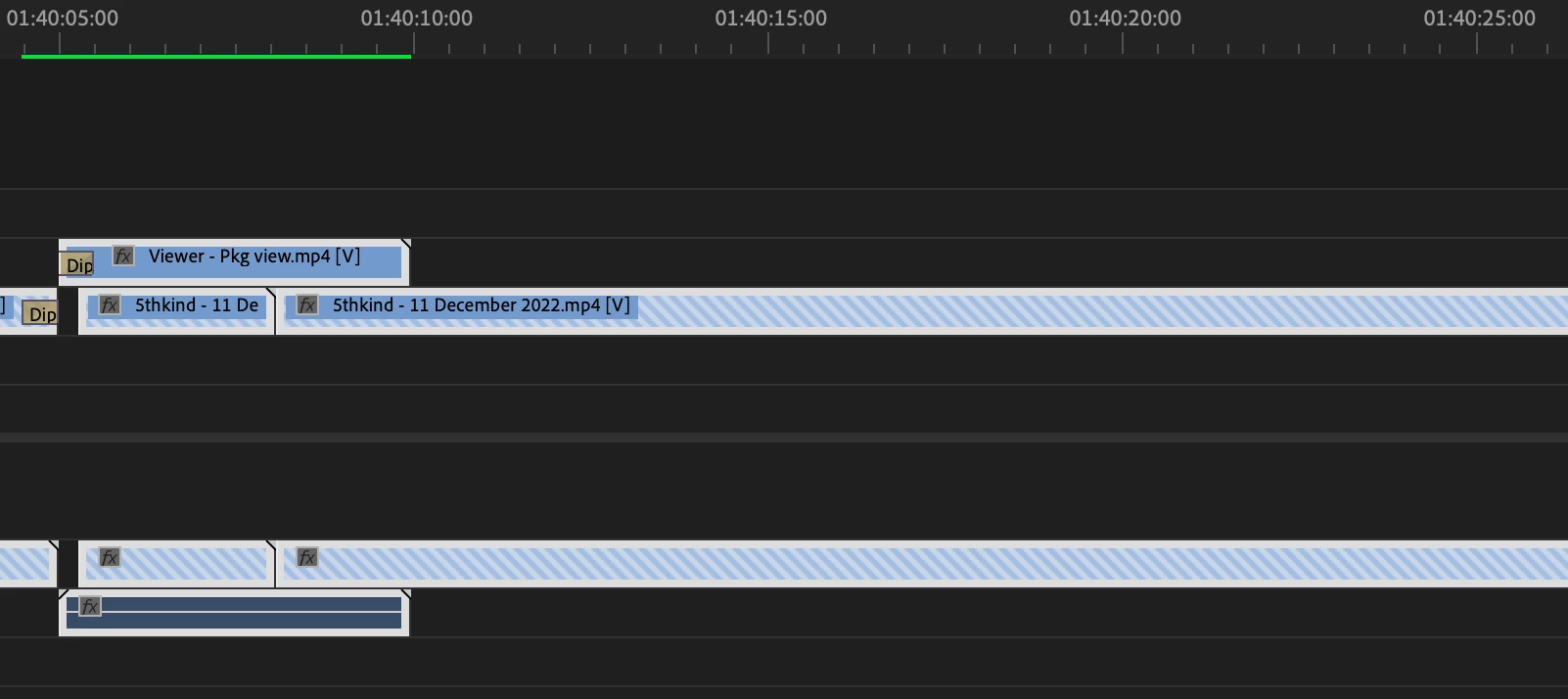
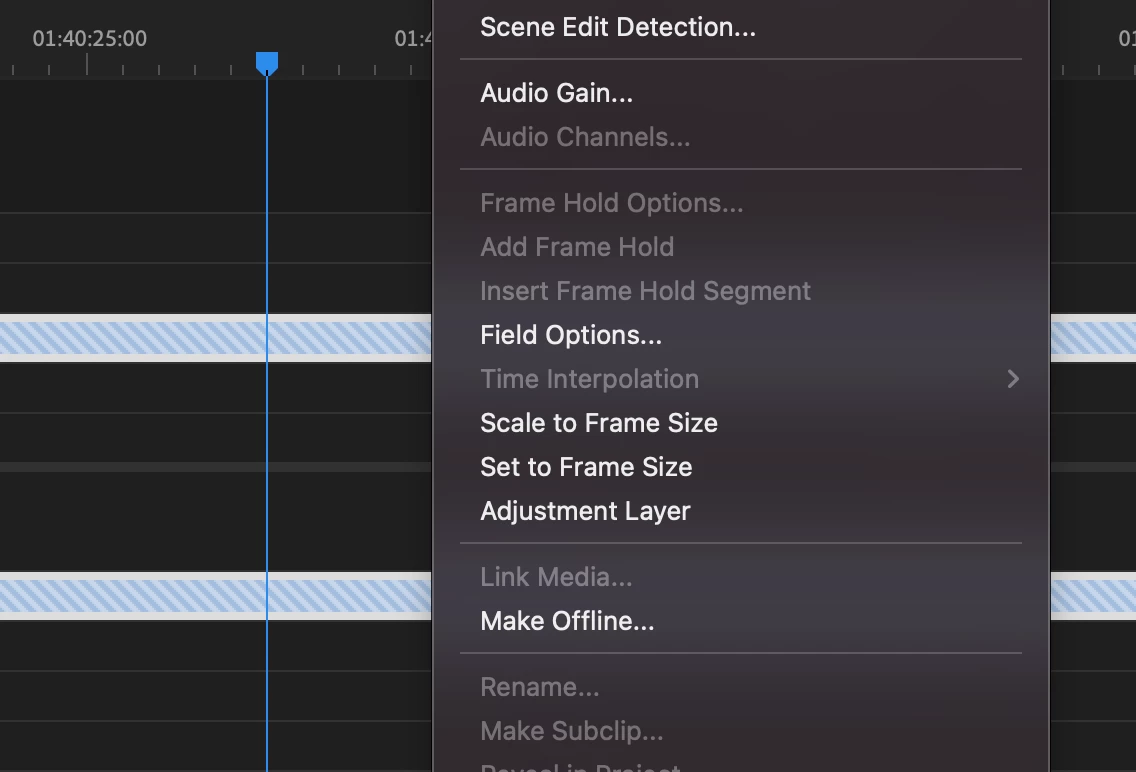
I reorganized some of my bins/files and my sequences now reflect the offline media, but when I click on the clip in the timeline the screen is black vs offline. It's really just the one file, and I've tried to "Link Media" from the right click on the file in the timeline, but the option is grayed out.
I rebooted Premiere to see if it would prompt the Locate window and nothing.
I forced the files to be offline and then relinked them. Nothing.
I rerendered the sequence. Nothing.
I'm in Premiere 23 on a Mac OS running Monterey 12.6. The files are screen captured videos I've downloaded from an external tool that are mp4 with an AAC, h.264 codec.
Suggestions?
 AdChoices