Answered
Only one audio track playing at a time?
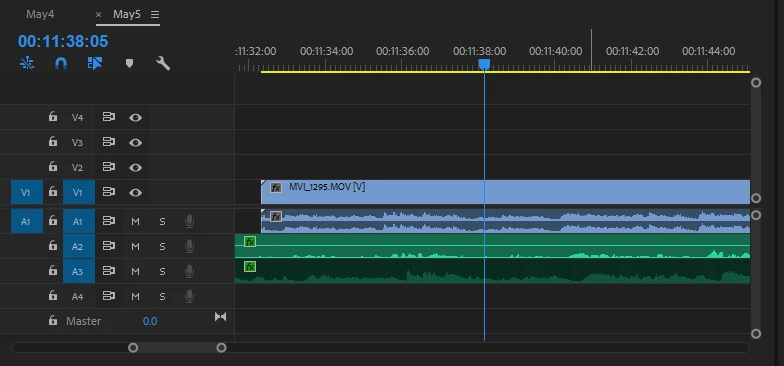
I have two audio tracks. A1 is connected to a video and is the overall sound recorded in an auditorium. A2 is the actor's mic feeds from the soundboard. When I try to play them, only one plays at a time. Whenever the actors aren't speaking in A2, A1 plays. A2 picks back up when the actors start talking again.
I cleared my cache and that worked, but right when I added an effect to A2, the problem showed up again. Any help would be appreciated!
 AdChoices