
Opacity applied to video and matte of same color appears differently
I have a clip shot on a white backdrop, with the edges of the backdrop in frame. The backdrop itself is not pure white, but a very light gray. I've used Lumetri to increase whites so that the backdrop becomes pure white. I've masked out the edges of the frame where the backdrop ends and place a pure white matte underneath it.

So far, so good. The backdrop is now pure white and exactly matches the matte underneath it. The problem is that I want to apply a 50% black matte over the clip, but suddenly the mask is now visible - the white matte underneath the masked clip is now darker than the pure white backdrop in the video.
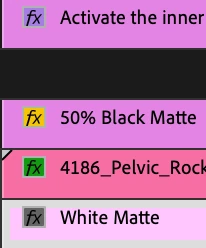

I've tried nesting the clips and even exporting and reimporting the video before applying the black matte at 50%, but the difference between the matte and video is still visible. I've sampled points in the video and matte to make sure the color exactly matches. What can I do to darken the video uniformly?
 AdChoices