Participant
January 22, 2018
Question

Open caption not visible in sequence but shown properly after export

  • January 22, 2018
  • 4 replies
  • 9706 views

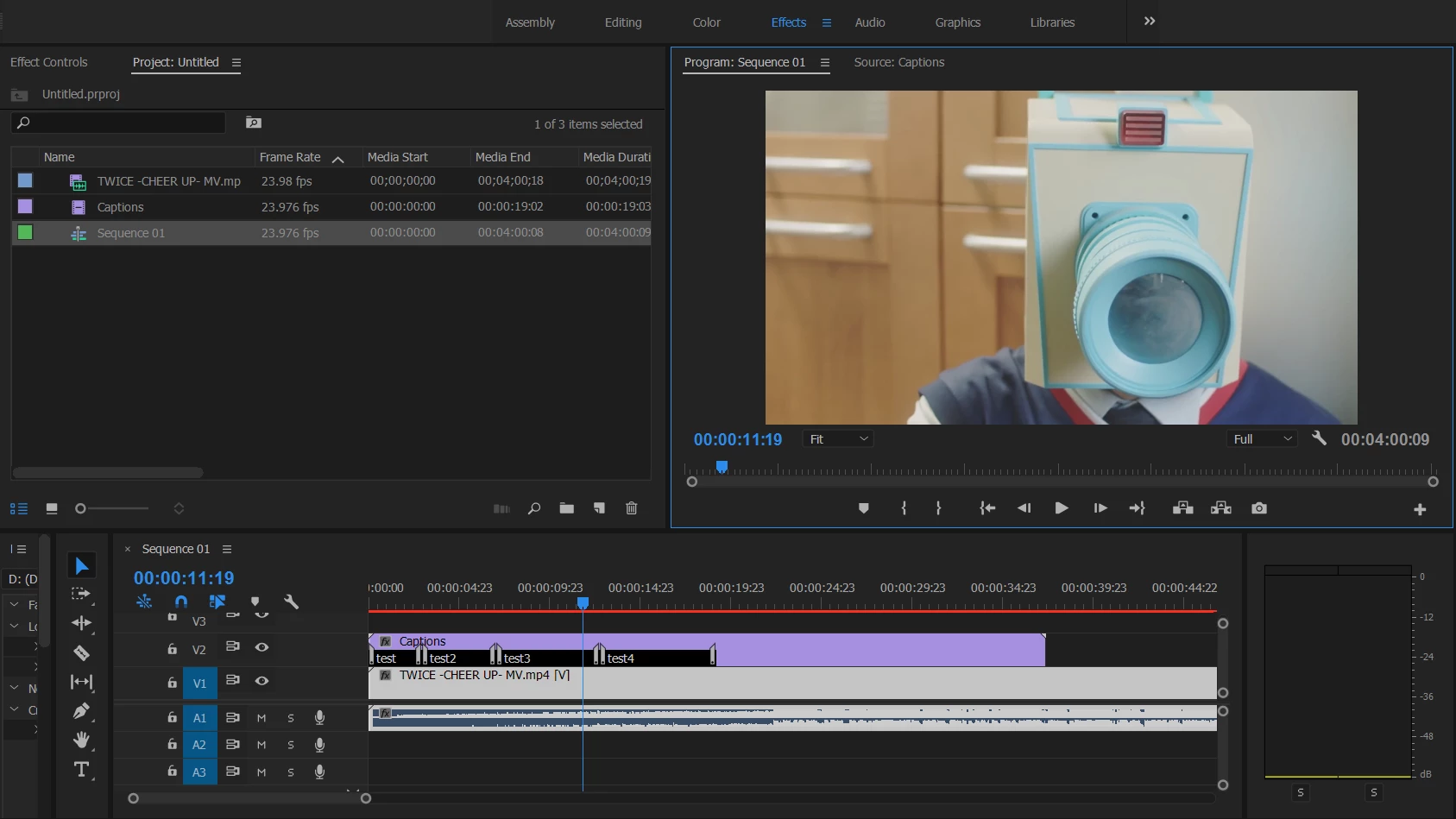
Hey guys, I am fresh to Premiere and I encountered a problem while I am using it.

After adding open caption, it cannot be seen in the sequence.

However, if I export the sequence to media. The caption was added properly in the media already.

Anyone can help me with this?
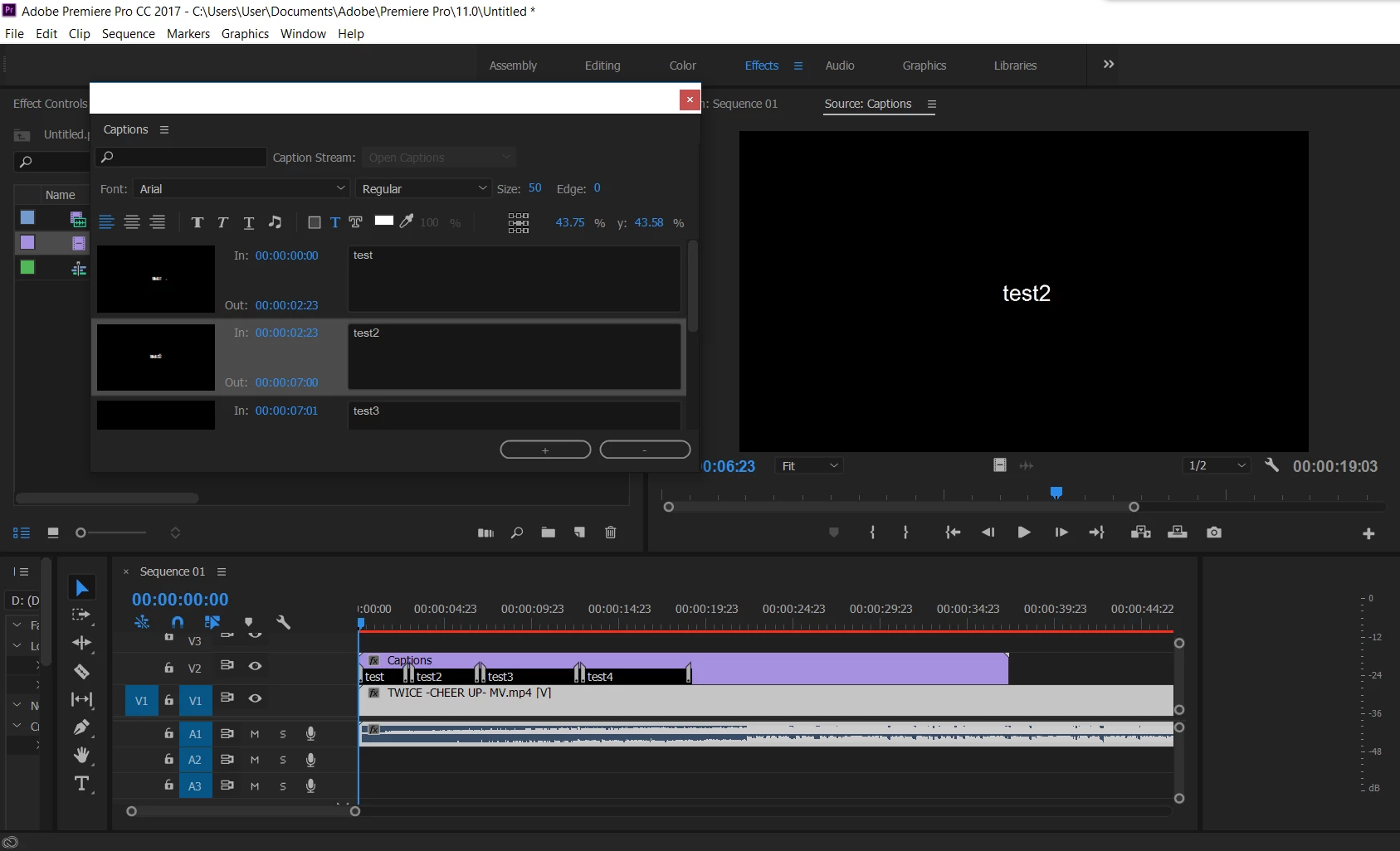
Moreover, this does not happen all the time. Sometimes it functions properly but sometimes the caption will disappear in the sequence.

Could any one help me with this issue?

This topic has been closed for replies.

4 replies

Participant
November 19, 2018

Hi all, I have just had this problem. Thanks to softananda as you have given me tips on what was going wrong. I hadn't changed the motion attributes in mine, but the text was disappearing below the image's bottom line.

My fix was to alter the y-axis percentage from its default setting of 93.4 to 70%.

softananda
Inspiring
September 3, 2018

Hi all. Once it happened to me that some captions had disappeared while others were still visible. The reason was merely that we had inadvertently changed the motion attributes (position) in the effects tab of the source panel, so the missing subtitles were now below the image's bottom line. Have you tried simply resetting the captions' position?

Kevin J. Monahan Jr.
Community Manager
Community Manager
February 3, 2018

Minatozaki,

Is Closed Captions Display > Enable enabled in the Settings (Wrench) menu? Please check and let us know.

Thanks

Kevin

Kevin Monahan - Sr. Community and Engagement Strategist – Adobe Pro Video and Audio
Inspiring
March 28, 2018

I'm having an issue with disappearing Open Captions too.  I exported the media to burn in the caption and then had to stop it.  When I got back into premiere the screen shows the default text, "Type Caption Text Here", although the captions are still intact in the caption window.  If I close project and re-open then all is visible again but it won't display by itself.

Graeme Bull
Community Expert
Community Expert
January 22, 2018

This can sometimes be just a Premiere thing. Sometimes it renders stuff right and other times it struggles due to some constraint like memory or CPU. I believe there is an order of priority for viewing within premiere and it can literally get to a point where you don't even have video, just audio. I'd suggest clearing your cache, close other programs etc to get better performance.