vdmgerdy
Participant
December 11, 2016
Question

Open Captions go offline, can't relink

  • December 11, 2016
  • 3 replies
  • 866 views

Hi all

Hope you find an answer. I added many subtiles (open captions) to a project, but for some reason, don't know why, they went offline. I still see the text of the open captions in the timeline, but when I want to relink the offline media, I really don't know where Adobe stored those files...

Strange Issue.
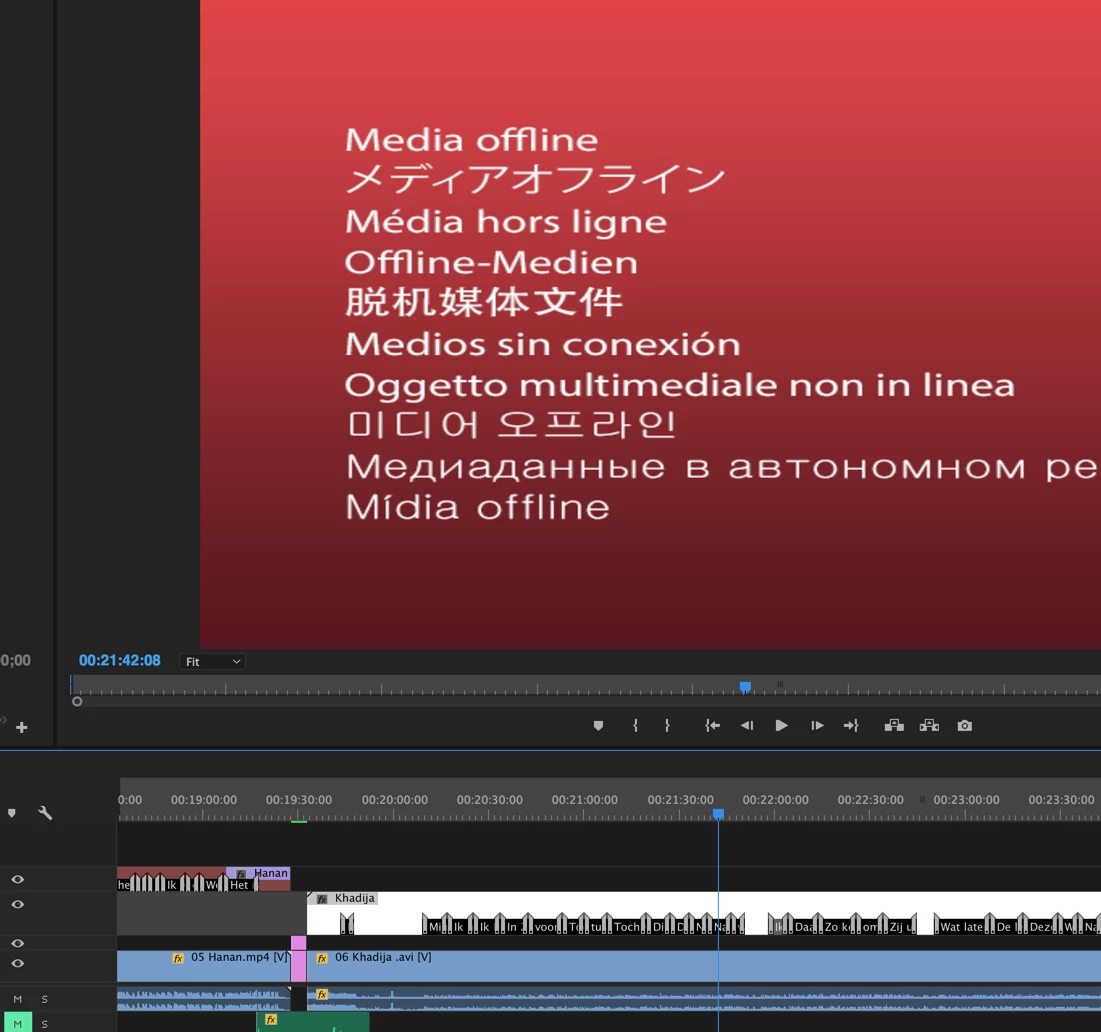
Hope you can help me. I was working on this 1 day now and I really don't want to do this work again.

Thanks a lot in advance

Regards

Gerdy

This topic has been closed for replies.

3 replies

greg brady
Participant
December 12, 2022

In case this is helpful for anyone out there... I just had this same problem. Here's the solution:
- highlight the "offline" title clip in your bin. Go to FILE -> EXPORT and export the caption with the same name. So if the offline clip in your bin is called TITLE 1.srt then export that with the exact name. 
- now highlight the clip again, and relink it to the exact file you just exported. It will now re-appear in your bin and sequence as online.

anjam40606211
Participant
February 12, 2017

Is there any connection with the Source settings...? I have the same problem, but it happened when I incidental pressed the Source Settings... Thank you for any help. anja

vdmgerdy
vdmgerdyAuthor
Participant
December 14, 2016

Nobody? :s